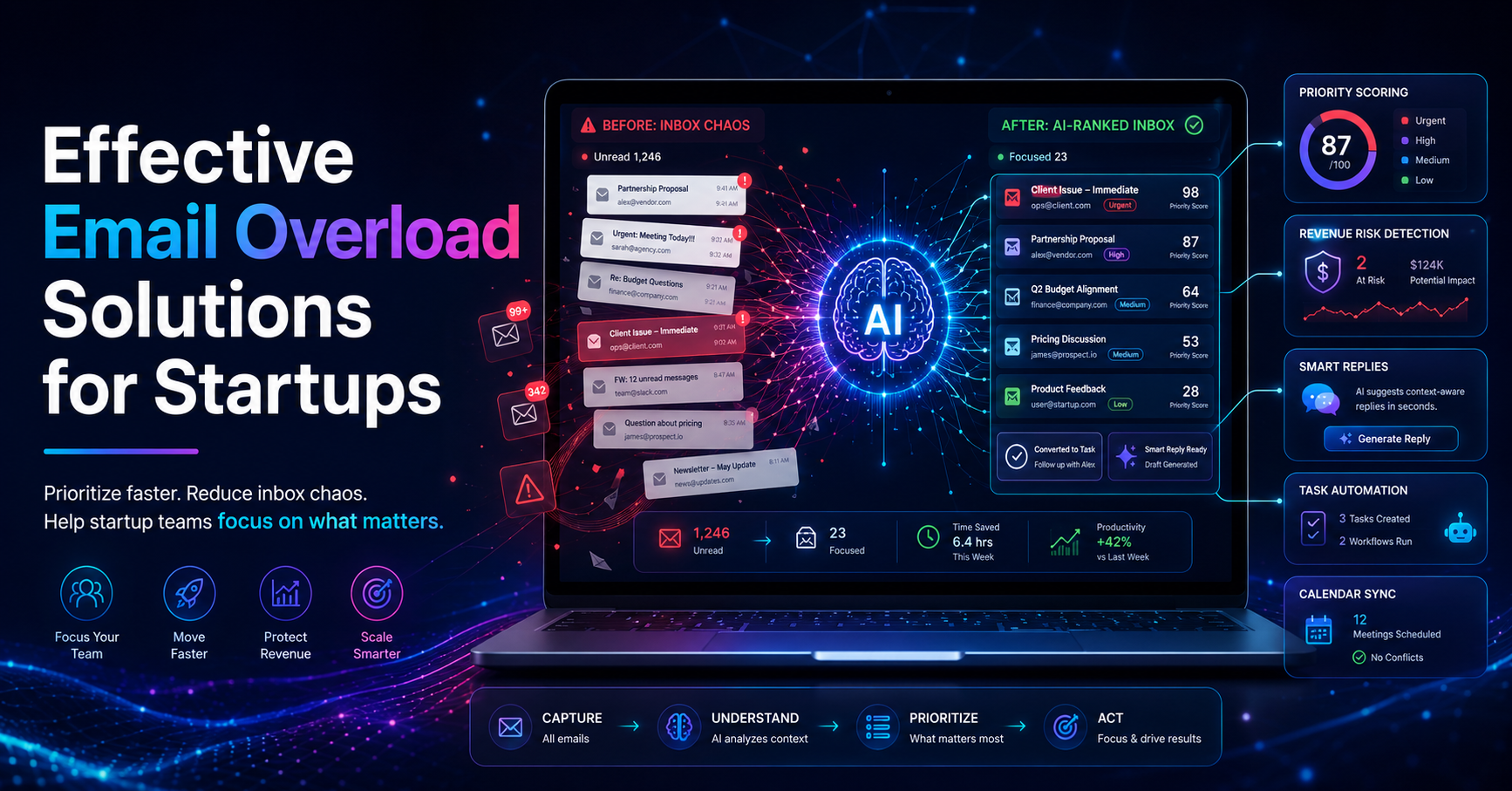
Startups often find themselves drowning in email, with an average of 120 emails received daily. This overwhelming volume leads to lost opportunities and delayed responses, leaving founders and their teams struggling to maintain productivity. Approximately 50% of startup founders admit to feeling overwhelmed by their inboxes, showcasing the urgent need for effective email overload solutions for startups.
Email overload severely impacts productivity, with studies indicating that employees can spend up to 28% of their workweek managing emails. For startup teams, this translates to nearly 11 hours per week lost to email management, which could otherwise be spent on core business activities. As remote work trends continue to drive up email communications, projected to rise by 30% by 2026, founders must adopt strategies to combat this growing issue.
Table of contents
Understanding Email Overload
Email overload occurs when the volume of messages received exceeds an individual's capacity to manage them effectively. For startup founders, this often leads to missed opportunities, delayed responses, and a general sense of chaos. Common causes of email overload include the high number of incoming messages, lack of prioritization, and the blurring of boundaries between urgent and routine communications.
Symptoms of email overload can manifest as anxiety over unread messages, missed deadlines due to overlooked emails, and a decrease in overall productivity. With approximately 60% of startup teams indicating that email overload affects their ability to manage tasks effectively, it's clear that addressing this issue is crucial for success.
The Importance of Email Management Tools
Email management tools are essential for startups that face high volumes of emails daily. These tools can help organize, prioritize, and streamline communication, allowing teams to focus on what matters most. By employing email management solutions, startups can significantly reduce the time spent on email-related tasks, enabling them to allocate resources more effectively.
For example, consider a startup founder inundated with inquiries from prospective clients, internal communications, and urgent requests. Without an effective email management tool, the founder may struggle to identify which emails require immediate attention. However, with a smart email management solution, such as DailyTaskProAI, the founder can quickly assess email urgency and prioritize tasks based on their unique needs.
“The right email management tool can save startups countless hours and improve overall efficiency.”
While many tools exist, the best options will integrate email management with task prioritization and calendar scheduling to create a seamless workflow. This holistic approach not only addresses the volume of emails but also ensures that teams can manage their time effectively.
Task Prioritization Strategies
Effective task prioritization is crucial for managing email overload. Here are some strategies that can help:
Use the Eisenhower Matrix: This method categorizes tasks into four quadrants based on urgency and importance, helping you determine what to tackle first.
Implement the ABC prioritization method: Assign an A (high priority), B (medium priority), or C (low priority) label to each task based on its importance in achieving your goals.
Set specific time blocks for email management: Allocate dedicated time in your daily schedule to review and respond to emails rather than allowing them to interrupt your workflow.
Consider a startup that implements the Eisenhower Matrix. The founder realizes that while many emails appear urgent, only a few are truly important for business success. By categorizing tasks, the team can focus on high-priority items and avoid getting bogged down by less critical emails.
Pros: Improved focus, better time management, and reduced stress.
Cons: Requires discipline and may initially take time to implement effectively.
This strategy is best for startups with multiple team members managing various tasks and responsibilities. By establishing clear priorities, the team can work more cohesively and efficiently.
Leveraging AI Email Assistants
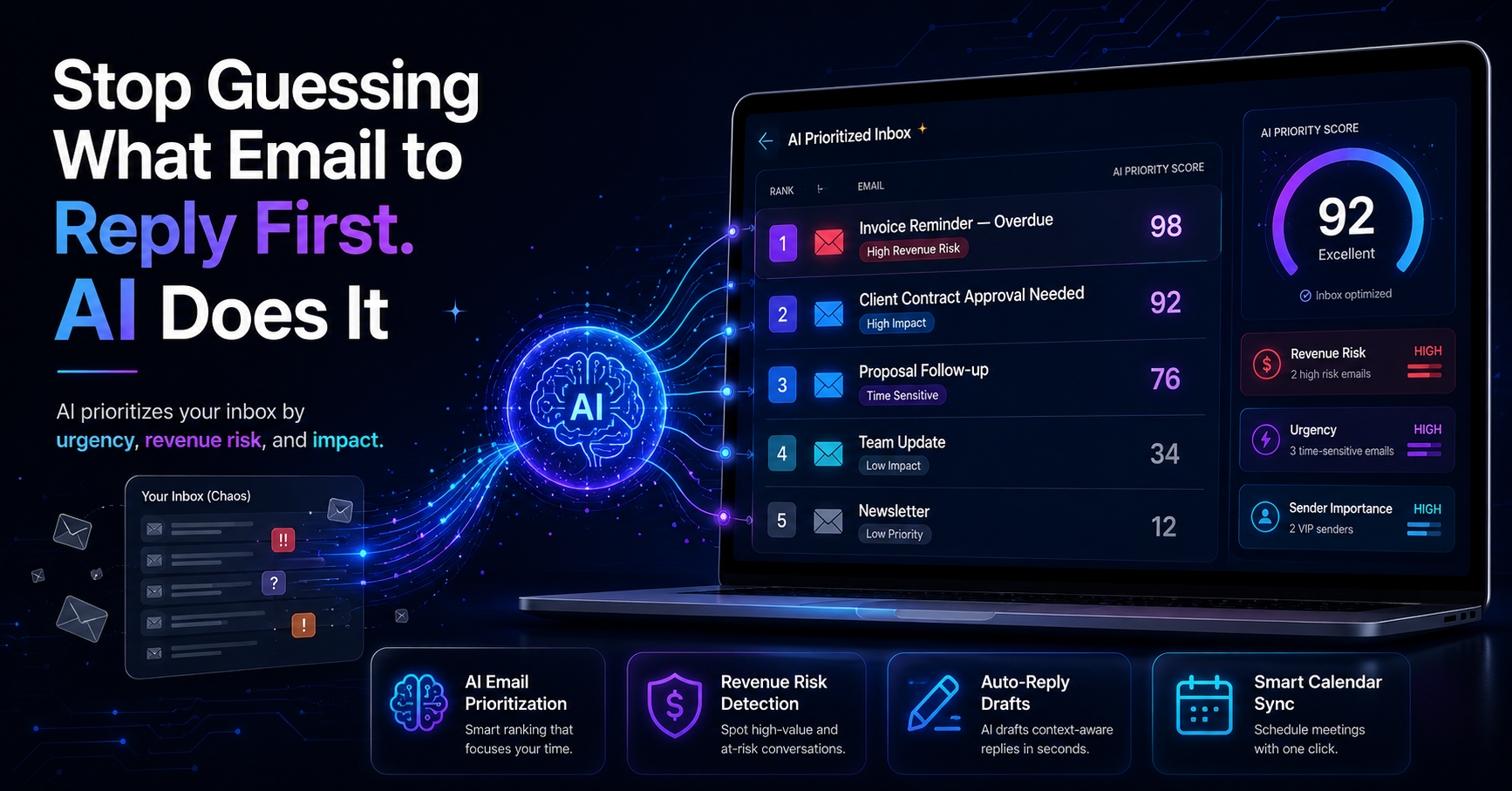
AI email assistants, such as DailyTaskProAI, can significantly streamline inbox management and improve response times. These tools utilize advanced algorithms to analyze incoming emails and provide actionable insights, allowing users to prioritize tasks effectively.
For instance, by using the AI Decision Engine, startups can quickly assess which emails pose a revenue risk or require immediate attention. This feature not only saves time but also ensures that critical communications are never overlooked.
“AI-driven solutions can significantly reduce the time spent on email management, allowing teams to focus on core business activities.”
Imagine a sales team receiving dozens of inquiries daily. The AI email assistant prioritizes leads based on their potential value and urgency, enabling the team to respond efficiently. This results in increased sales opportunities and enhanced customer satisfaction.
Pros: Faster response times, reduced email clutter, and improved decision-making.
Cons: Dependence on technology may lead to challenges if the system fails or malfunctions.
AI email assistants are particularly beneficial for startups with limited resources, as they can automate many aspects of email management without the need for additional staff.
Smart Calendar & Auto-Scheduling Features
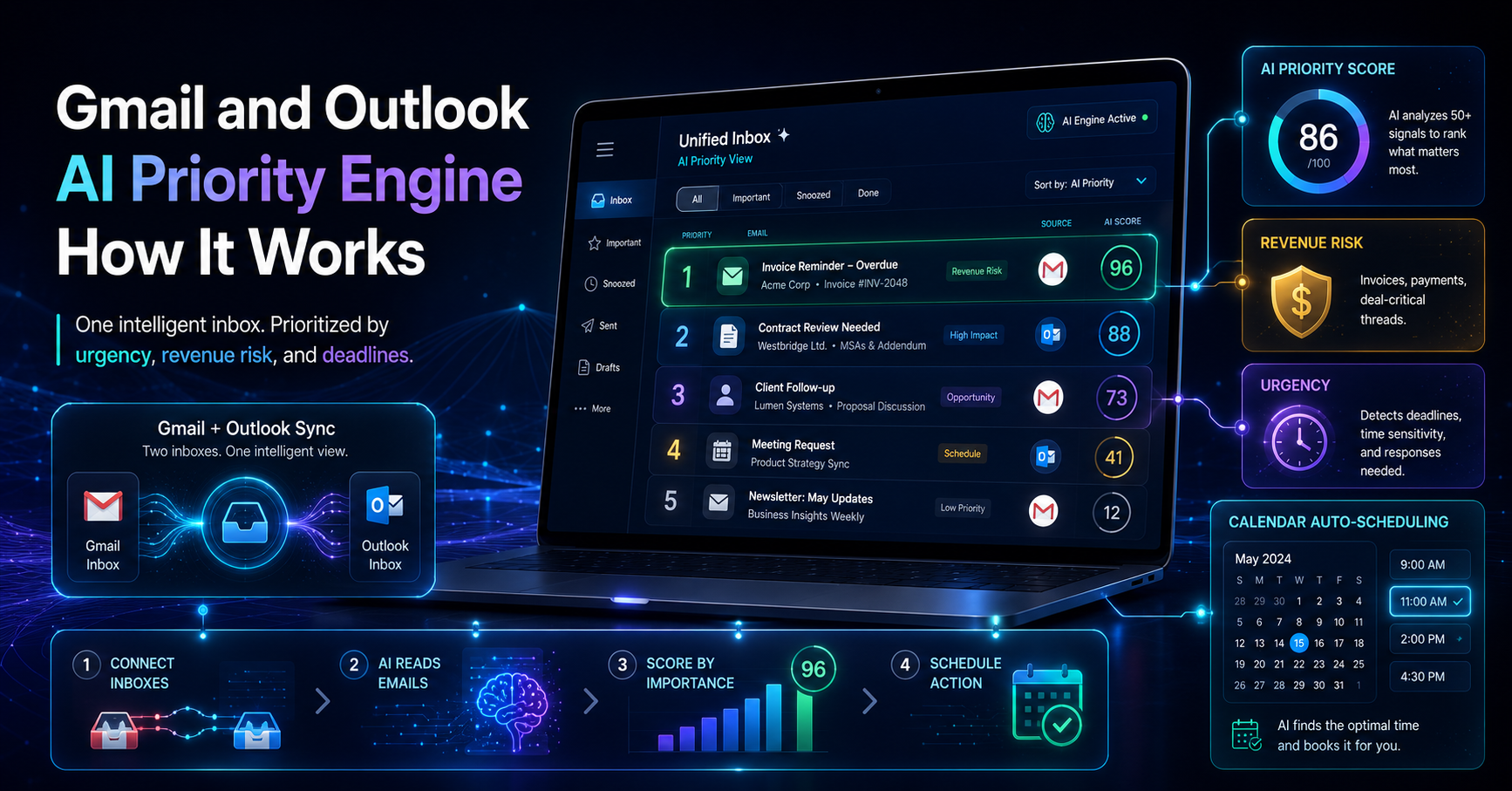
Integrating calendar scheduling tools with email management systems can help startups avoid scheduling conflicts and manage deadlines more efficiently. The Smart Calendar & Auto-Scheduling feature in DailyTaskProAI reads emails, detects meetings and deadlines, and auto-schedules tasks into free slots within your working hours.
For example, if a startup founder receives an email requesting a meeting, the Smart Calendar feature automatically checks the founder's calendar for availability and suggests a few options. This eliminates back-and-forth emails and streamlines the scheduling process.
Pros: Saves time, reduces scheduling conflicts, and improves team coordination.
Cons: Requires initial setup and ongoing maintenance to ensure accuracy.
This feature is ideal for startups that frequently schedule meetings and deadlines, as it allows teams to focus on their core tasks without getting bogged down in administrative details.
Email Organization Strategies for Startups
Maintaining a clean inbox is vital for reducing email overload. Here are some practical tips for organizing emails effectively:
Use folders and labels: Create a system of folders or labels to categorize emails based on projects, clients, or urgency.
Implement filters: Set up filters to automatically sort incoming emails into designated folders, reducing clutter in your inbox.
Regularly unsubscribe: Take the time to unsubscribe from newsletters or notifications that no longer provide value, keeping your inbox focused on essential communications.
For instance, a startup could create a folder for client communications, allowing team members to quickly locate important emails related to specific projects. By implementing filters, emails can automatically sort into relevant categories, saving time and reducing distractions.
Pros: Improved organization, easier access to important information, and reduced stress.
Cons: Initial time investment to set up the system and ongoing effort to maintain it.
This strategy is best for startups that deal with multiple clients or projects, as it allows teams to manage their communications more effectively.
Best Practices for Reducing Email Overload
To minimize email overload and enhance communication, startups should consider implementing the following best practices:
Establish clear communication guidelines: Define expectations for email communication within your team, including response times and preferred formats.
Encourage direct communication: Promote the use of messaging platforms or project management tools for quick inquiries to reduce reliance on email.
Limit email threads: Encourage team members to start new email threads for different topics, preventing long chains of replies that can be difficult to follow.
By establishing clear communication guidelines, a startup can reduce misunderstandings and streamline email interactions. For instance, if a team agrees to respond to internal emails within 24 hours, it sets a standard that can help manage expectations.
“Effective communication is essential for reducing email overload and improving productivity.”
These best practices are particularly useful for small teams where clear communication is vital for collaboration and success.
FAQ: Email Management for Startups
1. What are some effective email management tools for startups?
Effective email management tools for startups include DailyTaskProAI, which combines email management with task prioritization and calendar scheduling. Other options may include tools like SaneBox and Superhuman, but these may not offer the same comprehensive features.
2. How can I prioritize emails effectively?
Prioritizing emails can be achieved through methods like the Eisenhower Matrix or the ABC prioritization method. These techniques help you categorize emails based on urgency and importance, enabling you to focus on what truly matters.
3. What role does AI play in email management?
AI plays a significant role in email management by automating tasks such as prioritizing emails, drafting replies, and scheduling meetings. Tools like DailyTaskProAI leverage AI algorithms to streamline inbox management and improve response times.
4. How can I reduce email overload in my startup?
To reduce email overload, consider implementing clear communication guidelines, encouraging direct communication through messaging platforms, and regularly unsubscribing from irrelevant newsletters. These practices can help streamline communication and minimize clutter in your inbox.
5. Are there tools that integrate email management with calendar scheduling?
Yes, tools like DailyTaskProAI integrate email management with calendar scheduling, allowing users to manage meetings and deadlines efficiently. The Smart Calendar & Auto-Scheduling feature reads emails and suggests available time slots for scheduling, reducing the chance of conflicts.
Start Managing Your Email Overload Today with DailyTaskProAI
Managing email overload is crucial for startup success. By implementing effective email management strategies and leveraging tools like DailyTaskProAI, you can streamline communication and enhance productivity. With features such as the AI Decision Engine and Smart Calendar & Auto-Scheduling, DailyTaskProAI addresses the unique challenges startups face in managing their emails. Revenue risk emails are NEVER auto-sent. You always approve.
Start taking control of your inbox and explore how DailyTaskProAI can transform your email management experience. Get started free today and discover the benefits of smart email management.
Resources & Further Reading
External Resources
How to Avoid Email Overload, Strategies for managing your email effectively.
How to Reduce Email Overload and Increase Productivity, Insights on improving email management in business.
Why Email is Not the Best Way to Communicate, An analysis of email effectiveness in the workplace.