Over 60% of professionals report feeling overwhelmed by the volume of emails they receive daily. This flood of messages often leads to missed opportunities, especially when it comes to revenue-critical emails. Enter the Gmail and Outlook AI Priority Engine from DailyTaskProAI, which promises to transform your email management experience by prioritizing what matters most.
Imagine starting your day with an inbox filled with important messages, yet struggling to identify which ones require immediate attention. DailyTaskProAI's AI Priority Engine does the heavy lifting for you, helping you focus on high-impact emails while minimizing distractions. This tool not only scores emails based on urgency and revenue risk but also integrates seamlessly with your calendar, eliminating scheduling conflicts.
Table of contents
Method 1: Introduction to the AI Priority Engine
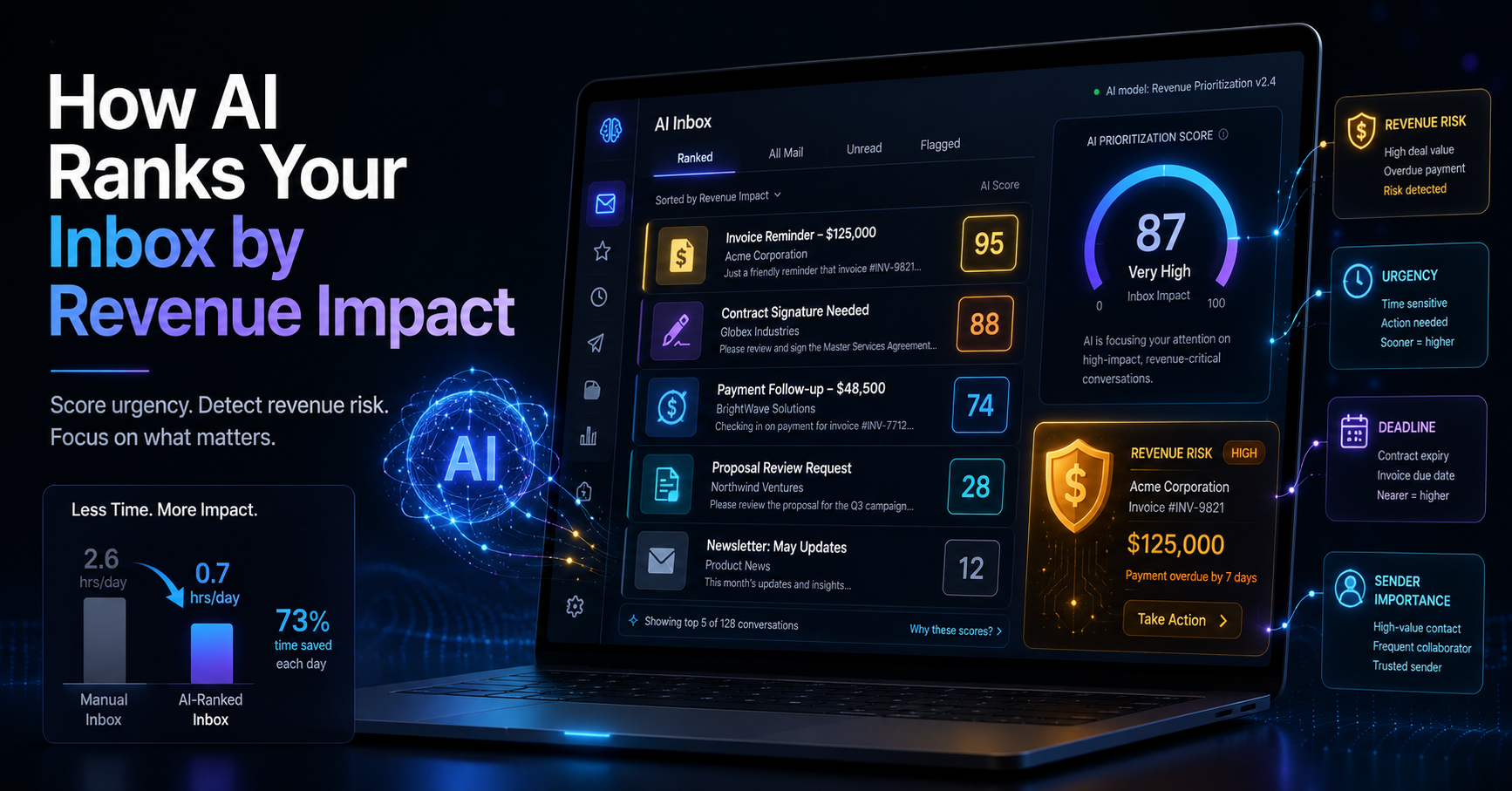
The Gmail and Outlook AI Priority Engine is designed to tackle the overwhelming volume of emails that many professionals face. By analyzing your inbox, it scores emails based on various factors such as urgency, revenue risk, and deadlines. This systematic approach ensures that you can identify high-priority emails at a glance.
For example, if you receive an email from a key client about a pending invoice, the AI Priority Engine will flag this email as high priority. In contrast, promotional emails or newsletters will be scored lower, allowing you to focus on what truly matters. This scoring system is particularly beneficial, as studies suggest that up to 80% of urgent emails go unnoticed without a clear prioritization method.
Method 2: How DailyTaskProAI Connects to Gmail and Outlook
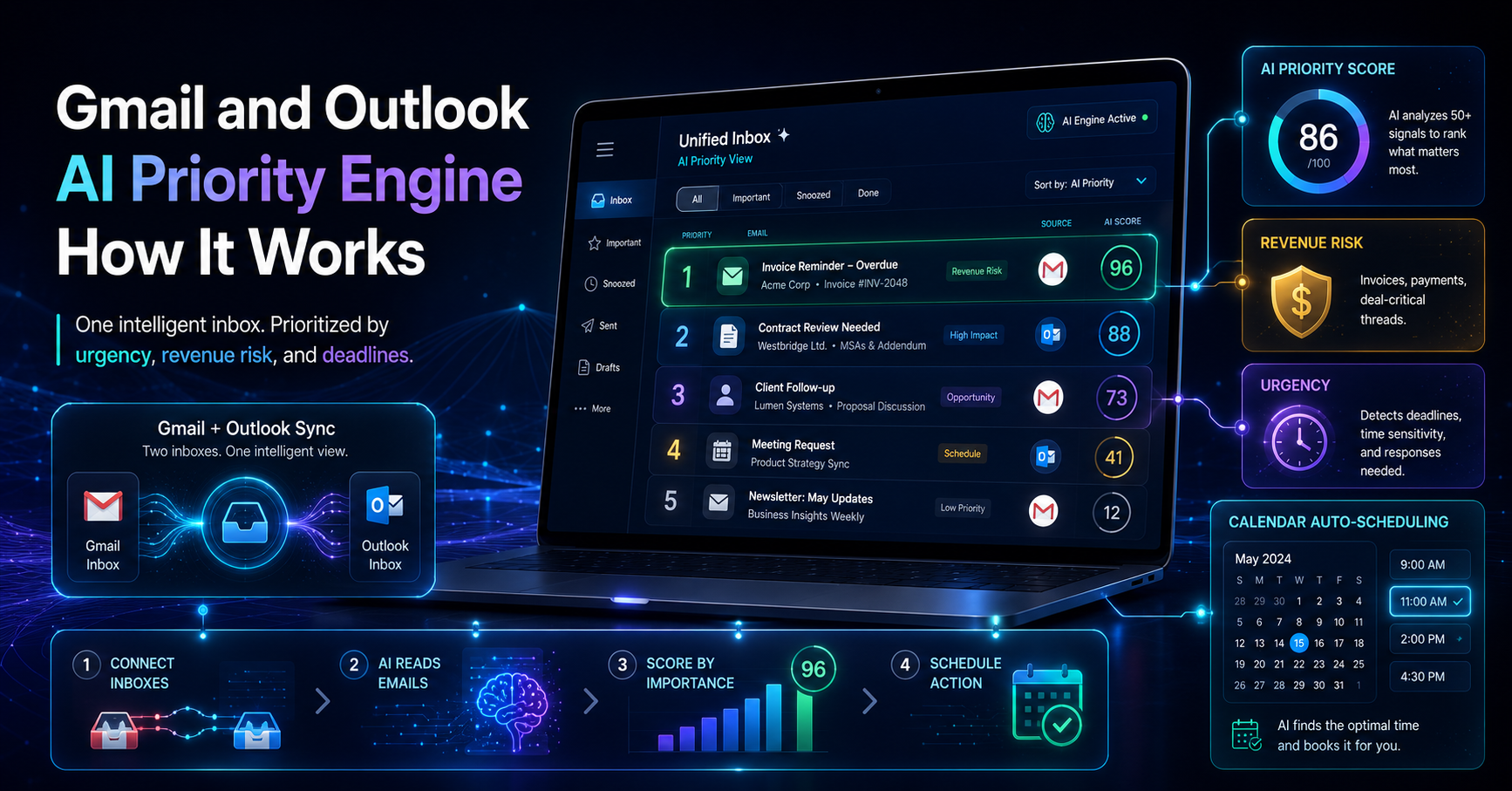
DailyTaskProAI integrates with Gmail and Outlook via OAuth, allowing you to merge both email platforms into a single, prioritized view. This functionality simplifies your email management by providing a unified interface where you can see all your messages without switching between services.
Imagine you're working on a project that requires collaboration with team members using both Gmail and Outlook. With DailyTaskProAI, you can easily access and manage emails from both platforms in one place. This integration is particularly useful for small teams and solo founders who often juggle multiple communication channels.
Method 3: Understanding the AI Decision Engine
The core of DailyTaskProAI's email prioritization is the AI Decision Engine. This engine analyzes incoming emails by scoring them from 0 to 100 based on factors such as revenue risk, urgency, and deadlines. Emails deemed high priority will be flagged for your immediate attention, while lower-priority messages can be addressed later.
For instance, if you receive an email regarding a last-minute meeting request with a potential client, the AI Decision Engine will score this email high due to its urgency and potential revenue impact. On the other hand, a routine update from a team member may score much lower, allowing you to manage your time more effectively.
Method 4: Revenue Risk Detection Explained
Revenue risk detection is a crucial feature of DailyTaskProAI that identifies emails containing invoices, payments, or deal-critical threads. This feature helps ensure that you never overlook important financial communications that could affect your business's bottom line.
Consider a scenario where you receive multiple emails daily, including client requests and internal updates. Without revenue risk detection, you might miss an email from a supplier regarding an overdue payment. With DailyTaskProAI, such emails are flagged, allowing you to take immediate action and avoid potential financial issues. Remember, revenue risk emails are NEVER auto-sent. You always approve.
Method 5: Email Prioritization in Action
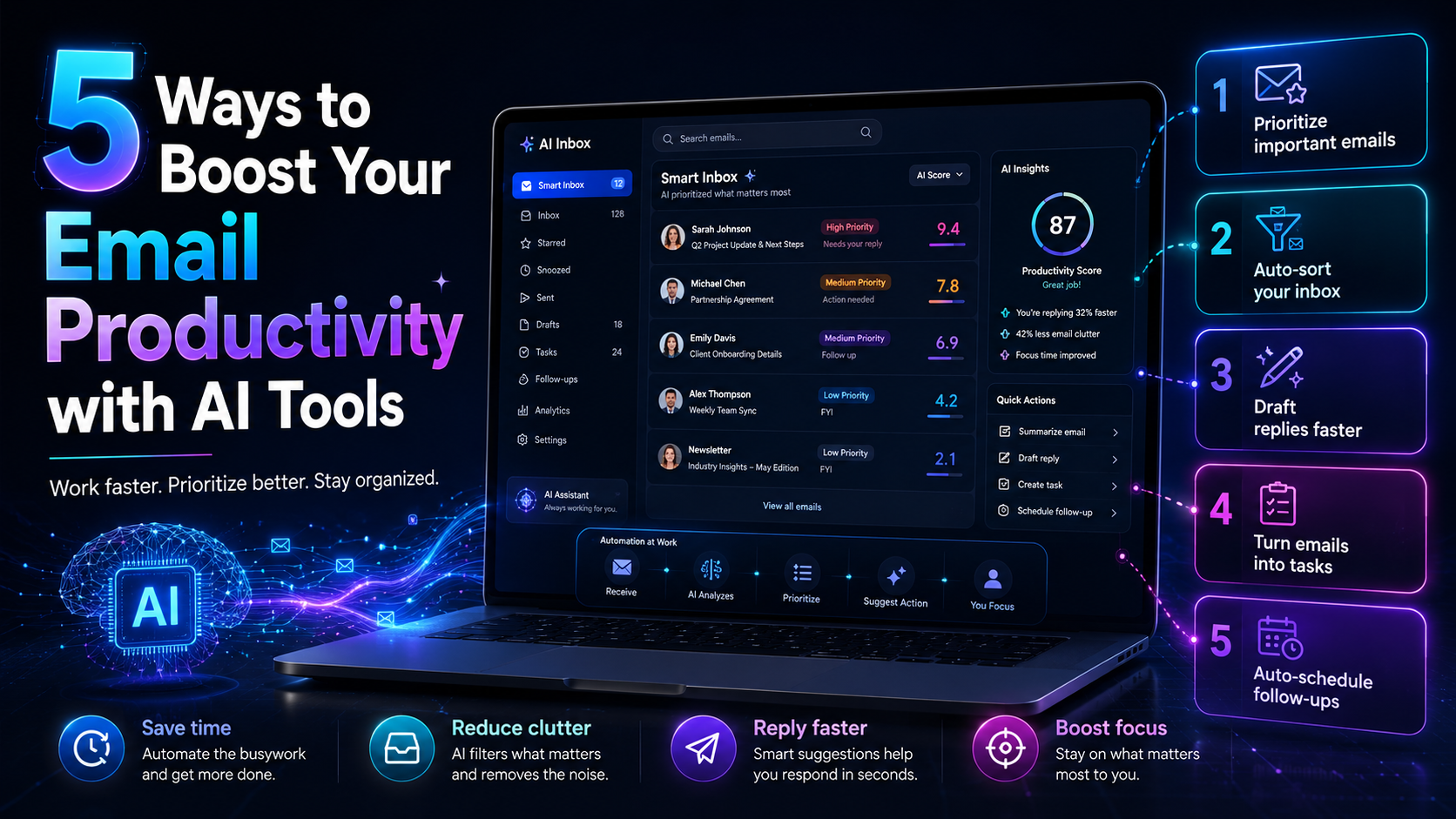
DailyTaskProAI's prioritization features allow you to manage your inbox effectively. When you open your email, you will immediately see which emails are flagged as high priority by the AI Decision Engine. This means you can start your day by addressing the most critical communications first.
For example, let’s say you have three emails flagged: one from a client about an urgent contract, another from a colleague about a project update, and a third promotional email. With DailyTaskProAI, you will know to respond to the client’s email first, as it poses a potential revenue risk. This prioritization not only boosts your productivity but also enhances your overall efficiency.
Method 6: Task Management and Calendar Integration
Another significant advantage of DailyTaskProAI is its Smart Calendar & Auto-Scheduling feature. This tool reads your emails, detects meetings and deadlines, checks your calendar availability, and auto-schedules tasks into free slots within your working hours.
Imagine you receive an email about a deadline for submitting a report, along with several meeting requests. DailyTaskProAI can automatically analyze your calendar and schedule time blocks for each task, ensuring that you have dedicated time to complete your work without overlapping commitments.
This feature is particularly useful for professionals who often find themselves battling conflicting meetings. By automatically rescheduling tasks and suggesting the next available time slot, DailyTaskProAI makes task management more straightforward, allowing you to focus on high-impact work.
Method 7: Benefits of Gmail and Outlook Sync
Having a unified view of emails from both Gmail and Outlook greatly enhances productivity. With DailyTaskProAI, you can quickly access all your communications without needing to toggle between different applications. This integration means that you can respond to emails regardless of the platform from which they originate.
For instance, if an email arrives in your Outlook account while you're primarily using Gmail, you won’t miss it. The sync ensures that all your critical communications are at your fingertips, reducing the cognitive load and allowing for more efficient time management.
Frequently Asked Questions
1. How does the AI Decision Engine work?
The AI Decision Engine analyzes your incoming emails by evaluating various factors such as urgency, sender, and potential revenue risk. Each email is scored on a scale from 0 to 100, allowing you to prioritize your responses effectively based on these scores.
2. What is revenue risk detection, and why is it important?
Revenue risk detection identifies emails that contain critical financial information, such as invoices or payments. This feature is essential for ensuring that you do not overlook important emails that could impact your finances or business operations.
3. Can DailyTaskProAI integrate with both Gmail and Outlook?
Yes, DailyTaskProAI seamlessly integrates with both Gmail and Outlook through OAuth. This allows you to manage your emails from both platforms in a single, unified view, improving overall productivity.
4. How does Smart Calendar & Auto-Scheduling work?
The Smart Calendar & Auto-Scheduling feature reads your emails to detect meetings and deadlines. It checks your calendar availability and automatically schedules tasks into free slots, helping you manage your time effectively without conflicts.
5. Is there a free trial available?
Yes, DailyTaskProAI offers a free trial so you can test its features without any commitment. This trial allows you to experience how the AI Priority Engine can streamline your email management before deciding on a subscription plan.
Start Your Free Trial Today
Feeling overwhelmed by your inbox? With the Gmail and Outlook AI Priority Engine, DailyTaskProAI is designed to streamline your email management, making it easier to prioritize what's important. The tool not only scores your emails but also integrates with your calendar for seamless scheduling. Revenue risk emails are NEVER auto-sent. You always approve. Start your free trial today and see how DailyTaskProAI can help you regain control of your inbox.
Resources & Further Reading
External Resources
The Future of Work Will Be About People, Not Technology, Insight into workplace productivity trends.
Global Email Traffic 2021, An overview of rising email traffic statistics.