Over 60% of professionals spend more than four hours a day managing their inbox. This staggering statistic highlights a pervasive issue: many of us are drowning in emails, yet only about 20% of them receive responses. With approximately 30% of emails containing critical revenue-related information, the need for effective prioritization is undeniable. This is where AI email ranking comes into play, transforming how we approach email management.
Traditional methods typically prioritize emails based on time received, overlooking the real impact on your business. In a landscape where missed opportunities can cost companies an estimated $1.8 trillion annually, it’s clear that a shift towards smarter email management is essential.
Table of contents
Method 1: Introduction to AI Email Ranking
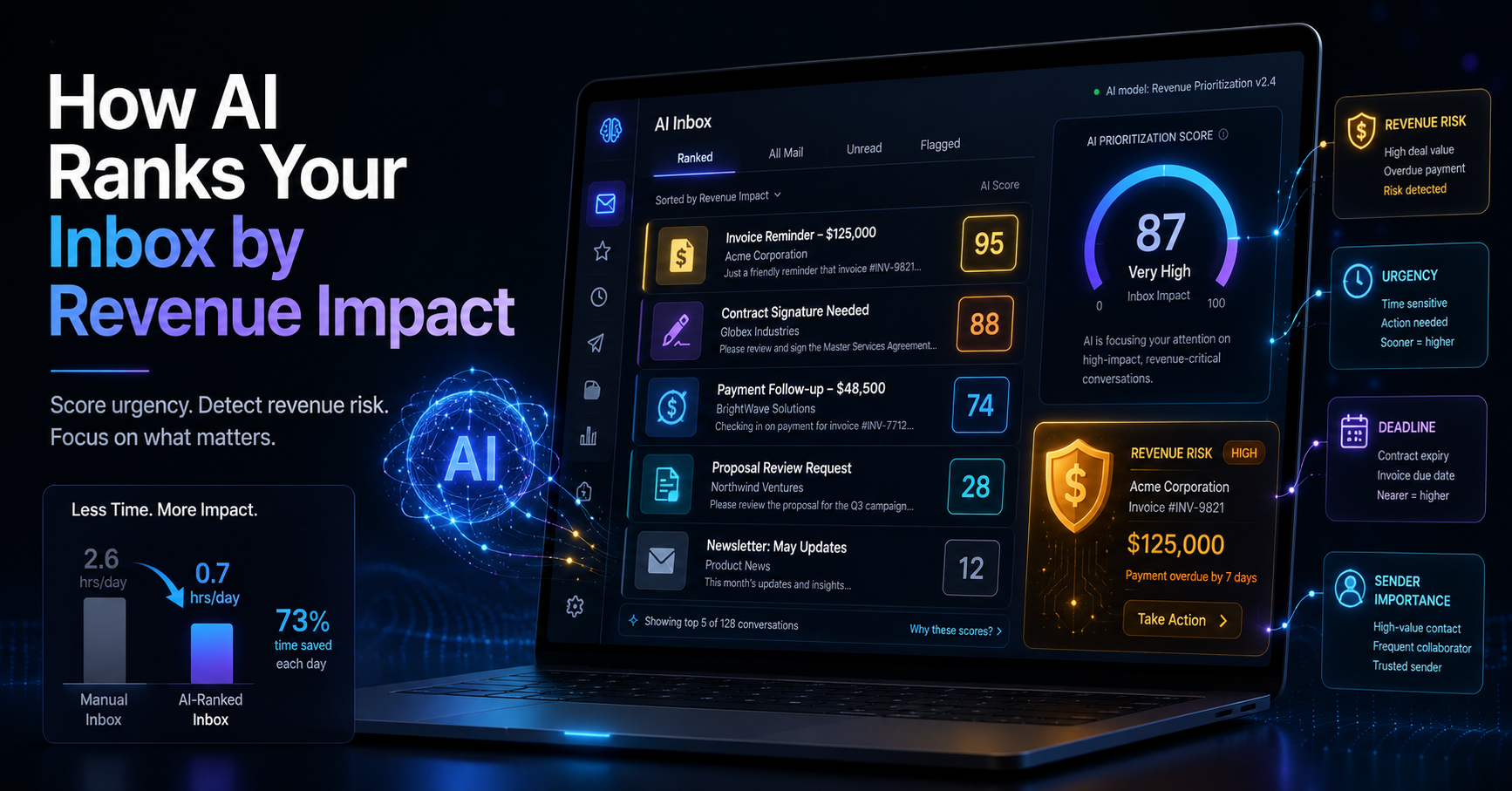
AI email ranking is a method that evaluates and scores emails based on their potential revenue impact rather than just the order in which they arrive. This approach addresses the challenge of identifying which messages truly matter amidst an overwhelming flood of information. By focusing on revenue-related content, it allows users to prioritize effectively, ensuring critical communications are addressed promptly.
For instance, consider a sales manager receiving 50 emails in a single day. If ten of those emails contain crucial information about potential deals or client payments, traditional sorting would not differentiate these emails from routine communications. Through AI email ranking, those critical emails would be flagged, allowing the manager to focus on what affects the company’s bottom line.
Pros:
Identifies high-impact emails quickly.
Reduces time spent sifting through less important messages.
Cons:
May require initial setup and training to align with user preferences.
This method is best suited for professionals who handle a high volume of emails daily and need to prioritize effectively, such as sales teams, operations managers, and solo founders.
Method 2: Understanding Revenue Impact Scoring
Revenue impact scoring is a nuanced approach to email management that assigns a numerical value to messages based on key factors such as urgency, deadlines, and sender importance. Unlike traditional sorting methods that rely solely on the timestamp, revenue impact scoring integrates contextual analysis to provide a more relevant prioritization.
Imagine a small business owner juggling multiple clients. An email about a delayed payment from a key client might be scored higher than a routine inquiry from a less significant customer. This scoring not only highlights what needs immediate attention but also informs the user about the potential financial implications of each email.
Pros:
Helps users make informed decisions quickly.
Reduces the risk of overlooking vital communications.
Cons:
Requires trust in the AI’s scoring criteria.
Revenue impact scoring is particularly beneficial for those in roles where financial implications are significant, such as accounting firms and sales teams. This method can help them focus on what truly drives their business forward.
Method 3: How the AI Decision Engine Works
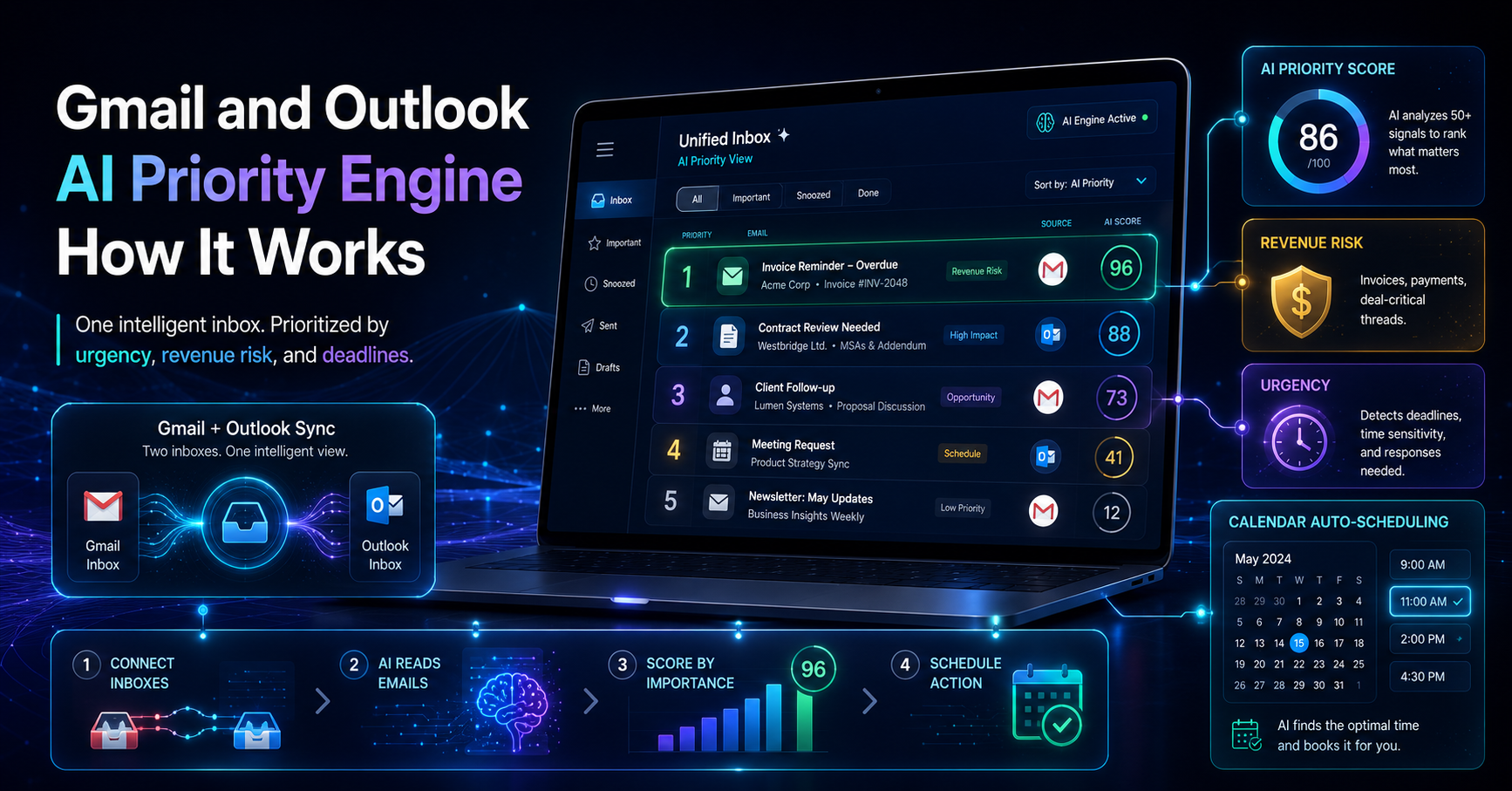
The AI Decision Engine is at the heart of DailyTaskProAI. It reads your inbox, analyzing every email and scoring them between 0-100 based on revenue risk, urgency, deadlines, and the sender's importance. This scoring allows users to see at a glance which emails require immediate action and which can wait.
For example, if you receive an email from a major client requesting a status update on a contract, the AI Decision Engine will flag it with a high score due to its urgency and potential revenue impact. Conversely, an email from a vendor asking about a follow-up meeting might receive a lower score.
Pros:
Automates the prioritization process, saving time.
Helps users focus on high-revenue tasks first.
Cons:
Users need to review suggested actions before approval.
This functionality is ideal for professionals who need to manage multiple priorities efficiently, such as solo entrepreneurs and small teams. With the AI Decision Engine, they can streamline their workflow and ensure they address the most critical emails first.
Method 4: Benefits of Prioritizing by Revenue Impact
Focusing on revenue impact when managing emails offers several significant advantages. By prioritizing effectively, users can enhance productivity and improve decision-making processes. This approach ensures that time is spent on high-impact tasks that contribute to the business's success.
For instance, a sales team that utilizes revenue impact scoring can quickly identify which leads require immediate follow-up, thereby increasing the chances of closing deals. This not only accelerates the sales process but also maximizes the revenue potential for the business.
Pros:
Improved focus on tasks that drive revenue.
Reduction in the time spent on low-impact emails.
Cons:
Some users may initially resist changing their email management habits.
By adopting this strategy, users can foster a more productive work environment. It’s particularly effective for those in fast-paced roles where every minute counts, such as in sales or project management.
Comparison with Traditional Email Management Tools
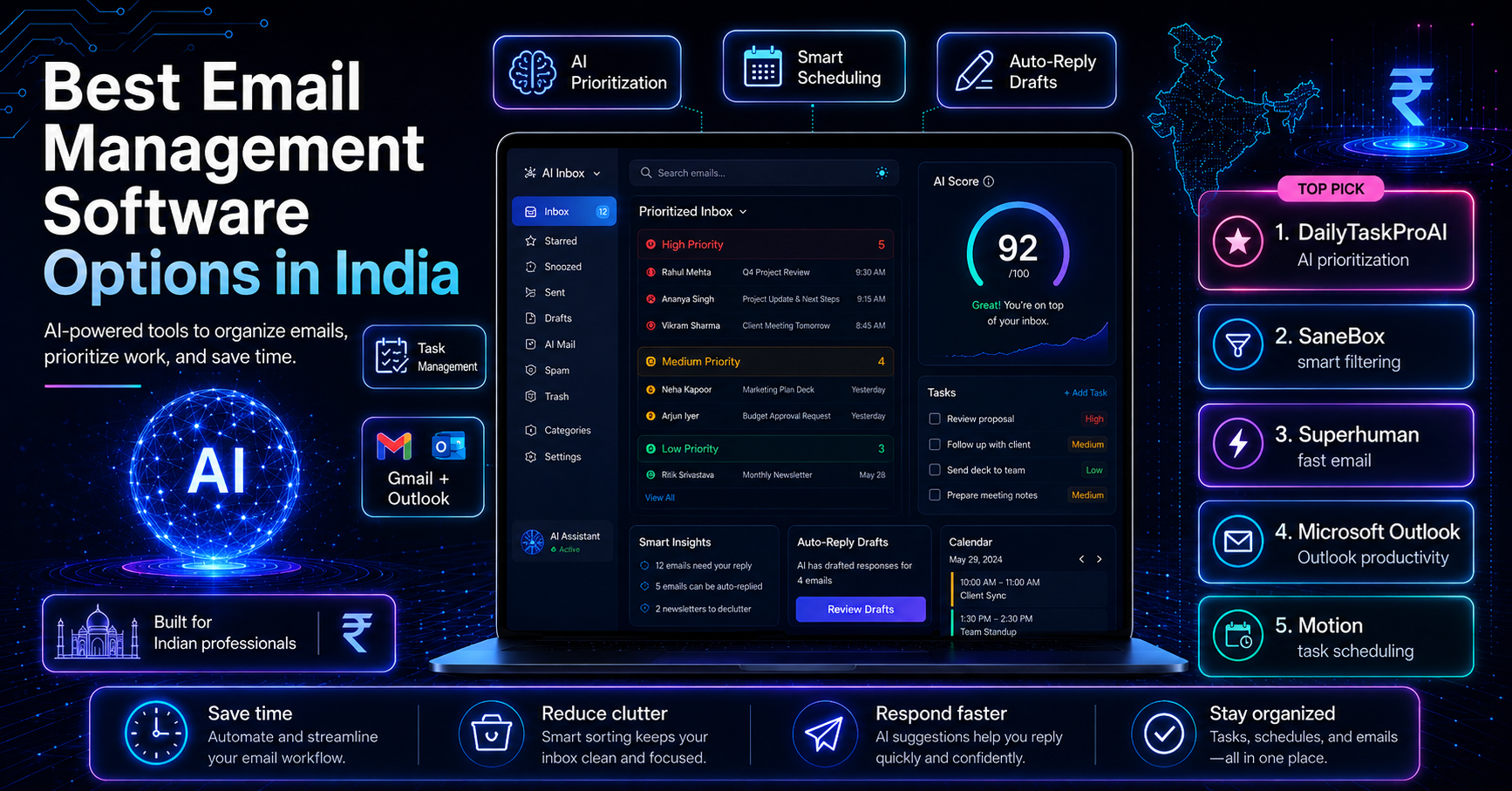
Feature DailyTaskProAI SaneBox Superhuman AI Email Scoring Yes No No Calendar Integration Yes Limited No Auto-Scheduling Yes No No Price/month $19 $24 $30
While traditional email management tools often sort emails based on time, DailyTaskProAI stands out by integrating AI email scoring and Smart Calendar & Auto-Scheduling. This unique combination allows users not only to prioritize effectively but also to manage their schedule seamlessly.
Method 5: Real-World Applications and Use Cases
Different professions can benefit from AI email ranking to streamline their workflows. Here are a few examples:
Solo Founders: A solo founder juggling multiple responsibilities can use the AI Decision Engine to ensure that critical investor emails are prioritized over routine correspondence. This helps maintain focus on crucial tasks that drive the business forward.
Sales Teams: For sales professionals, identifying high-value leads and following up on urgent inquiries can directly impact revenue. By utilizing AI email ranking, they can quickly spot which opportunities require immediate attention, thus enhancing their sales strategy.
Accounting Firms: In accounting, where deadlines are crucial, the AI Decision Engine can flag emails related to tax filings or client payments. This ensures that accountants never miss an important deadline, reducing the risk of financial penalties.
In all these scenarios, the integration of Smart Calendar & Auto-Scheduling ensures that high-priority tasks are seamlessly slotted into the user's calendar, minimizing conflicts and maximizing productivity.
FAQs about AI Email Ranking
How does AI read emails?
The AI reads emails by analyzing their content, context, and metadata. It evaluates factors such as urgency, deadlines, sender importance, and revenue risk to generate a score that reflects the email's priority level. This intelligent analysis helps users focus on emails that matter most.
How can I prioritize effectively?
To prioritize effectively, use tools like DailyTaskProAI that employ AI email ranking. By allowing the AI Decision Engine to score your emails, you can easily identify which ones require immediate attention. Regularly reviewing the scoring criteria ensures that the prioritization aligns with your business goals.
What sets DailyTaskProAI apart from other tools?
DailyTaskProAI combines AI email ranking, task prioritization, and Smart Calendar & Auto-Scheduling, creating a comprehensive solution for managing emails and schedules. Unlike many competitors, our tool focuses on revenue impact rather than just time, ensuring that you never miss crucial communications.
Can I customize the AI’s scoring criteria?
Yes, DailyTaskProAI allows users to customize the scoring criteria according to their preferences. This ensures that the AI aligns with your specific business needs, which can enhance the effectiveness of the prioritization process.
Is there a free trial available?
Yes, DailyTaskProAI offers a free trial, allowing you to explore the features and see how the AI email ranking system can improve your email management before making a financial commitment.
Conclusion and Next Steps
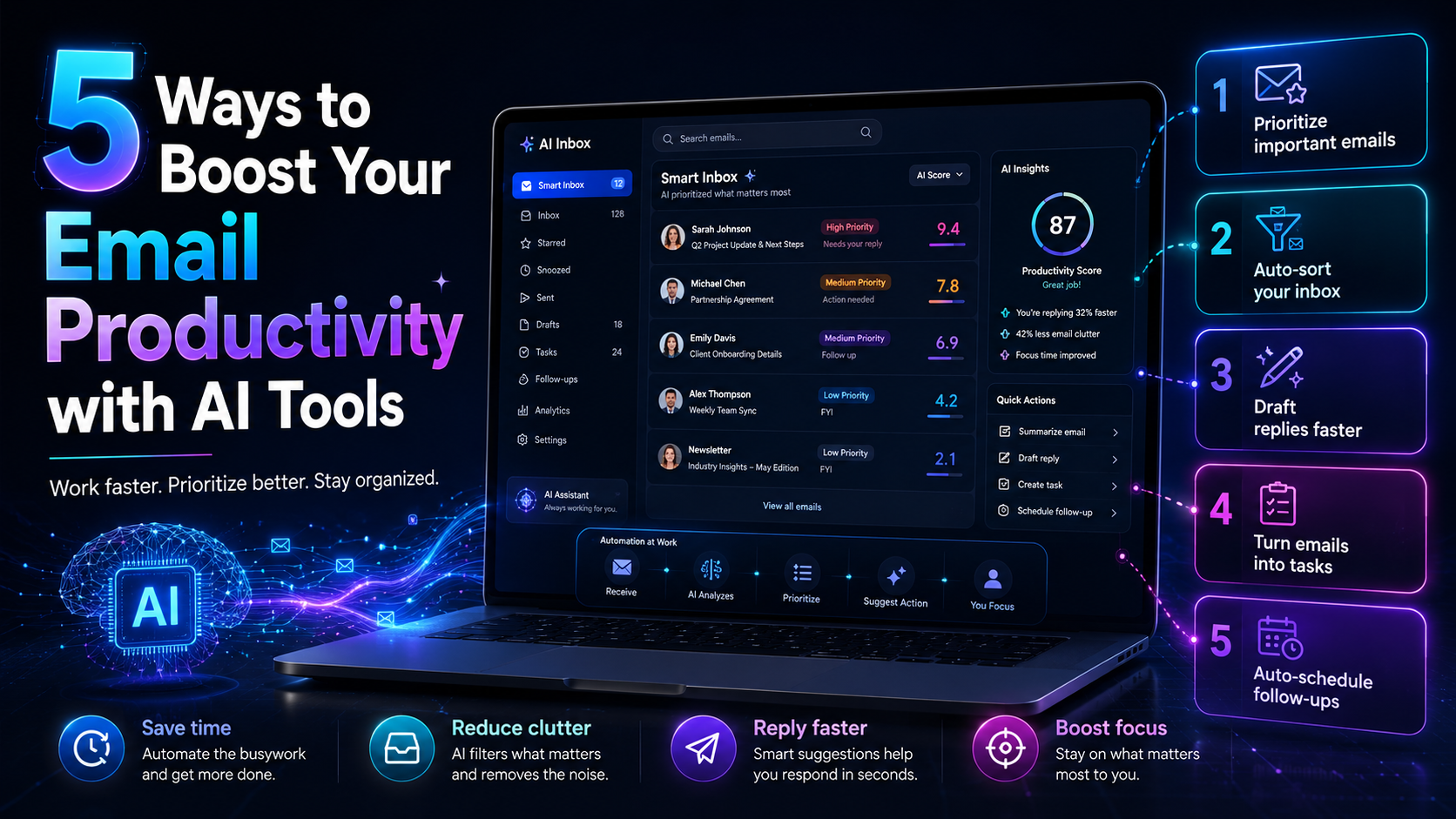
AI email ranking is a vital tool for professionals looking to enhance their productivity and decision-making. By focusing on revenue impact rather than time, you can ensure that critical communications are prioritized effectively. With features like the AI Decision Engine and Smart Calendar & Auto-Scheduling, DailyTaskProAI provides a comprehensive solution for managing your inbox.
Start your free trial of DailyTaskProAI today and transform your email management. Revenue risk emails are NEVER auto-sent. You always approve.
Resources & Further Reading
External Resources
What Research Says About Email Overload, An exploration of the challenges posed by heavy email traffic.
The Hidden Costs of Email Overload, Insights into how poor email management can affect businesses.