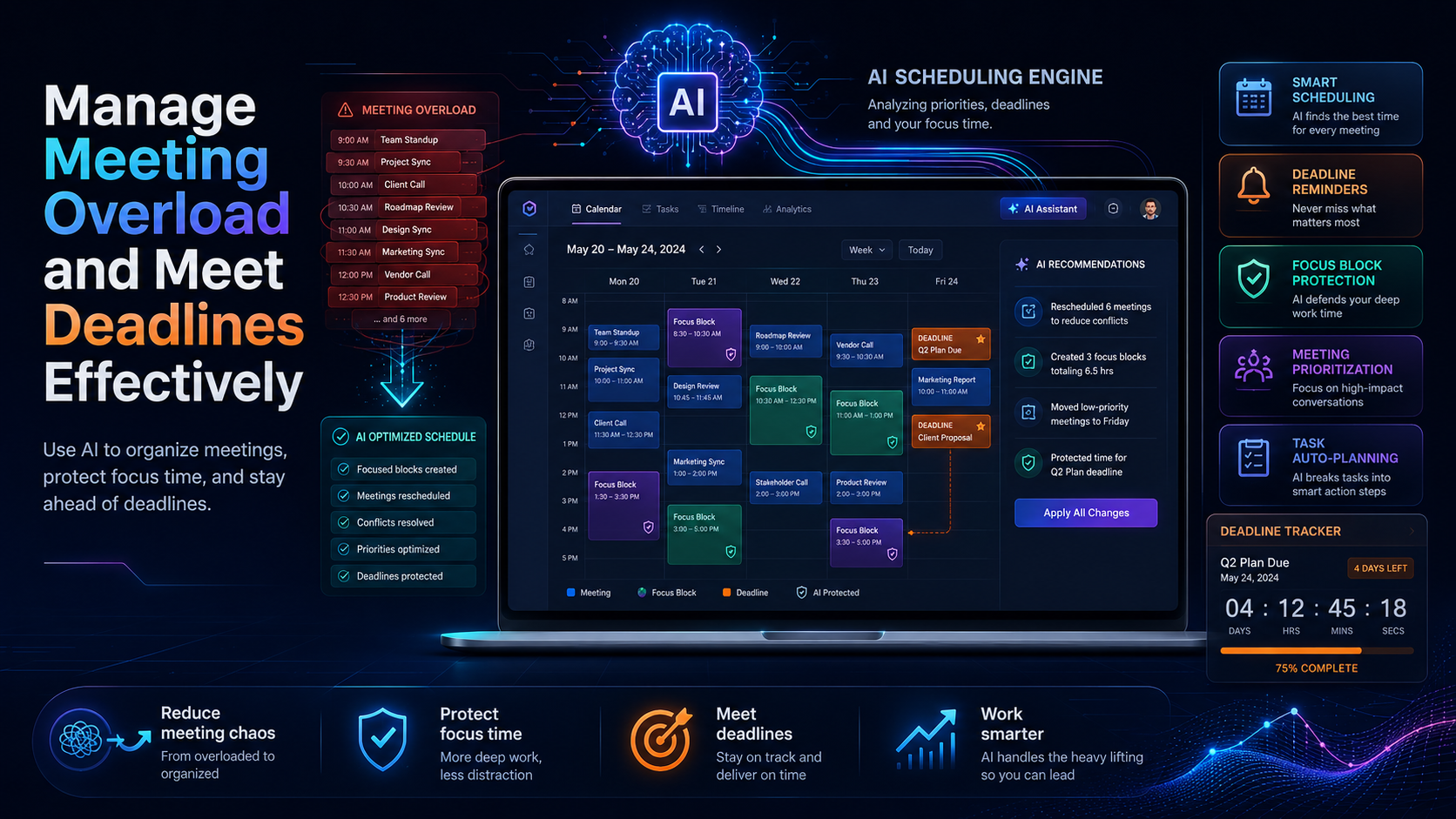
Most professionals feel the weight of meeting overload as they navigate through their packed schedules. You might find yourself caught in a cycle of back-to-back meetings, leaving little room for focused work. This constant disruption can severely impact your ability to meet deadlines and maintain productivity. If you've ever stared at your calendar and felt a sense of dread, you're not alone.
Excessive meetings can create a bottleneck in your workflow, making it difficult to prioritize tasks or even complete them on time. With each meeting, you may find yourself scrambling to manage your time effectively, which can lead to missed deadlines and increased stress. The key to managing meeting overload lies in understanding its impact and implementing effective strategies to reclaim your time.
Table of Contents
Understanding Meeting Overload
Meeting overload occurs when the frequency and length of meetings hinder productive work. It's a common problem in many organizations, where team members find themselves spending more time in meetings than doing their actual tasks. Causes can range from poor communication practices, unclear objectives for meetings, or a culture that prioritizes discussions over actionable results.
As a result, employees often experience frustration and burnout, feeling that their time is wasted instead of utilized effectively. For instance, imagine a sales team that has daily stand-up meetings lasting an hour, leaving little time for them to follow up on leads or close deals. The cumulative effect can lead to decreased morale and lower productivity across the board.
The Impact of Meetings on Deadlines
Frequent meetings can drastically disrupt workflow, leading to missed deadlines. According to a Harvard Business Review article, employees spend an average of 23 hours a week in meetings, which can lead to significant productivity losses. When team members are constantly pulled away from their work, the chances of missing crucial deadlines increase exponentially.
For example, a project manager may have several meetings in one day, resulting in a lack of time to review project plans or provide feedback to team members. This scenario not only delays the project but also creates a ripple effect on other deadlines, ultimately impacting the entire team's performance. Anecdotal evidence suggests that companies with fewer meetings report higher productivity and better deadline adherence, reinforcing the need for effective meeting management.
Effective Time Blocking Techniques
Time blocking is a strategic approach to managing your schedule where you allocate specific blocks of time for various tasks, including meetings. This method can help you regain control over your day and ensure that you have dedicated time for focused work. To implement time blocking effectively, start by reviewing your calendar and identifying periods where you can block out time for tasks.
For instance, if you have a project due next week, you might block out two hours each day in the morning when you are most productive. During this time, you would focus solely on that project, without distractions from meetings or emails. Visualizing your day can also help you see where you can fit in breaks and avoid burnout.
Pros: Improved focus, better time management, increased productivity.
Cons: Requires discipline to adhere to blocked time, may need adjustments due to unexpected meetings.
Time blocking is best for professionals who experience frequent interruptions and struggle with maintaining focus. It allows you to prioritize your most important tasks while still accommodating necessary meetings.
Leveraging Calendar Auto-Scheduling
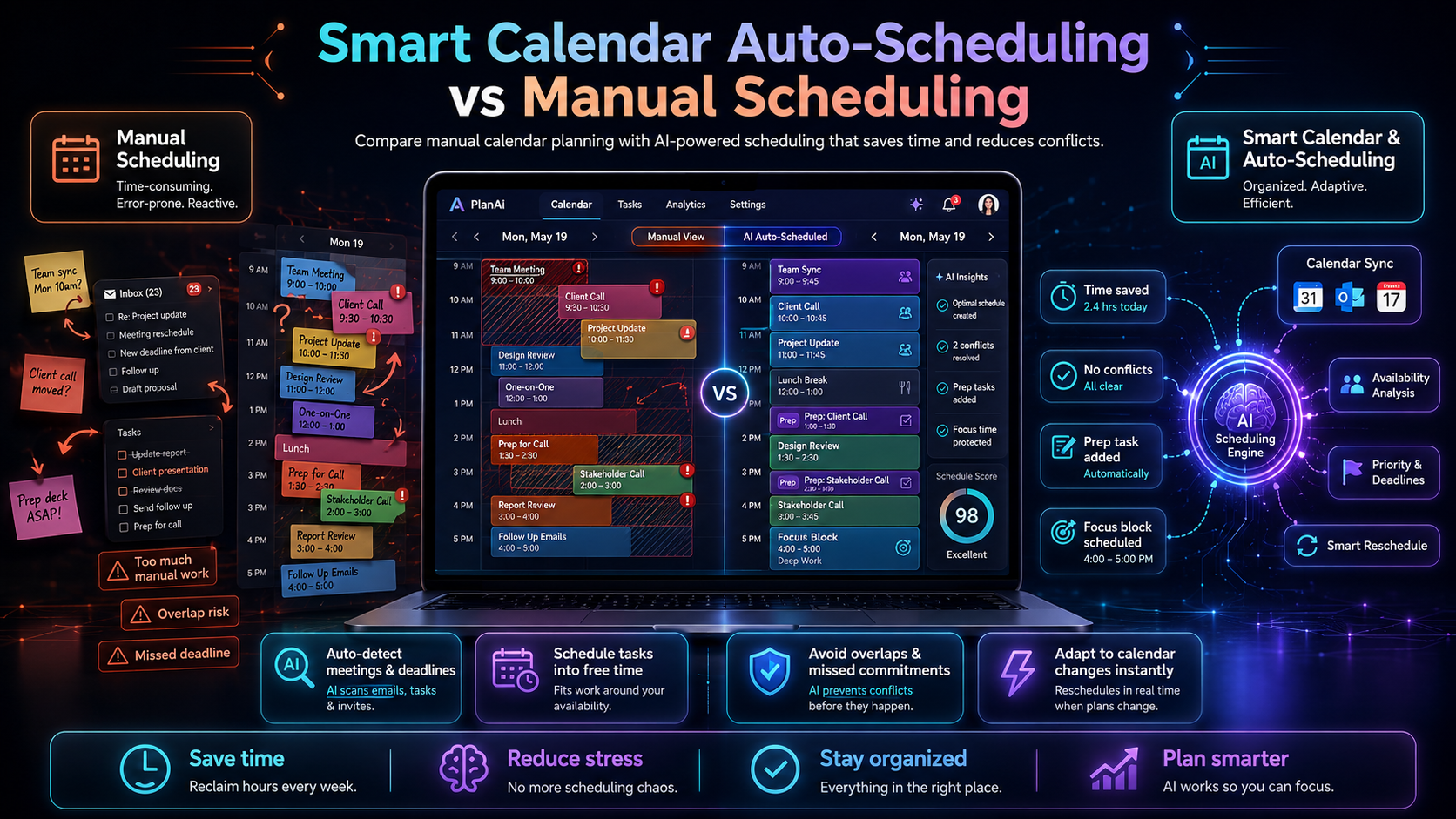
DailyTaskProAI's Smart Calendar & Auto-Scheduling feature can significantly ease the burden of meeting overload. This tool reads your emails, detects meetings and deadlines, and checks your calendar availability to auto-schedule tasks into free slots within your defined working hours. It takes the guesswork out of scheduling, allowing you to maximize your productivity without the constant back-and-forth of planning.
Consider a scenario where you have multiple meetings scheduled throughout the week. With the Smart Calendar & Auto-Scheduling feature, you receive suggestions for task slots that fit around your existing commitments. It also detects conflicts and automatically reschedules tasks to ensure you never miss a deadline.
Pros: Saves time on scheduling, reduces the risk of missed deadlines, automatically adjusts for calendar conflicts.
Cons: May require initial setup to define working hours and preferences.
This feature is ideal for busy professionals who need to balance multiple commitments while ensuring their most important tasks are not neglected. With the help of DailyTaskProAI, you can effectively manage meeting overload and keep your deadlines intact.
Task Prioritization Strategies
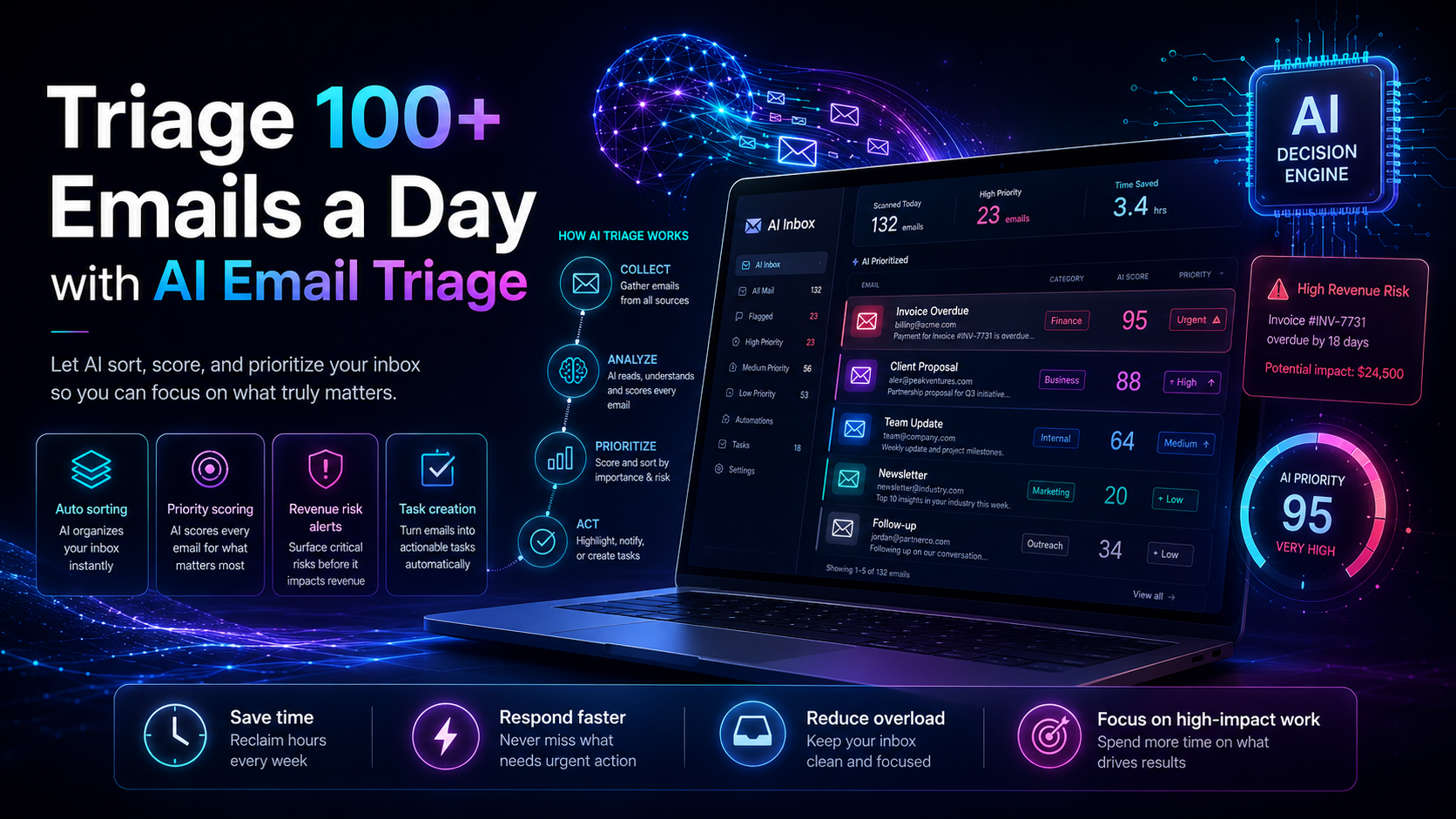
When you're overwhelmed by meetings, prioritizing tasks becomes crucial. You need to identify what's urgent and important to avoid letting less critical tasks consume your time. The AI Decision Engine in DailyTaskProAI assists in this process by scoring your emails and tasks based on revenue risk, urgency, deadline, and the sender's importance.
For example, if you receive an email about an urgent client issue, the AI Decision Engine will score it high on urgency, prompting you to address it before other tasks. This feature helps you focus on what truly matters, allowing you to navigate your day without losing sight of critical deadlines.
Pros: Clear prioritization, reduced risk of overlooking important tasks, enhances decision-making.
Cons: Relies on accurate data input and may require user adjustments for optimal performance.
These strategies are best for team leaders and managers who juggle multiple priorities while overseeing projects. By integrating the AI Decision Engine into your workflow, you can ensure that your focus remains on high-impact tasks even amidst a busy meeting schedule.
Meeting Management Strategies
Effective meeting management is essential to combat meeting overload. This includes setting clear agendas, limiting meeting durations, and determining when a meeting is truly necessary. Begin by defining the purpose of each meeting. Is it to brainstorm, update, or make decisions? Having a clear agenda ensures that discussions remain focused and productive.
For instance, if a meeting is scheduled to discuss project updates, allocate a specific time for each team member to present, keeping the meeting on track. You can also implement a rule that meetings cannot exceed 30 minutes unless absolutely necessary. This encourages efficiency and respect for everyone's time.
Pros: Increased productivity, clearer communication, better time management.
Cons: Requires a culture shift within teams, may face resistance from those accustomed to longer meetings.
These strategies are particularly beneficial for teams with remote members or those spread across different time zones. By adopting a disciplined approach to meetings, you can significantly reduce meeting overload and enhance overall productivity.
Achieving Work-Life Balance
Maintaining a healthy work-life balance is crucial, especially when meeting demands threaten to encroach on personal time. Setting boundaries around your availability can help you reclaim your time. This could mean designating certain hours as meeting-free or establishing “no meeting” days to allow for uninterrupted work time.
For example, you might decide that Fridays are reserved for focused work, with no meetings scheduled. This gives you a chance to catch up on projects and plan for the week ahead without the interruptions of meetings. Additionally, communicate these boundaries to your team, ensuring they respect your time and understand your availability for discussions.
Pros: Improved mental health, better focus on personal commitments, reduced stress.
Cons: Requires discipline and buy-in from team members.
These tips are best for professionals who find themselves frequently working late due to meeting overload. By actively managing your time and setting boundaries, you can create a more balanced work environment.
FAQs About Meeting Overload and Deadlines
How can I reduce the number of meetings I have?
To reduce the number of meetings, start by assessing the necessity of each one. Consider whether the meeting's goal can be achieved through an email or a brief chat. If meetings are essential, establish clear agendas and time limits to keep them focused and efficient.
What are some effective time management strategies?
Effective time management strategies include prioritizing tasks, utilizing time blocking, and leveraging tools like DailyTaskProAI's Smart Calendar & Auto-Scheduling feature. These techniques help you allocate your time more effectively and ensure you meet important deadlines.
How can I make meetings more productive?
To make meetings more productive, set clear agendas, limit their duration, and encourage participants to come prepared. Additionally, consider using tools that facilitate collaboration and keep discussions on track, ensuring that all participants are engaged and focused.
What tools can help with scheduling?
Several tools can assist with scheduling, including DailyTaskProAI's Smart Calendar & Auto-Scheduling feature, which integrates with your email and calendar to streamline the process. Other popular options include Google Calendar and Outlook, but they may lack the advanced features that DailyTaskProAI offers.
How do I maintain work-life balance while managing meetings?
To maintain work-life balance, establish clear boundaries around your availability and designate times for focused work. Communicate these boundaries to your team and ensure that they understand when you are available for meetings. This will help you manage your time better and reduce stress.
Start Managing Your Meeting Overload Today
Meeting overload doesn't have to dictate your productivity or derail your deadlines. By implementing effective strategies like time blocking, leveraging DailyTaskProAI's Smart Calendar & Auto-Scheduling, and prioritizing your tasks using the AI Decision Engine, you can reclaim your time and focus on what truly matters. Revenue risk emails are NEVER auto-sent. You always approve.
Explore how DailyTaskProAI can help you manage meeting overload and enhance your productivity. Get started free and take the first step towards a more organized and efficient work life.