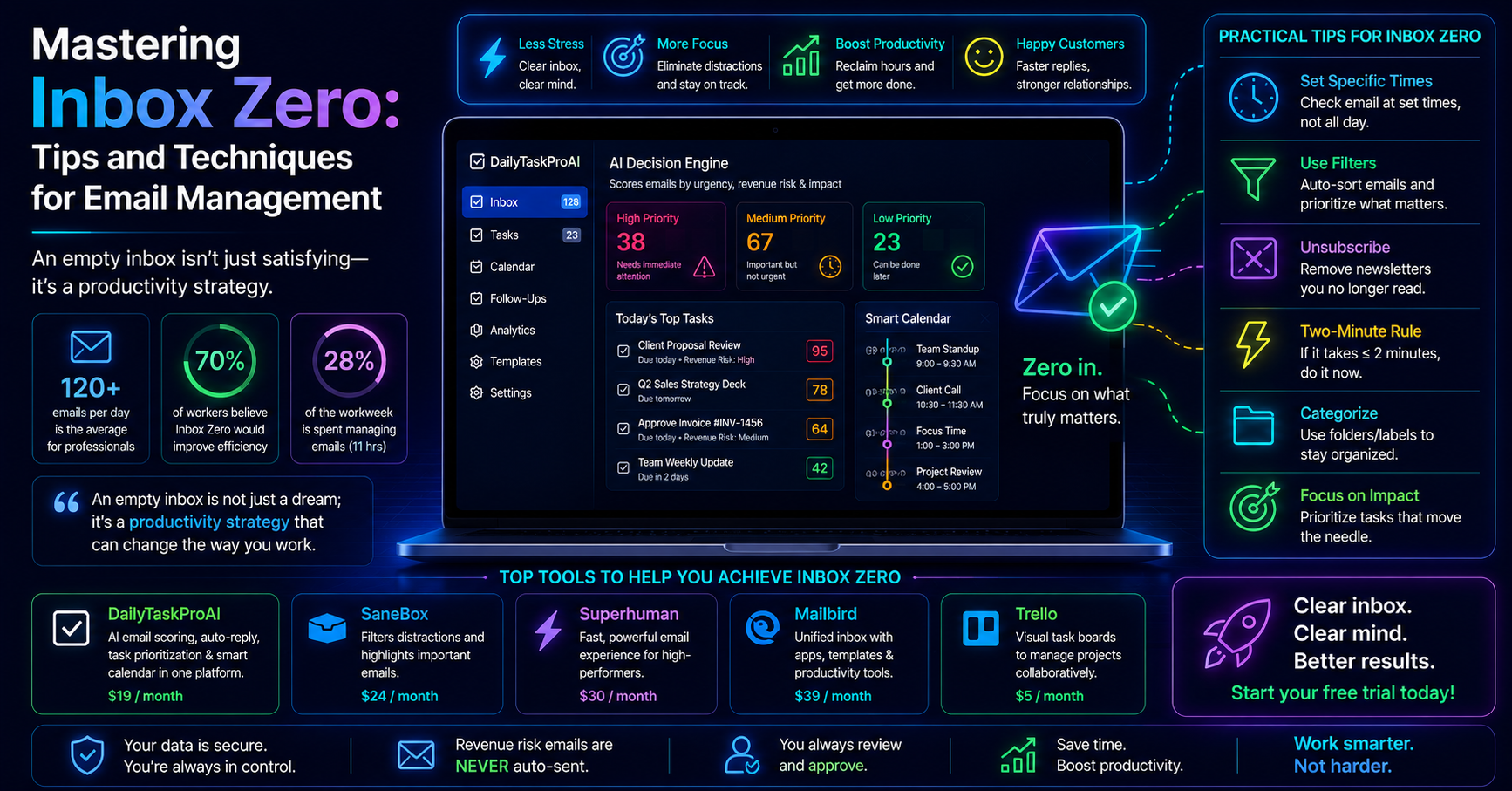
Professionals today are drowning in a sea of emails. On average, they spend 28% of their workweek managing emails, leading to frequent task interruptions and ultimately reducing productivity. With around 60% of employees feeling overwhelmed by the sheer volume of emails received daily, it’s clear that many are struggling to maintain focus and meet deadlines.
Email productivity apps have emerged as a solution to this pressing issue. By streamlining communication and task management, these tools can help you reclaim valuable hours in your workweek.
Table of contents
Method 1: Understand the Key Features
Effective email productivity apps come equipped with a range of features that can significantly enhance your workflow. Here are the essential features to look for:
AI Email Management: This feature automates the process of sorting through your emails, identifying which ones need immediate attention, and which can wait.
Task Prioritization Tools: These tools help you focus on high-impact tasks by scoring emails based on urgency, revenue risk, and deadlines.
Calendar Scheduling Capabilities: Integrated scheduling helps eliminate conflicts by automatically aligning tasks and meetings with your availability.
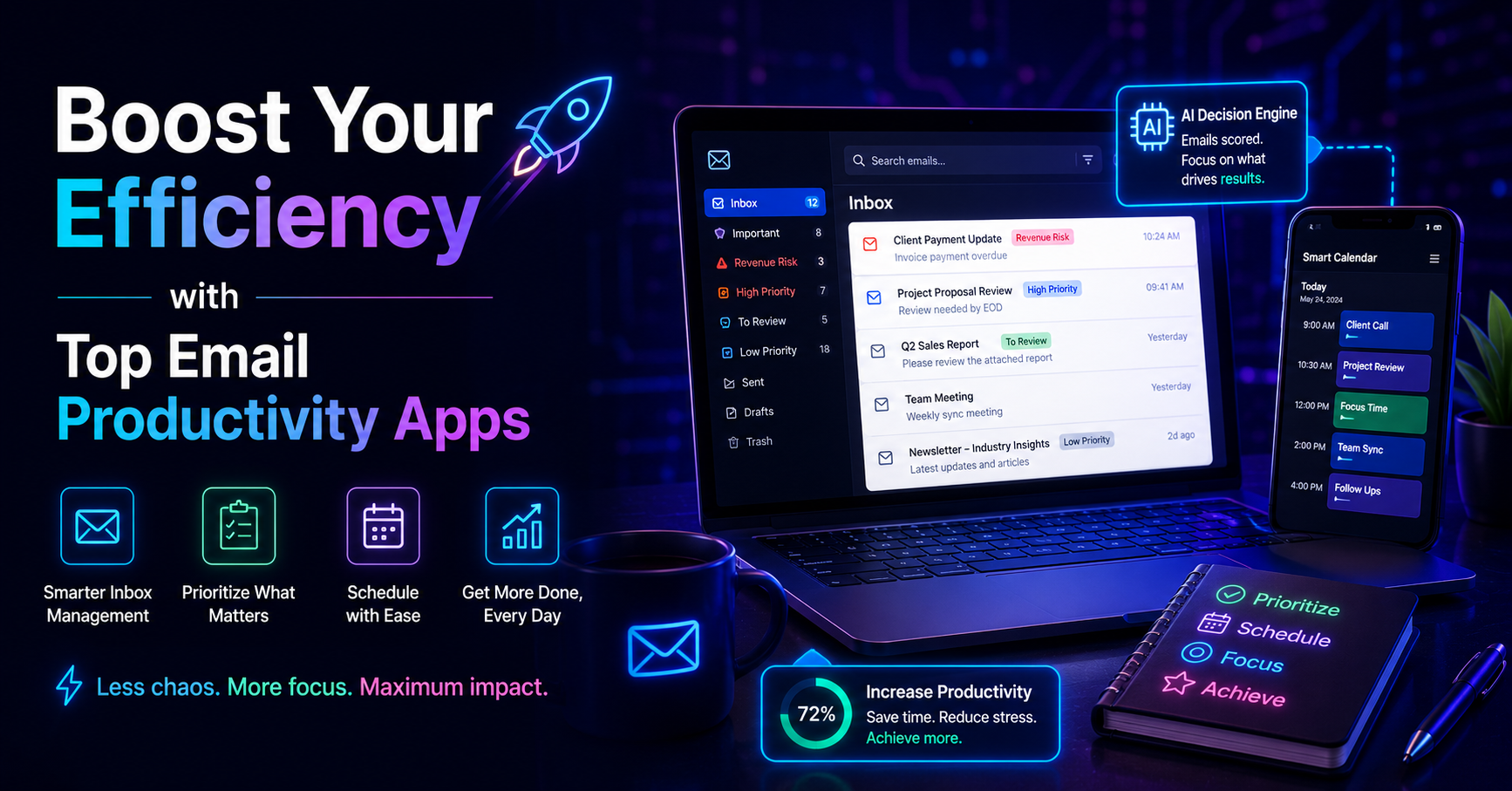
Imagine you receive an email from a client with a payment that needs to be processed urgently. An effective email app will recognize this urgency through its AI Decision Engine and flag the email for immediate action, ensuring you never miss a critical deadline.
However, not all tools are created equal. Some may offer extensive features but lack user-friendliness, while others might excel in simplicity but fall short on functionality.
Experts agree that integrating email management with task prioritization and calendar scheduling significantly boosts productivity.
This method is best for professionals who often deal with high volumes of emails and need to maximize their time efficiently.
Method 2: Explore Top Email Productivity Apps
Let’s take a closer look at some of the leading email productivity apps available:
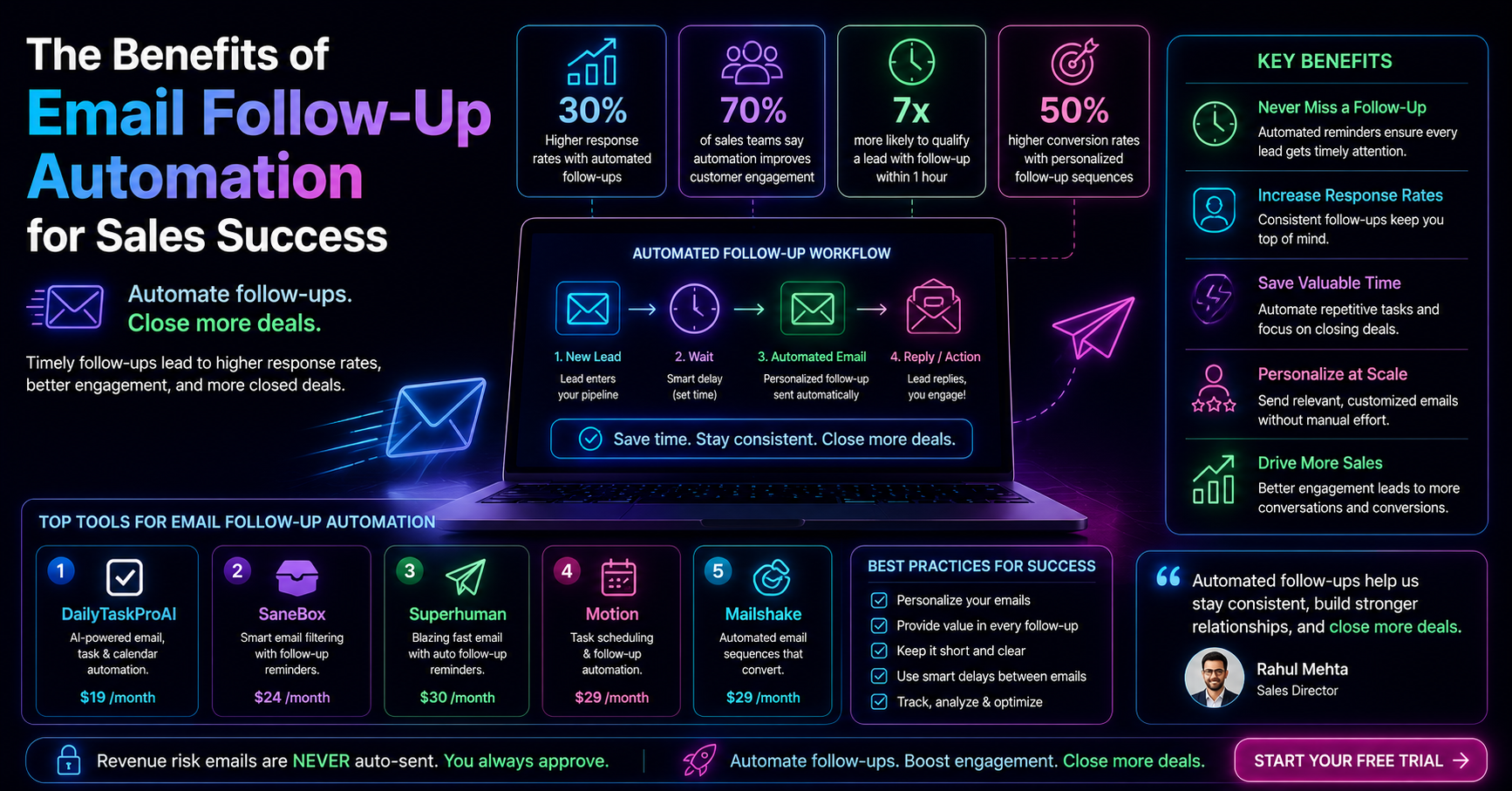
App Key Features Price Best For DailyTaskProAI AI Decision Engine, Smart Calendar & Auto-Scheduling $19/month Small teams, solo founders SaneBox Email filtering, reminders $24/month Individuals Superhuman Email tracking, read receipts $30/month Sales professionals Motion Task automation, scheduling $29/month Busy professionals Fyxer AI Email sorting, reminders $15/month Startups
Choosing the right app depends on your specific needs. For small teams or solo founders, DailyTaskProAI stands out due to its combination of AI email management, task prioritization, and Smart Calendar & Auto-Scheduling features. This makes it a comprehensive solution for professionals looking to streamline their workflows.
Method 3: Leverage AI for Enhanced Email Management
AI-driven email management tools have the power to transform your email experience. These tools analyze your inbox and prioritize emails based on various factors, including urgency, sender, and revenue risk. For instance, with DailyTaskProAI's AI Decision Engine, emails are scored on a scale from 0-100, allowing you to focus on the most critical messages first.
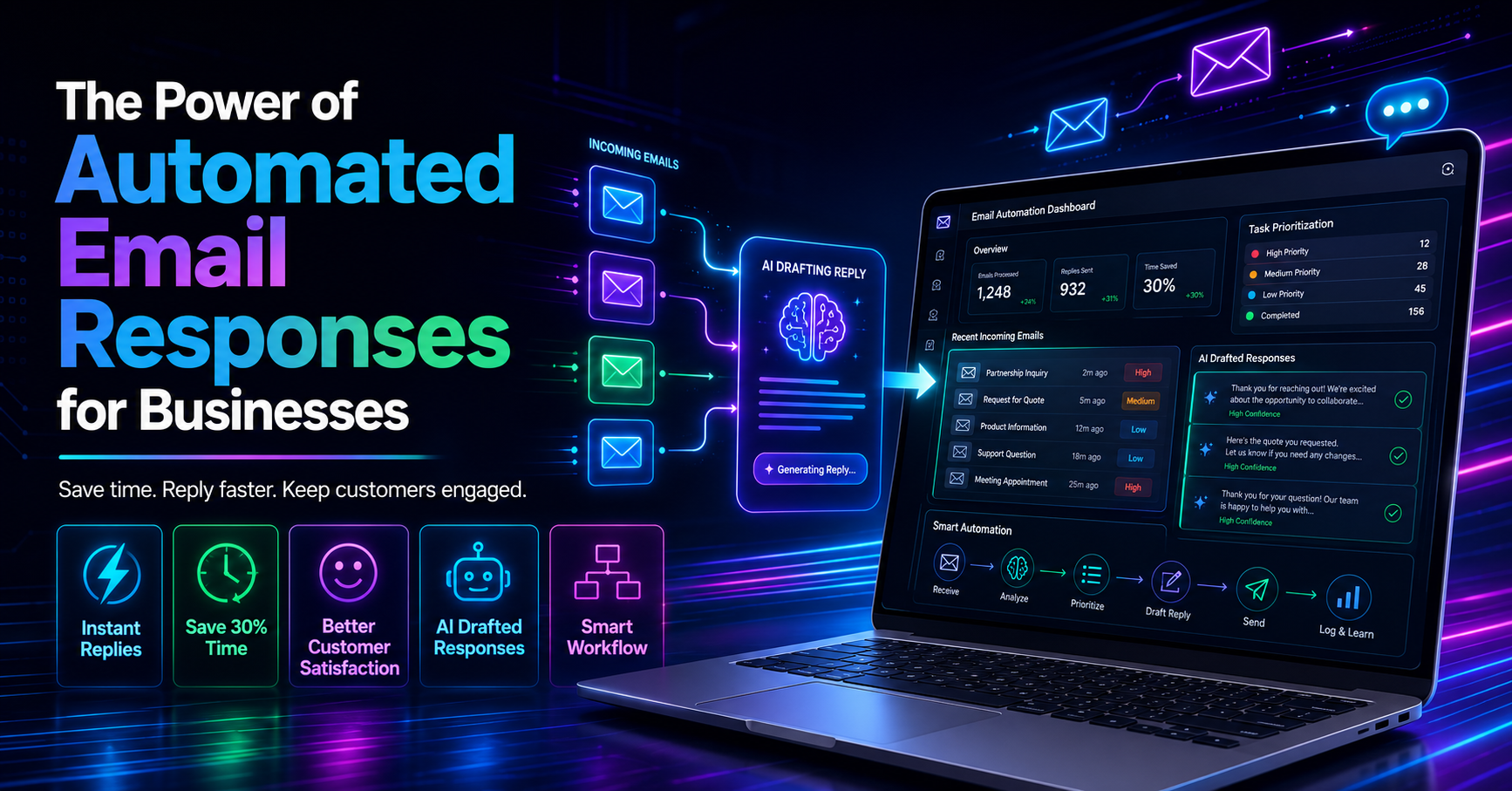
Consider a scenario where you receive multiple emails at once, some are urgent, while others are routine. Instead of manually sifting through each email, an AI tool sorts and scores them automatically. You can then tackle the high-priority emails first, saving valuable time and reducing stress.
Pros:
Reduces time spent on email management by up to 50%.
Helps prioritize tasks effectively.
Minimizes the risk of missing important messages.
Cons:
May require an adjustment period for users unfamiliar with AI tools.
Not all AI tools are equally effective, so choosing the right one matters.
This method is particularly beneficial for professionals inundated with emails and looking to enhance their productivity through smart prioritization.
Method 4: Integrate Task Prioritization Tools
Combining email management with task prioritization tools is a powerful strategy for improving workflow management. These tools help ensure that you spend your time on tasks that matter most. For example, DailyTaskProAI offers task delegation features that allow you to assign tasks directly from your inbox.
Imagine you're a team leader who receives multiple requests from team members via email. Instead of getting bogged down in your inbox, you can quickly assess which requests are urgent and assign tasks accordingly. This approach not only enhances your productivity but also fosters accountability within your team.
Pros:
Improves overall task management.
Encourages teamwork and collaboration.
Reduces the likelihood of missed deadlines.
Cons:
Some users may find it challenging to adapt to a new system.
Requires consistent usage to realize benefits.
This method is ideal for team leaders and managers who need to coordinate tasks and ensure everyone stays on track.
Method 5: Utilize Calendar Scheduling Apps
Calendar scheduling apps are essential for effectively managing meetings and deadlines. With features like auto-scheduling, these apps can read your emails, detect meeting requests, and automatically schedule tasks into your calendar based on your availability. DailyTaskProAI's Smart Calendar & Auto-Scheduling highlights this capability perfectly.
Let’s say you receive a meeting request while you're busy with other tasks. Instead of juggling your calendar manually, the smart scheduling feature checks your availability and finds the next open slot for the meeting, reducing the risk of conflicts.
Pros:
Saves time by automating the scheduling process.
Reduces calendar conflicts and overlaps.
Ensures you're always aware of your upcoming commitments.
Cons:
May require initial setup time.
Users might need to adjust their preferences for optimal use.
This method is particularly beneficial for professionals who frequently set up meetings and need to manage their time efficiently.
Method 6: Adopt Best Practices for Email Organization
Organizing your emails effectively can drastically improve your productivity. Here are some best practices to consider:
Set Up Folders and Labels: Organize your inbox by creating folders or labels for different projects or clients. This makes it easier to find important emails quickly.
Unsubscribe from Unnecessary Newsletters: Reduce clutter by unsubscribing from emails that no longer serve a purpose. This can significantly cut down the number of emails you receive daily.
Use the Two-Minute Rule: If you can respond to an email in two minutes or less, do it immediately. This helps keep your inbox manageable.
Implementing these practices can help you stay focused, reduce stress, and improve your overall efficiency.
Approximately 75% of professionals believe that better email management would improve their overall productivity.
This method is suitable for anyone looking to enhance their email management skills and reduce the overwhelming volume of emails.
FAQs About Email Productivity Apps
What are the best email productivity apps?
The best email productivity apps include DailyTaskProAI, SaneBox, and Superhuman. Each of these apps offers unique features designed to help manage your inbox and improve productivity. DailyTaskProAI stands out due to its combination of AI email management, task prioritization, and calendar scheduling capabilities.
Can email productivity apps help with task management?
Yes, many email productivity apps include features for task management. For example, DailyTaskProAI allows users to delegate tasks directly from their inbox, enhancing workflow efficiency. This integration simplifies the task management process, making it easier to prioritize important tasks.
How can I choose the right email productivity app for my needs?
Choosing the right app depends on your specific requirements, such as team size, email volume, and budget. Consider whether you need advanced features like AI-driven management or if simpler tools will suffice. DailyTaskProAI is an excellent choice for small teams looking for comprehensive email and task management.
Are there any risks associated with using email productivity apps?
While email productivity apps can enhance efficiency, there are risks involved, such as over-reliance on automation or potential data privacy concerns. It's crucial to choose tools that prioritize user privacy and offer robust security measures. DailyTaskProAI ensures that revenue risk emails are NEVER auto-sent, requiring user approval before any action is taken.
How can I maximize the benefits of an email productivity app?
To maximize benefits, consistently use the app's features, such as task delegation, AI email scoring, and calendar scheduling. Regularly review your email organization strategies and adjust settings to fit your workflow. Utilizing tools like DailyTaskProAI can lead to significant time savings and increased productivity.
Transform Your Email Productivity with DailyTaskProAI
For those overwhelmed by email management, DailyTaskProAI offers a comprehensive solution. With its AI-driven email management, task prioritization, and Smart Calendar & Auto-Scheduling capabilities, you can streamline your workflow and focus on what truly matters. Revenue risk emails are NEVER auto-sent. You always approve. By adopting DailyTaskProAI, you can reclaim hours of your workweek and enhance your overall productivity.
Explore how get started free and transform your email productivity today!
Resources & Further Reading
External Resources
The Right Way to Manage Your Email, An insightful article from Harvard Business Review on best email management practices.
Email Volume Worldwide, A report by Statista detailing global email volume trends.
Related from DailyTaskProAI
How DailyTaskProAI works, Learn about the AI features that streamline your email management.
View pricing plans, Explore the different pricing options for DailyTaskProAI.
Read more on our blog, Discover additional insights and tips for enhancing productivity.