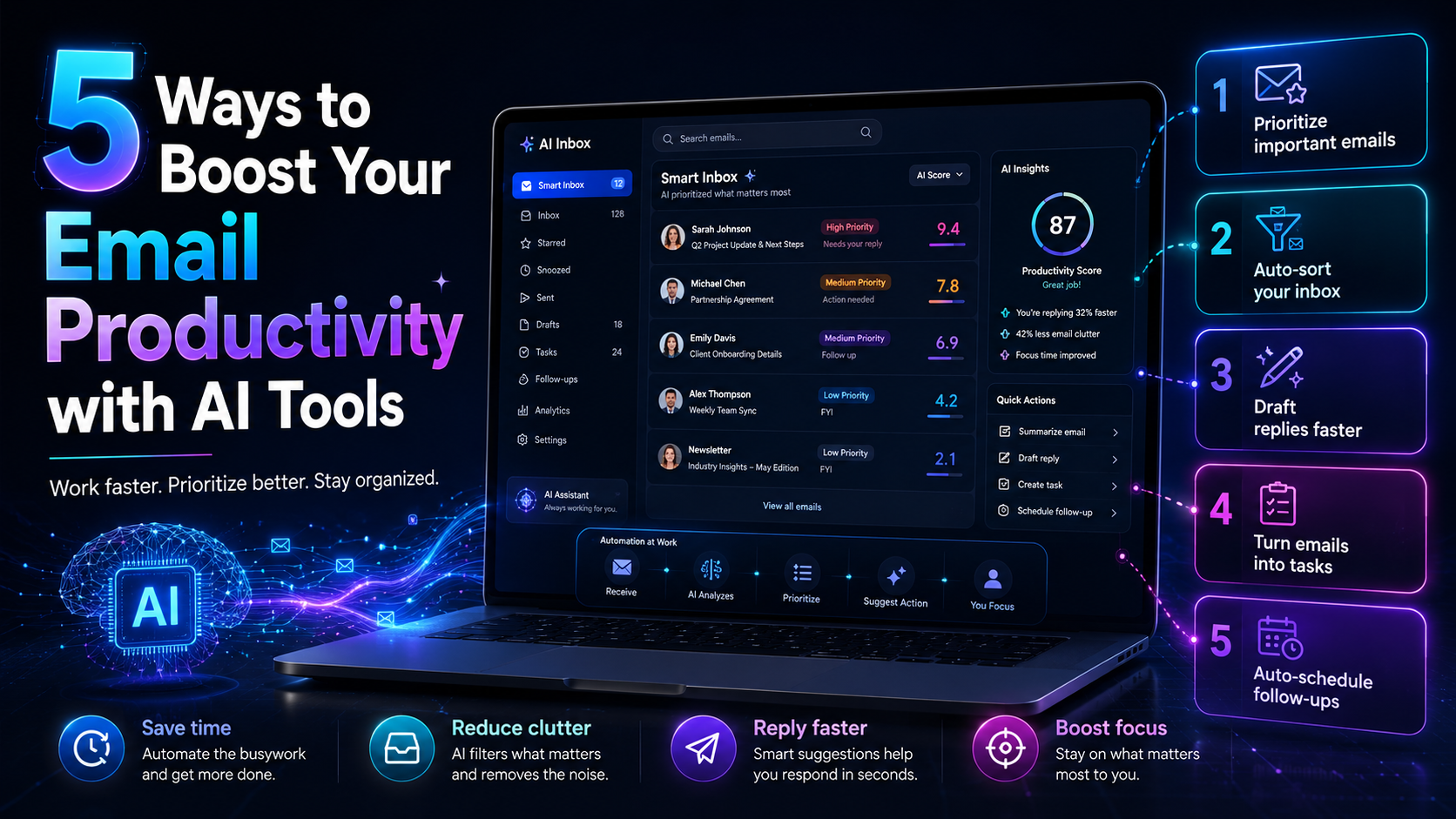
Email productivity is a critical concern for solo founders and small teams. With an overflowing inbox, keeping track of priorities becomes a daily struggle. This challenge often leads to missed deadlines and lost opportunities. AI tools can dramatically enhance your email productivity by automating tasks, prioritizing messages, and streamlining scheduling. Here’s how you can get started.
Table of contents
Method 1: Use an AI Decision Engine for Prioritization
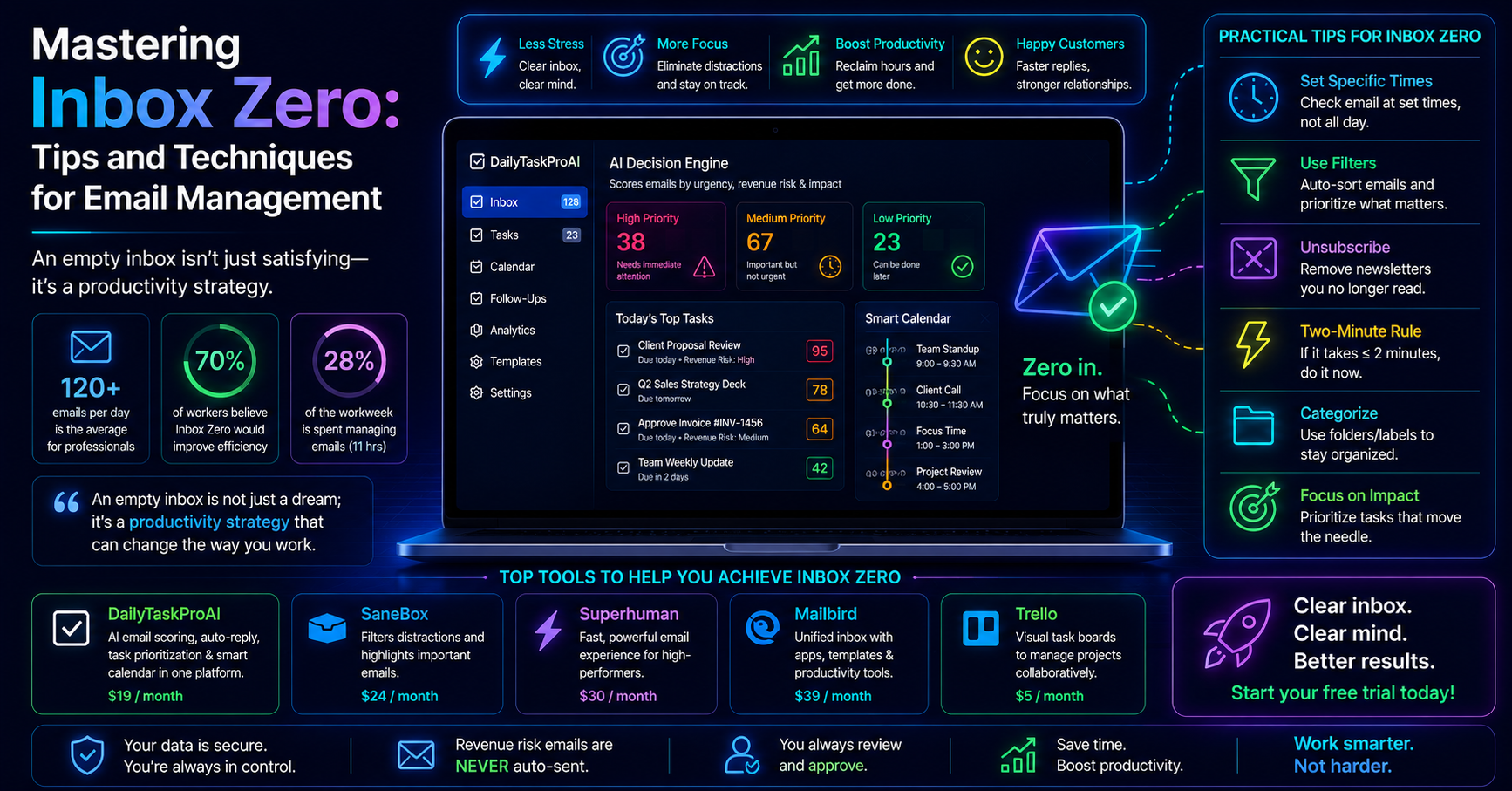
The AI Decision Engine is a powerful tool that scores every email in your inbox based on urgency, revenue risk, and other factors. By analyzing these elements, it helps you prioritize which emails to tackle first. For instance, if you receive an email from a client asking about an overdue payment, the AI Decision Engine will flag it as high priority based on its revenue risk assessment. This feature ensures you focus on what truly matters.
Consider a scenario where you’re juggling multiple client accounts. The AI Decision Engine has flagged an email from a high-value client regarding a contract renewal. This prioritization allows you to respond quickly, maintaining your relationship and securing future revenue.
Pros:
Helps in immediate prioritization of tasks.
Reduces the chances of overlooking important emails.
Increases focus on revenue-impacting communications.
Cons:
Requires initial setup and learning to trust the scoring.
May misclassify less urgent emails if not trained well.
This method is best suited for solo founders and small teams handling multiple client communications and needing to streamline their email process effectively. The AI Decision Engine in DailyTaskProAI offers these capabilities at an accessible price point.
Method 2: Automate Replies with AI Tools
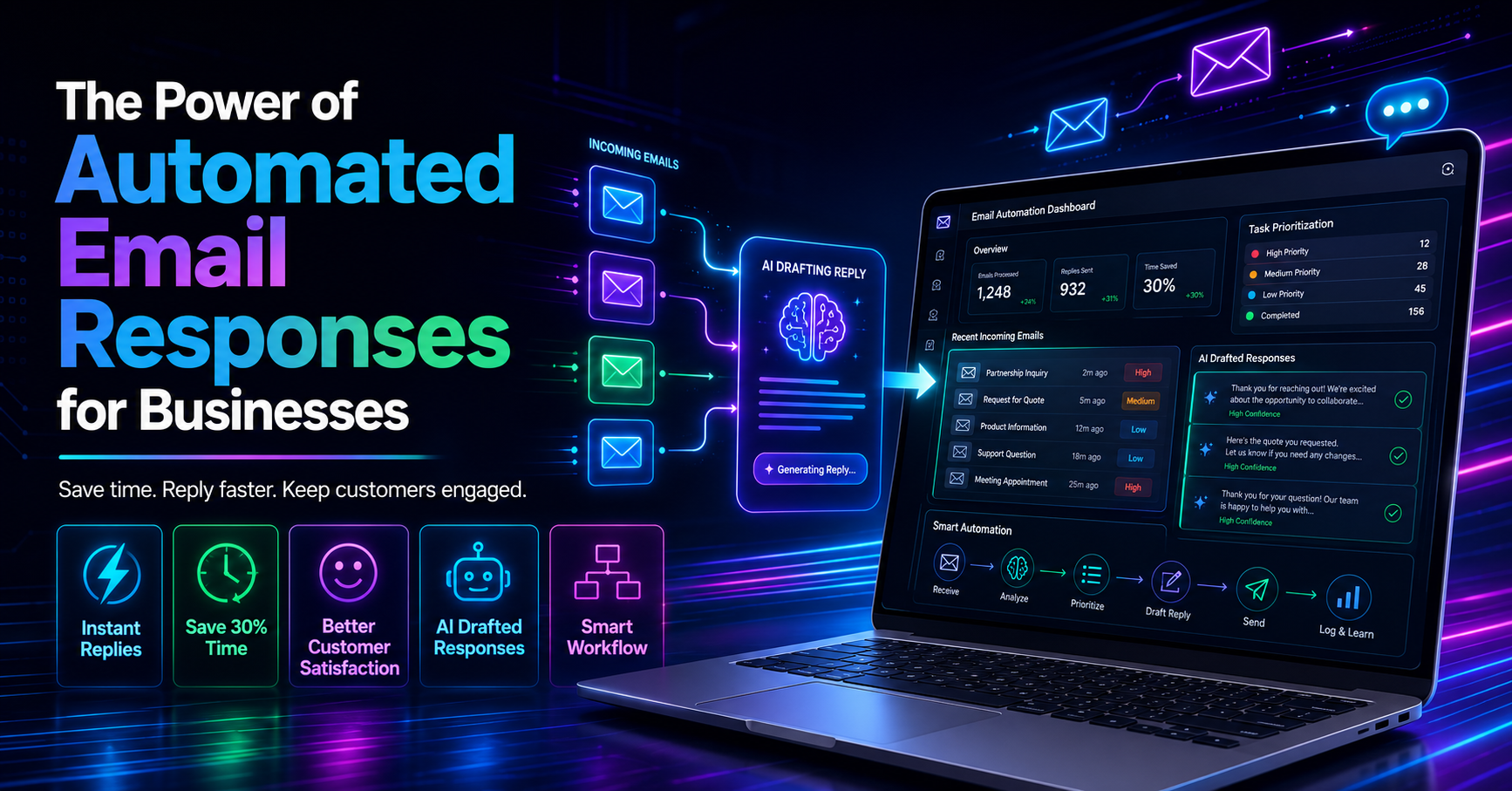
Time spent drafting responses can eat into your productivity. With AI Auto-Reply, you can draft contextual responses in your voice, saving you time while ensuring a personal touch. For example, if a customer inquires about your service offerings, the AI can draft a response based on previous interactions and your preferred tone.
Imagine receiving numerous inquiries each day about your services. Instead of crafting individual replies, AI Auto-Reply can generate responses that you can quickly review and send. This not only saves time but also ensures consistency in communication.
Pros:
Saves time on repetitive responses.
Maintains a personal touch with customizable drafts.
Improves response times, enhancing customer satisfaction.
Cons:
Requires user review before sending.
Contextual understanding can sometimes fall short.
This strategy is ideal for small teams or solo founders who frequently handle customer inquiries and wish to increase their response efficiency without sacrificing quality. The AI Auto-Reply feature in DailyTaskProAI is designed to streamline this process.
Method 3: Streamline Scheduling with Smart Calendar & Auto-Scheduling
Managing meetings and deadlines can be overwhelming. The Smart Calendar & Auto-Scheduling feature reads your emails to detect meetings and deadlines, then intelligently auto-schedules tasks into your available slots. Say goodbye to the tedious back-and-forth of finding suitable times for meetings.
For instance, after confirming a meeting with a client, the Smart Calendar & Auto-Scheduling feature will check your calendar for free slots and schedule any related tasks, ensuring you are prepared. This feature not only saves time but also reduces scheduling conflicts.
Pros:
Automatically fills your calendar with prioritized tasks.
Checks availability to avoid conflicts.
Enhances productivity by organizing your schedule efficiently.
Cons:
Initial setup might require time to input availability preferences.
May not account for last-minute changes effectively.
This method is particularly beneficial for busy professionals managing multiple projects and meetings. The Smart Calendar & Auto-Scheduling tool in DailyTaskProAI can significantly reduce scheduling headaches.
Method 4: Organize Emails for Better Management
Effective email organization is key to maintaining productivity. Using strategies such as task delegation and a Kanban Pipeline for visual tracking can help manage tasks more efficiently. With task delegation, you can assign specific emails or tasks to team members, ensuring accountability and reducing your workload.
For example, if you receive an email about a project update, you can delegate it to a team member for follow-up. The Kanban Pipeline allows you to visualize the status of tasks from "New" to "Done," making it easy to track progress.
Pros:
Enhances collaboration within teams.
Visual task tracking improves accountability.
Reduces the burden of managing all tasks alone.
Cons:
Requires team buy-in to be effective.
May be overwhelming for solo operators.
This approach is perfect for small teams looking to enhance efficiency through collaboration and better task management. The Kanban Pipeline feature in DailyTaskProAI provides a visual way to manage tasks effectively.
Method 5: Utilize Meeting Prep Tasks
Being prepared for meetings can make a significant difference in productivity. Auto-created prep tasks before meetings ensure you have everything in order, keeping you focused and ready. For instance, if you have a meeting scheduled, the system can generate a prep task about an hour prior, reminding you of key discussion points and necessary documents.
Imagine you have a crucial client meeting coming up. The system alerts you with a prep task that prompts you to review the client's recent communications and gather relevant reports. This proactive approach helps you enter the meeting confidently.
Pros:
Ensures you are always prepared for meetings.
Reduces last-minute stress and confusion.
Enhances overall meeting productivity.
Cons:
Requires users to engage with the prep tasks.
May not account for spontaneous meetings effectively.
This method is suitable for anyone who frequently attends meetings and wants to improve their preparation process. The meeting prep tasks feature in DailyTaskProAI helps streamline your meeting readiness.
Comparison of Email Productivity Methods
Method Effort Accuracy Best for AI Decision Engine Medium High Solo founders, sales teams AI Auto-Reply Low Medium Customer support teams Smart Calendar & Auto-Scheduling Medium High Busy professionals Task Delegation Medium Low Small teams Meeting Prep Tasks Low High All professionals
How to Choose the Right Tool
When selecting an email productivity tool, consider your team size and the volume of emails you handle daily. Solo founders may benefit most from tools that prioritize tasks, like the AI Decision Engine, while small teams might find task delegation and visual tracking more useful. If your business is based in India, features like GST email management may also be essential.
Budget is another factor. DailyTaskProAI offers various pricing plans to accommodate different needs, making it accessible for small teams. Additionally, consider whether you use Gmail or Outlook, as compatibility can affect your choice.
FAQ: Enhancing Email Productivity with AI
1. How does AI improve email productivity?
AI enhances email productivity by automating repetitive tasks, prioritizing important messages, and streamlining scheduling. By analyzing your inbox and identifying urgent items, AI tools can significantly reduce the time you spend managing emails. This allows you to focus on more strategic activities that drive business growth.
2. What are the best tools for email management?
The best tools for email management depend on your specific needs. For prioritization, consider tools with an AI Decision Engine. For drafting replies, look for AI Auto-Reply features. Tools like DailyTaskProAI combine these functionalities with calendar auto-scheduling, making them ideal for busy professionals.
3. What features should I look for in an email productivity tool?
Key features to look for include email prioritization through an AI Decision Engine, auto-reply capabilities, and smart scheduling options. Additionally, task delegation and visual tracking, such as a Kanban Pipeline, can enhance collaboration and task management within teams.
4. Can AI tools handle high volumes of emails effectively?
Yes, AI tools are designed to handle high volumes of emails efficiently. Features like the AI Decision Engine can quickly assess and score large numbers of emails, helping users prioritize effectively. This capability is especially useful for solo founders and small teams managing multiple client communications.
5. Are there any risks associated with using AI for email management?
While AI can significantly enhance productivity, there are risks such as misclassification of emails and over-reliance on technology. It's crucial to review automated replies and keep an eye on prioritization to ensure nothing critical is overlooked. DailyTaskProAI mitigates these risks by requiring user approval for revenue risk emails.
Start Boosting Your Email Productivity Today
Enhancing your email productivity is essential for maintaining focus and driving growth. DailyTaskProAI offers an integrated solution that combines email prioritization, auto-replies, and smart scheduling into one platform. Revenue risk emails are NEVER auto-sent. You always approve. This level of control ensures you stay informed and responsive without getting bogged down by your inbox.
Don’t let email chaos dictate your day. Take the first step towards organized communication and efficient scheduling by getting started free with DailyTaskProAI. With our tools, you can transform how you manage your email productivity.