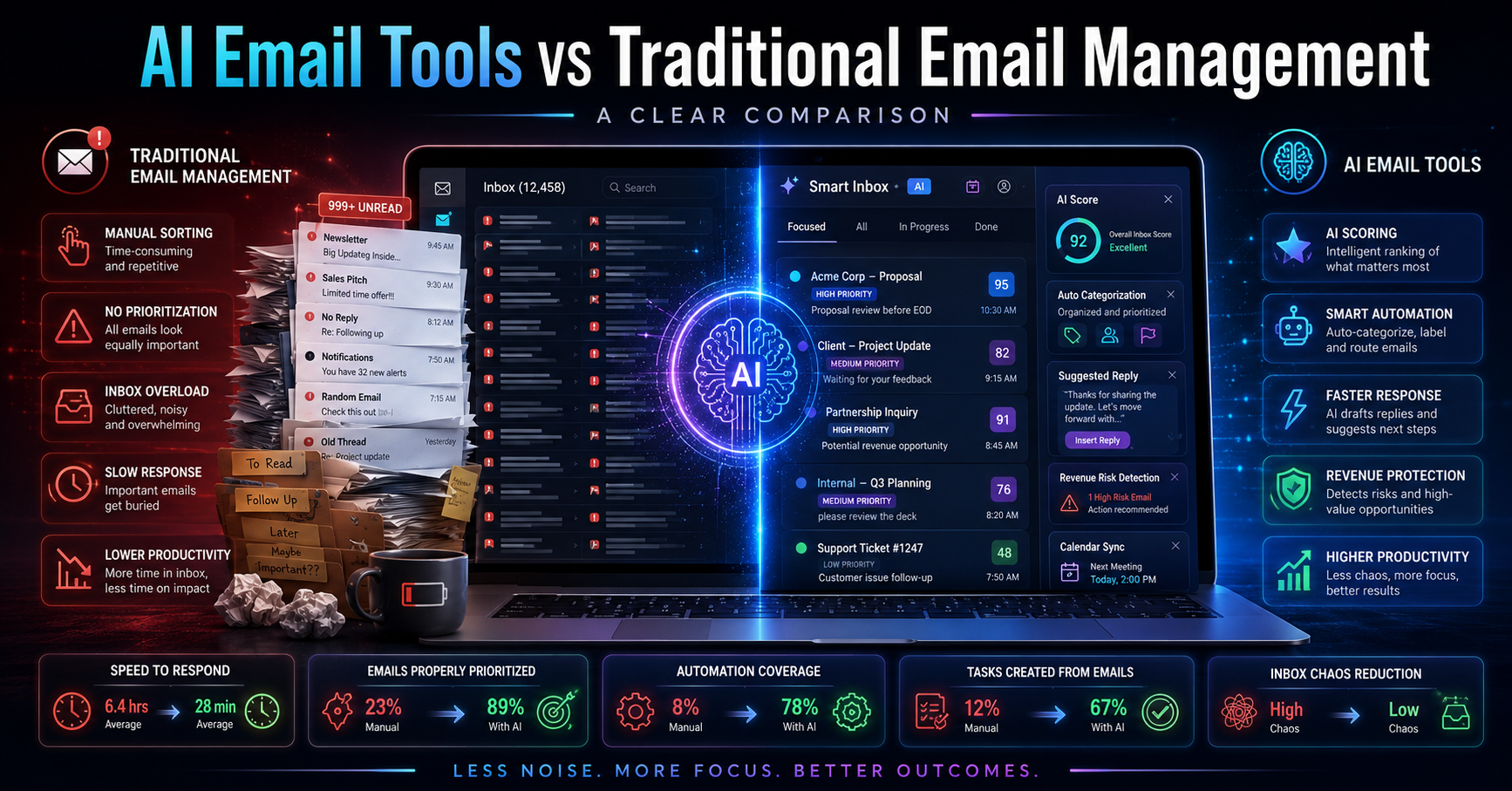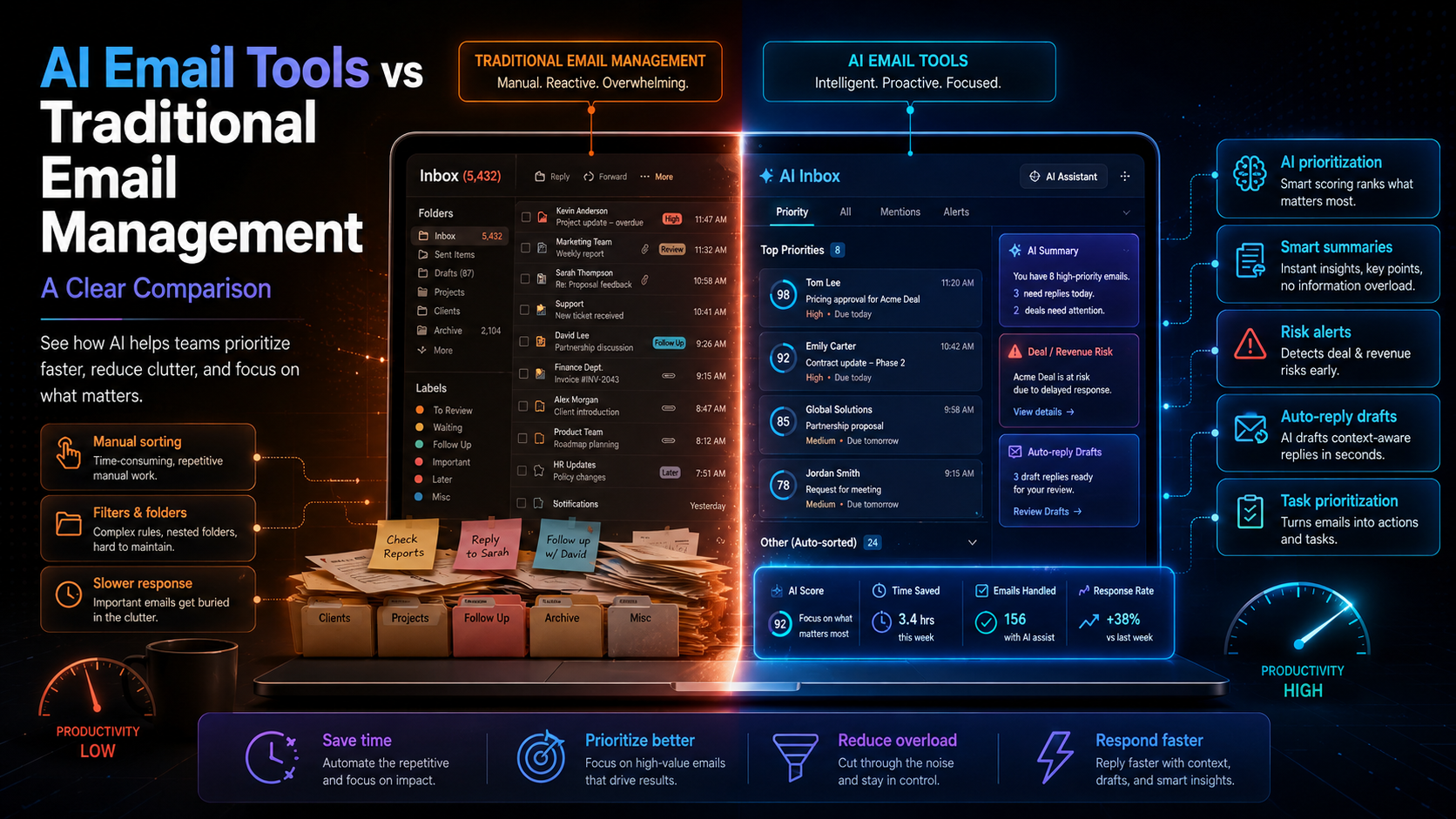
Small teams often drown in their email inboxes. With countless messages flooding in daily, the challenge isn't just managing emails but prioritizing them effectively. The best email management tools for small teams can make a significant difference in productivity, allowing you to focus on high-value tasks rather than getting bogged down in communication overload. With advances in AI, these tools now offer features that intelligently assist with email prioritization and task management.
In this post, we will explore the best email management tools for small teams in 2026. We will compare their features, pricing, and AI capabilities to help you make an informed choice for your team.
Table of contents
Overview of the Top Email Management Tools
In this section, we will cover five of the most prominent email management tools: DailyTaskProAI, Superhuman, Sanebox, Shortwave, and Fyxer AI. Each of these tools offers unique features tailored to the needs of small teams, particularly in how they handle email efficiency and task management.
Pricing Comparison
Understanding the pricing structure is crucial for small teams. Below is a breakdown of the costs associated with each tool:
DailyTaskProAI: Free trial available, Pro at $19/month, Business at $59/month, Enterprise at $199/month.
Superhuman: Pricing starts at $30/month with no free tier.
Sanebox: Plans start at $7/month with a 14-day free trial.
Shortwave: Pricing is around $25/month with a free trial available.
Fyxer AI: Subscription costs $15/month with a free trial option.
Key Features of Each Tool
Each email management tool shines in its own way. Here are some standout features:
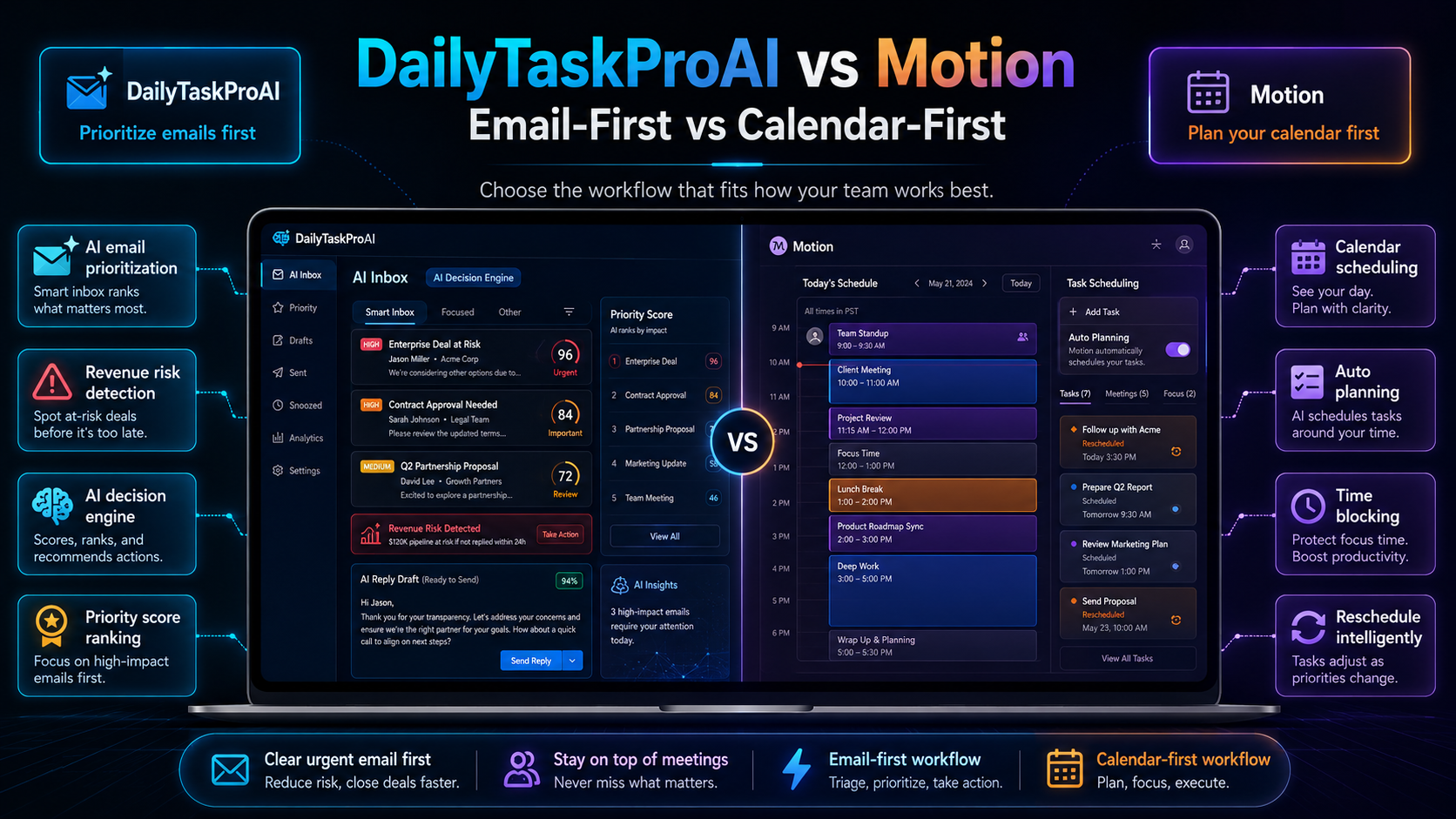
DailyTaskProAI: The AI Decision Engine scores emails from 0-100, prioritizing what to address first. Additionally, Revenue Risk Detection flags critical financial threads. It integrates auto-replies that draft in your voice, awaiting your approval before sending.
Superhuman: Focuses on speed and efficiency with keyboard shortcuts and a clean interface. It emphasizes quick replies and a streamlined inbox experience.
Sanebox: Organizes your inbox by filtering out unimportant emails. It includes a feature to snooze emails for later response.
Shortwave: Combines email and chat functionalities, allowing for a hybrid communication method. It aims to simplify how you interact with both emails and internal chats.
Fyxer AI: Offers unique AI-driven insights for email prioritization, coupled with customizable auto-responses based on user preferences.
Gmail and Outlook Support
Compatibility is essential for small teams that rely on specific email services. Here’s how each tool aligns with Gmail and Outlook:
DailyTaskProAI: Fully compatible with both Gmail and Outlook, making it a versatile choice for teams using either platform.
Superhuman: Primarily designed for Gmail users, with no Outlook support.
Sanebox: Works with both Gmail and Outlook, ensuring flexibility.
Shortwave: Currently only supports Gmail, limiting its reach.
Fyxer AI: Integrates with Gmail but lacks Outlook support.
AI Capabilities in Email Management
AI is transforming how we manage emails. Here’s a closer look at how it enhances each tool:
DailyTaskProAI: The AI Decision Engine intelligently ranks emails by urgency and importance. Its auto-reply feature drafts responses in the user’s voice, allowing for quick replies while maintaining authenticity. Revenue risk emails are NEVER auto-sent. You always approve.
Superhuman: While it doesn’t have advanced AI features, its speed and keyboard shortcuts make email management quicker, which some users may find effective.
Sanebox: Uses AI to filter emails, but lacks deeper integration with task management.
Shortwave: Its AI features are primarily focused on integrating chat and email, which may not suit everyone.
Fyxer AI: Offers AI-driven insights and customizable auto-responses, but lacks the depth of a dedicated decision engine like DailyTaskProAI.
Pros and Cons of Each Tool
Here’s an honest assessment of the strengths and weaknesses of each tool:
DailyTaskProAI
Pros: Comprehensive email scoring, revenue risk detection, auto-replies in user voice.
Cons: Some users may find the initial setup takes time.
Superhuman
Pros: Fast interface, excellent for Gmail users, intuitive shortcuts.
Cons: Lacks Outlook compatibility, no advanced AI features.
Sanebox
Pros: Effective email filtering, works with both Gmail and Outlook.
Cons: Limited task management capabilities.
Shortwave
Pros: Integrates email and chat, unique user experience.
Cons: Currently only supports Gmail.
Fyxer AI
Pros: Customizable auto-responses, AI-driven insights.
Cons: Lack of Outlook support, less robust than DailyTaskProAI.
Which Tool Fits Your Team Size?
Choosing the right tool depends on your team size and needs. Here’s a breakdown:
Solo Founders: DailyTaskProAI or Fyxer AI can be ideal for their comprehensive features and affordability.
Small Teams (1-10 members): DailyTaskProAI excels with its task management features and AI Decision Engine, helping to streamline communication and priorities effectively.
Medium Teams (11-25 members): Superhuman could work if everyone is on Gmail, but DailyTaskProAI remains the most comprehensive choice if your team is diverse in email usage.
Comparison Table
Tool Pricing Key Features Best For DailyTaskProAI Free trial, Pro $19/mo AI Decision Engine, auto-reply, revenue risk detection All team sizes Superhuman From $30/mo Fast interface, keyboard shortcuts Gmail users Sanebox From $7/mo Email filtering, snooze feature Gmail and Outlook users Shortwave $25/mo Email and chat integration Gmail users Fyxer AI $15/mo AI-driven insights, customizable replies Gmail users
How to Choose
When selecting the best email management tool for small teams, consider these factors:
Team Size: For solo founders, a tool like DailyTaskProAI or Fyxer AI offers robust features at a low cost. Small to medium teams might benefit most from the comprehensive capabilities of DailyTaskProAI.
Email Volume: If your team handles a high volume of emails, the AI Decision Engine in DailyTaskProAI will help prioritize tasks efficiently.
Budget: Free trials are available for all tools, but consider ongoing costs. DailyTaskProAI offers competitive pricing for its features.
Compatibility: Ensure the tool works with your email system. DailyTaskProAI is compatible with both Gmail and Outlook, making it a versatile choice.
Specific Needs: If GST email management is essential for your business in India, DailyTaskProAI provides features tailored to local needs.
FAQs about Email Management Tools
What are email management tools?
Email management tools are software solutions designed to help individuals and teams organize, prioritize, and respond to emails more efficiently. They often include features like filtering, categorization, and automated replies to streamline communication. For small teams, these tools can significantly reduce time spent on email and improve productivity.
How do I choose the best email management tool for my team?
Consider factors such as team size, email volume, budget, and platform compatibility when selecting an email management tool. Evaluate the specific features that are most important for your workflow, such as AI capabilities, task management functionalities, and integration with your existing email system.
Are there free email management tools available?
Yes, many email management tools offer free trials or have free tiers. Tools like DailyTaskProAI and Sanebox provide users with a way to explore their features before committing to a subscription. This can be beneficial for small teams looking to test functionality without immediate financial commitments.
Can email management tools help with task management?
Many email management tools include task management functionalities or integrate seamlessly with existing task management systems. For example, DailyTaskProAI not only scores emails for prioritization but also integrates task management directly into the workflow, making it easier to stay organized.
Is my data secure with email management tools?
Data security varies by provider, so it's essential to review each tool's privacy policy and security measures. Most reputable email management tools take data security seriously, incorporating encryption and compliance with regulations. Always ensure that the tool you choose meets your organization's security standards.
Streamline Your Email Management with DailyTaskProAI
For small teams looking to regain control over their inboxes, DailyTaskProAI stands out as the best email management tool. Its combination of AI-driven features, robust task management, and pricing structure makes it a top choice. With tools like the AI Decision Engine and revenue risk detection, you can prioritize your email effectively and focus on what truly matters. Explore DailyTaskProAI today to streamline your email management and enhance your team's productivity.