Many operations managers and small teams struggle with task management. You may find yourself overwhelmed by an endless stream of emails, meetings, and deadlines, leading to confusion about what to prioritize. With the right AI tools for task management, you can regain control and streamline your workflow.
AI tools have become increasingly relevant in today’s fast-paced work environment. They can help you prioritize tasks, automate scheduling, and improve overall team productivity. By understanding how to integrate these tools into your daily operations, you can enhance your efficiency and focus on what truly matters.
Table of contents
Method 1: Understanding Task Prioritization Tools
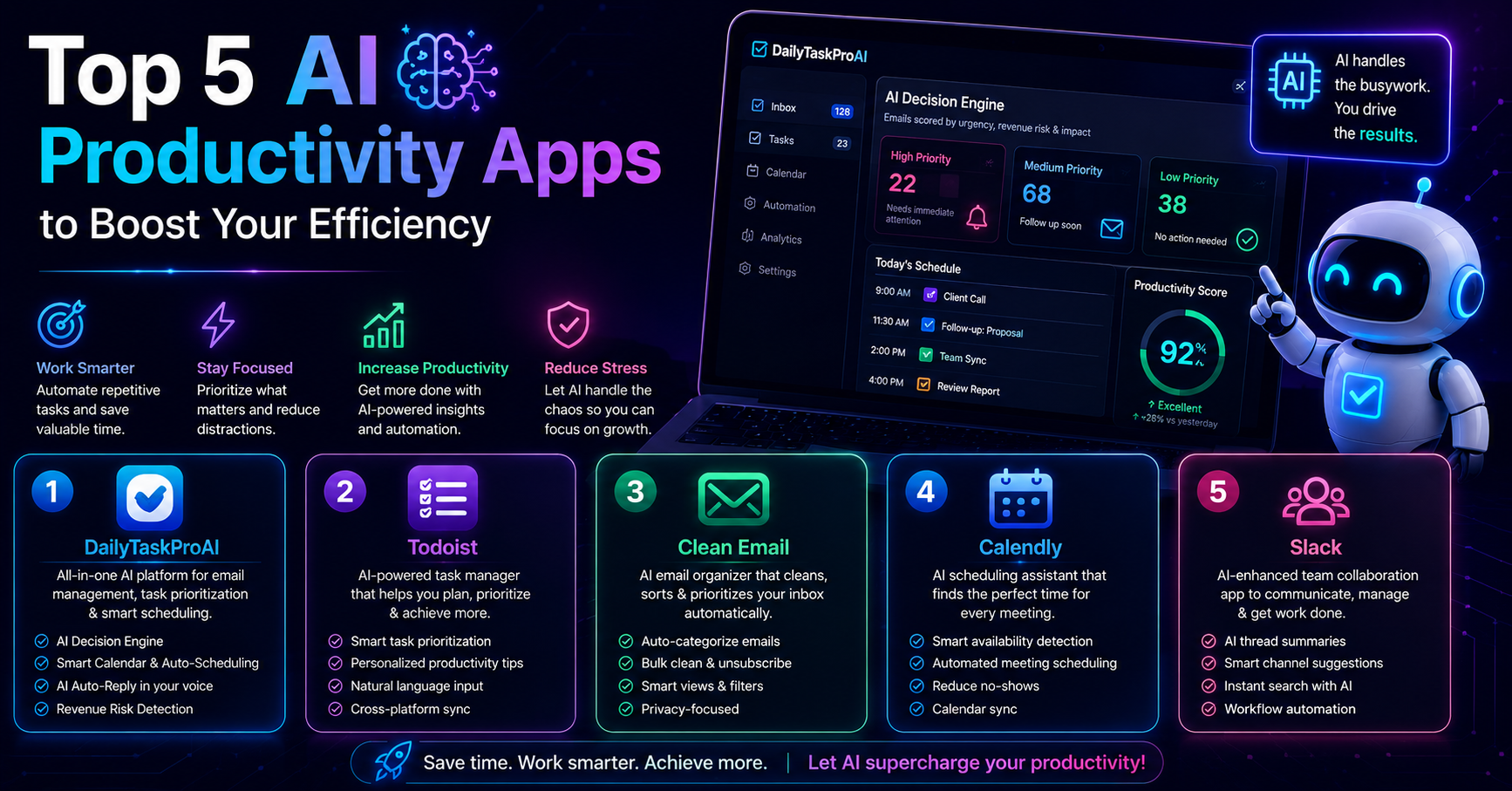
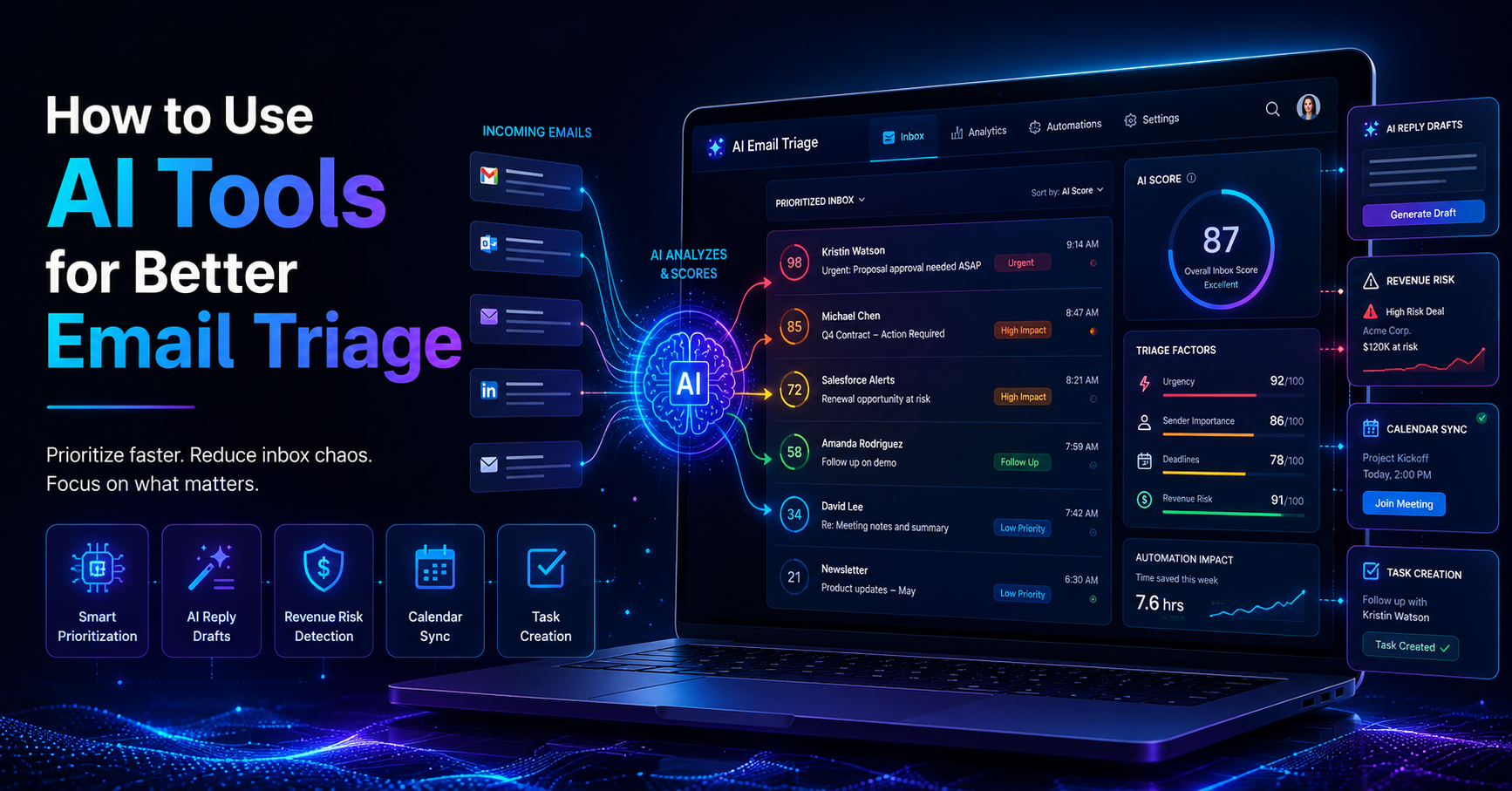
Task prioritization tools are essential for managing your workload effectively. These AI tools analyze emails and other inputs to determine which tasks demand your immediate attention. The AI Decision Engine in DailyTaskProAI is designed to score emails based on factors like revenue risk, urgency, and deadlines, helping you decide what to tackle first.
How it Works
The AI Decision Engine scans your inbox and assigns a score from 0 to 100 to each email. This score reflects the urgency and importance of the task outlined in the email. For example, an email about a critical invoice might score higher than a routine update, guiding you on where to focus your efforts. You can quickly see the most pressing items, making it easier to manage your time effectively.
Real-World Scenario
Imagine you’re an operations manager handling multiple projects. You receive numerous emails daily, but you often find it difficult to discern which require immediate action. With DailyTaskProAI’s AI Decision Engine, you can open your inbox and immediately see that a payment request has a score of 95, while a team update is only at 40. This clarity allows you to prioritize tasks that directly impact your revenue and deadlines.
Pros and Cons
Pros:
Improved clarity on task priorities
Reduced decision fatigue
Increased focus on high-impact tasks
Cons:
Initial learning curve
Dependency on email for task inputs
Best For
This method is best for small teams or solo founders who manage multiple projects and who need a clear view of their priorities. It’s particularly useful for operations managers who juggle various responsibilities and need to make quick, informed decisions.
Method 2: Benefits of AI-Powered Task Management
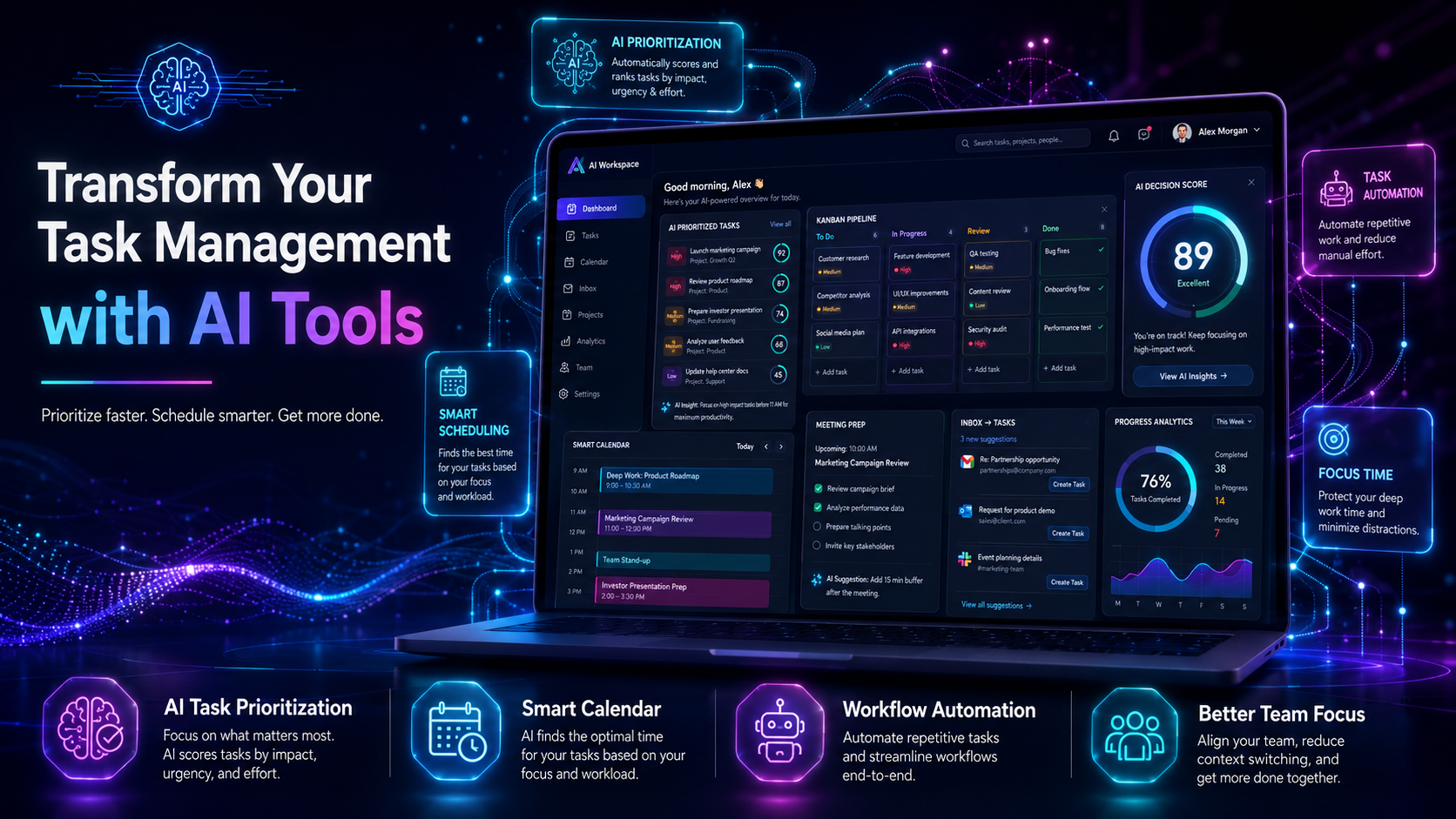
The advantages of integrating AI tools into your task management system are significant. These tools can enhance your efficiency, improve organization, and facilitate better team collaboration.
How it Works
AI-powered task management systems analyze data patterns to help you manage your workload. They can automate routine tasks, remind you of deadlines, and even suggest when to schedule breaks. For instance, if you have back-to-back meetings, an AI tool can prompt you to take a breather to recharge.
Real-World Scenario
Consider a small team working on a product launch. Using AI tools, the team can automate reminders about key milestones and deadlines, ensuring everyone stays on track. The AI can also analyze past project data to predict potential bottlenecks, allowing the team to proactively address issues before they escalate.
Pros and Cons
Pros:
Increased productivity through automation
Better organization of tasks and deadlines
Enhanced collaboration among team members
Cons:
Potential for over-reliance on automated systems
Costs associated with implementing AI tools
Best For
This method is ideal for teams looking to improve their overall productivity and organization. It is particularly beneficial for small to medium-sized teams that need to manage multiple projects efficiently.
Method 3: Delegating Tasks with AI
Delegation is a critical skill for any manager. AI tools can streamline the delegation process, allowing you to assign tasks efficiently based on team members' workloads and expertise.
How it Works
With tools like DailyTaskProAI, you can quickly delegate tasks through a simple interface. The system allows you to assign emails or tasks to specific team members, ensuring that everyone knows their responsibilities. This feature minimizes confusion and ensures accountability.
Real-World Scenario
Imagine you’re preparing for a big presentation. You have numerous tasks that need to be addressed, from gathering data to creating slides. With DailyTaskProAI, you can assign team members to specific tasks directly from their emails, ensuring that everyone is focused on what they do best.
Pros and Cons
Pros:
Clear assignment of tasks
Increased team accountability
Efficient use of team strengths
Cons:
Possibility of miscommunication
Need for regular check-ins to monitor progress
Best For
This method suits managers in small teams who need to maximize efficiency and ensure tasks are completed on time. It's especially useful in high-stakes situations where clarity and accountability are paramount.
Method 4: Automated Scheduling Tools for Meetings
Scheduling meetings can often be a tedious task, especially when coordinating multiple calendars. AI tools can significantly streamline this process, making it easier to find the optimal time for everyone involved.
How it Works
DailyTaskProAI's Smart Calendar & Auto-Scheduling feature reads your emails to detect meetings and deadlines. It checks your calendar availability and automatically schedules tasks into your free slots, ensuring that your day runs smoothly without overlaps. It can even handle conflicts, suggesting the next available time for rescheduling.
Real-World Scenario
Let’s say you manage a remote team that collaborates across different time zones. Coordinating a meeting can be a nightmare, often resulting in multiple back-and-forth emails. With the Smart Calendar & Auto-Scheduling feature, you can send an email, and the AI will automatically find a time that works for all team members, eliminating the need for tedious scheduling discussions.
Pros and Cons
Pros:
Saves time on scheduling
Reduces calendar conflicts
Increases meeting attendance
Cons:
Dependence on digital calendars
Not all schedules may be accurately reflected
Best For
This method is best for teams that frequently schedule meetings and need to coordinate across various calendars. It is particularly useful for remote teams or those working in different time zones.
Method 5: Email Management Solutions for Task Management
Integrating email management with task management is crucial for maintaining productivity. With AI tools, you can manage your inbox efficiently, ensuring that important emails don’t slip through the cracks.
How it Works
DailyTaskProAI’s AI Decision Engine not only prioritizes tasks but also identifies revenue risk emails that must be addressed immediately. This ensures that critical tasks related to invoices and payments are flagged, allowing you to focus on what could impact your bottom line. Revenue risk emails are NEVER auto-sent. You always approve.
Real-World Scenario
Consider an accounting firm that manages multiple clients. Each client sends invoices and payment reminders, and missing one could result in significant revenue loss. With DailyTaskProAI’s email management solution, you can quickly see which emails require urgent attention, ensuring no revenue risk emails are overlooked.
Pros and Cons
Pros:
Enhanced focus on critical emails
Improved task prioritization
Streamlined workflow
Cons:
May require training for effective use
Potential for information overload
Best For
This method is ideal for businesses that rely heavily on email communication and need to ensure that critical tasks are prioritized effectively. It is particularly beneficial for accounting firms and sales teams.
Choosing the Right Operations Management Software
When selecting operations management software, consider your specific needs, team size, and the features that will enhance your workflow. Tools like DailyTaskProAI offer a comprehensive suite of features designed to streamline task management, email handling, and scheduling.
FAQs about AI Tools for Task Management
1. How do AI tools improve task management?
AI tools improve task management by automating routine tasks, prioritizing emails and responsibilities, and scheduling meetings efficiently. They analyze data to provide insights that help you stay organized and focused on high-impact work. This leads to increased productivity and better decision-making.
2. What are the benefits of using AI for email management?
Using AI for email management allows you to quickly identify important emails, reduce clutter in your inbox, and prioritize tasks effectively. AI tools can also draft contextual replies in your voice, saving you time in communication. This integration ensures that critical tasks related to revenue are prioritized without any manual effort.
3. Can AI tools help with team collaboration?
Yes, AI tools can significantly enhance team collaboration by streamlining communication, automating task assignments, and providing visibility into each team member's workload. Features like shared credit pools and team rankings can help foster a collaborative environment and improve overall team dynamics.
4. Are AI tools suitable for small teams?
Absolutely. AI tools are designed to scale with your needs, making them suitable for small teams as well as larger organizations. They provide the flexibility to adapt to varying workloads and can enhance efficiency without requiring significant resources, which is often a concern for smaller teams.
5. How do I choose the right AI task management tool?
Choosing the right AI task management tool involves assessing your specific needs and workflow. Consider factors like team size, email volume, and required features. Evaluate tools based on their ability to effectively prioritize tasks, manage emails, and integrate with existing systems. A feature-rich option like DailyTaskProAI may be ideal for many businesses.
Transform Your Task Management with DailyTaskProAI
Transforming your task management process is within reach. With tools like DailyTaskProAI, you can streamline your workflow, prioritize effectively, and manage your emails and tasks seamlessly. By implementing AI tools for task management, you can reclaim your time and focus on what matters most, growing your business.
Start your journey towards improved task management today. Get started free and experience how DailyTaskProAI can change the way you work.