AI Email Tools vs Traditional Email Management: A Clear Comparison
Most professionals today are trapped in a cycle of endless emails, often spending over two hours daily managing their inboxes. With 70% of workers facing this issue, it's no wonder that email overload leads to a significant 25% decrease in employee satisfaction and engagement. Traditional email management methods simply can't keep up with the demands of modern work. Enter AI email tools, which offer a more efficient way to handle your emails and tasks.
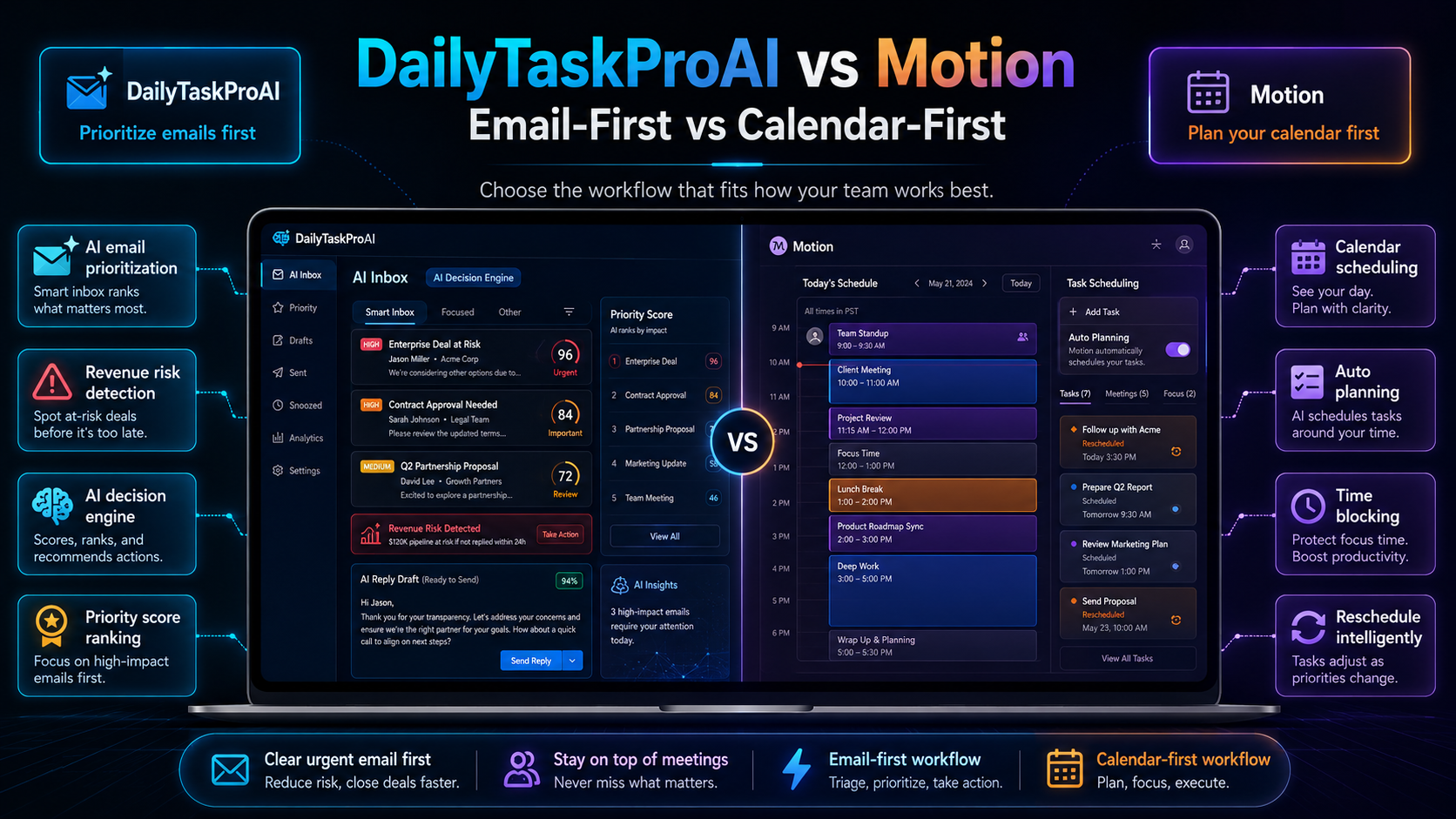
AI email tools, such as DailyTaskProAI, promise to change the way you manage your email by prioritizing messages and integrating task management and scheduling into one seamless experience. But how do they compare to traditional email management methods? Let's dig into the differences and see if an AI-based approach is right for you.
Table of contents
Introduction to Email Management
Email management is essential in today’s fast-paced work environment. It's the process of organizing and prioritizing emails to ensure that important messages are addressed promptly. A staggering 60% of small businesses report struggling with effectively prioritizing emails, leading to missed deadlines and lost opportunities. Traditional methods often fall short in providing the necessary tools for efficient email management, leaving professionals overwhelmed.
AI email tools, on the other hand, integrate advanced features that streamline email handling, allowing users to focus on what truly matters. They leverage the power of automation to enhance task prioritization and scheduling while maintaining a user-friendly interface.
Understanding AI Email Tools
AI email tools are designed to automate and optimize the email management process. Key features include the AI Decision Engine, which reads your inbox and scores every email from 0 to 100 based on factors like revenue risk, urgency, and deadlines. This feature enables you to focus on high-priority emails first, reducing cognitive load and improving decision-making.
Another essential feature is the Smart Calendar & Auto-Scheduling, which analyzes your emails to detect meetings and deadlines, subsequently checking your calendar availability to auto-schedule tasks during your working hours. This eliminates the hassle of double-booking and helps you make the most of your time.
Consider a scenario where you receive ten emails within an hour, including urgent client inquiries and routine updates. The AI Decision Engine will prioritize the client inquiries, ensuring you respond in time to secure a deal, while the Smart Calendar & Auto-Scheduling feature can help you block out uninterrupted time for focused work.
Pros:
Automated prioritization based on urgency and risk.
Streamlined scheduling and reduced conflicts.
Time-saving features that improve overall productivity.
Cons:
May require a learning curve for users new to AI tools.
Initial setup may take time to customize to user preferences.
AI email tools are best for professionals and small teams who struggle with email overload and need a systematic approach to manage their communications efficiently.
Traditional Email Management Methods
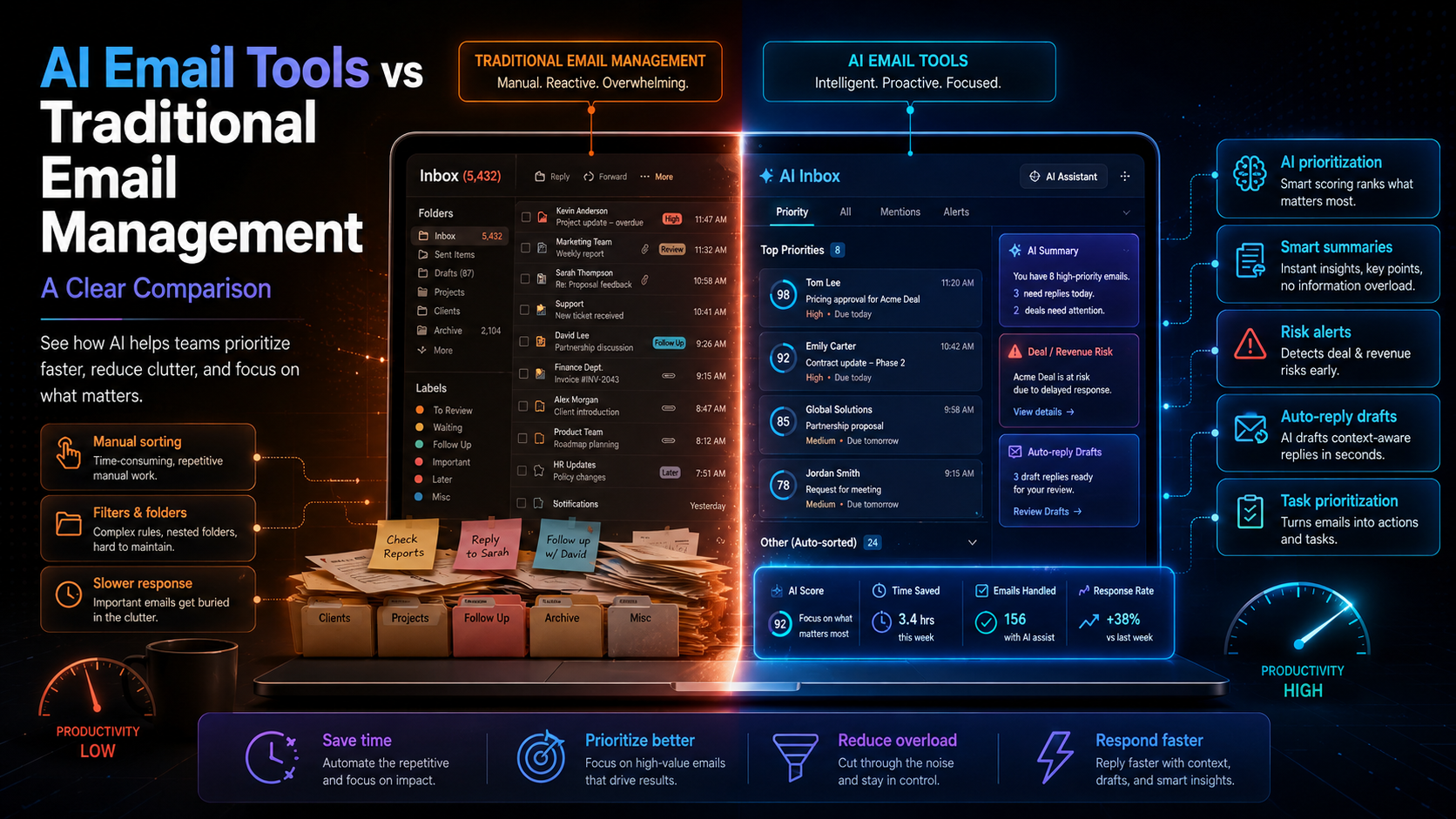
Traditional email management often relies on manual sorting, prioritization, and scheduling. Most users resort to creating folders, using flags, or simply scrolling through their inbox to identify important messages. This approach can lead to significant inefficiencies, as it does not account for urgency or potential revenue impact.
For example, a professional might flag an email for follow-up without realizing it contains a deadline-critical invoice. In such cases, utilizing a simple manual method can easily result in missed opportunities or delayed responses.
Common traditional email management techniques include:
Manual Sorting: Users categorize emails into folders or labels based on their judgment.
Prioritization by Sender: Emails from known contacts may get prioritized over unfamiliar ones, regardless of content urgency.
Calendar Integration: Users manually enter deadlines or meetings into calendars without automated support.
While these methods may work for some, they often lack the precision and speed required in a fast-paced work environment. Without automation, professionals can become overwhelmed, leading to decreased efficiency and, ultimately, lower job satisfaction. As studies show, companies that adopt AI email tools report a 30% increase in productivity within the first three months.
Comparison of Email Prioritization
When it comes to email prioritization, AI email tools provide significant advantages over traditional methods. The AI Decision Engine evaluates each email based on criteria that matter most to your business, increasing accuracy and efficiency.
For instance, if you receive an email from a potential client regarding a proposal deadline, the AI tool will flag it based on urgency and revenue risk, prompting immediate action. In contrast, traditional methods may lead to this email being lost among less critical messages.
Let's break down how these two approaches compare:
Method Efficiency Accuracy Best For AI Email Tools High Very High Small teams, busy professionals Traditional Methods Low Medium Small-scale users, less complex requirements
In summary, AI email tools provide a faster, more accurate method for prioritizing emails, ultimately leading to better decision-making.
Task Management: AI vs Traditional
Task management is another area where AI email tools excel compared to traditional methods. While manual methods often involve creating to-do lists or calendar events directly from emails, AI tools automate this process, making it more seamless.
For example, with DailyTaskProAI, the Smart Calendar & Auto-Scheduling feature automatically schedules tasks based on your availability and deadlines detected in your emails. This ensures that critical tasks are completed without the user having to remember each one or manually input them into their calendar.
Here's a closer look at how both methods fare:
Method Automation Level Integration Best For AI Email Tools High Excellent Busy professionals, small teams Traditional Methods Low Limited Individuals with fewer tasks
With AI tools, task management becomes a much more efficient process, allowing users to focus on executing tasks rather than just planning them.
Impact on Productivity
The impact of AI email tools on productivity cannot be overstated. Organizations using these tools report a remarkable 40% reduction in response times, which translates into faster decision-making and improved customer satisfaction. By automating routine tasks and optimizing email prioritization, AI tools free up valuable time for professionals to engage in more strategic activities.
In contrast, traditional email management methods can hinder productivity by consuming excessive time and mental energy. Manual sorting and prioritization often lead to decision fatigue, where users struggle to maintain focus due to the overwhelming volume of emails.
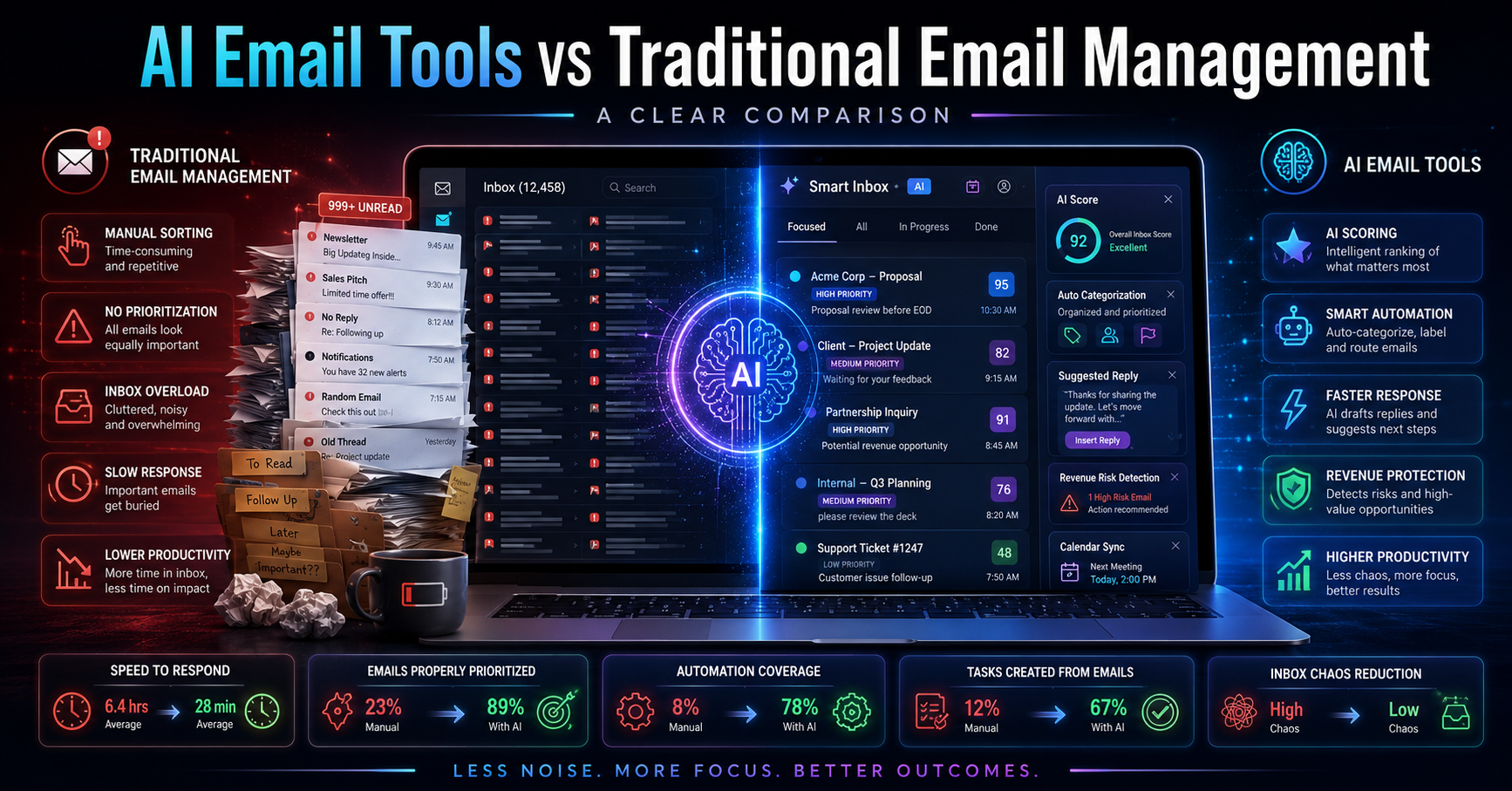
Consider the following statistics:
The chart illustrates the time savings associated with AI email tools compared to traditional methods. On average, users can save nearly 3.7 hours per week by switching to an AI-based approach, leading to a more productive work environment.
Frequently Asked Questions
What are the primary benefits of using AI email tools?
AI email tools streamline the email management process by automating prioritization and scheduling tasks. This leads to reduced cognitive load, improved response times, and higher overall productivity. Users can focus on more critical tasks rather than getting bogged down by email overload.
How do AI email tools improve productivity?
AI email tools enhance productivity by eliminating time-consuming manual processes. By automatically scoring emails for urgency and revenue risk, users can focus on high-priority communications. Additionally, Smart Calendar & Auto-Scheduling helps manage deadlines and scheduling conflicts effectively.
Are AI email tools suitable for small businesses?
Yes, AI email tools are particularly beneficial for small businesses that struggle with email overload. The automation of email management features reduces time spent on routine tasks, allowing small teams to operate more efficiently and effectively.
What differentiates DailyTaskProAI from competitors?
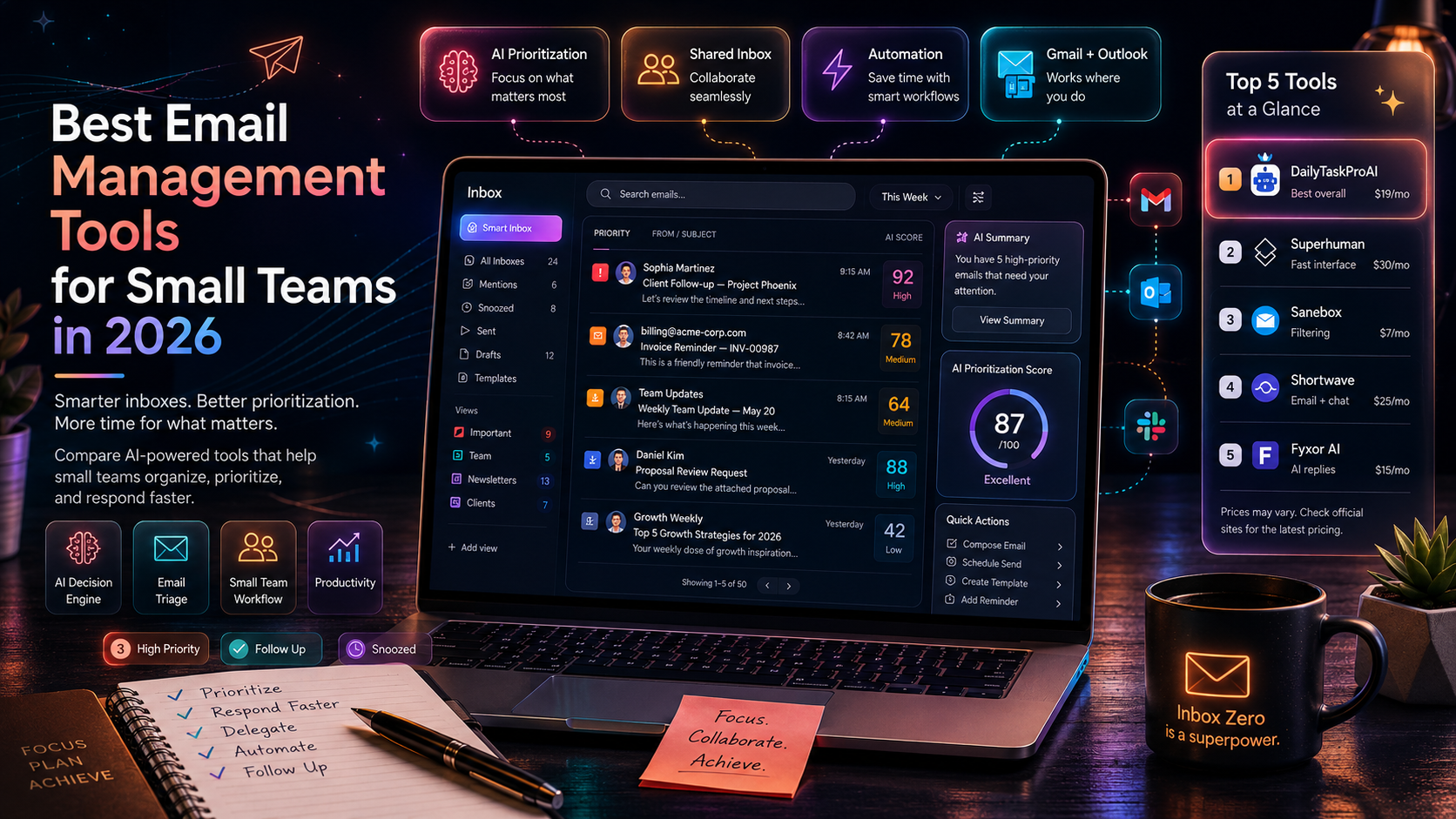
DailyTaskProAI stands out by offering a combined solution for email prioritization, task management, and calendar auto-scheduling, all at an affordable price point. Many competitors, such as SaneBox and Superhuman, do not provide integrated scheduling features, which can limit their effectiveness.
Can I try DailyTaskProAI before committing?
Absolutely! DailyTaskProAI offers a free trial for users to explore its features before making a commitment. This allows you to assess how the tool fits your workflow and improves your email management process.
Conclusion: Making the Switch
Switching to AI email tools can significantly enhance your email management and overall productivity. By automating the prioritization of emails and integrating task management and scheduling, you can reclaim valuable time and improve your response rates. The benefits are clear: reduced cognitive load, faster decision-making, and a more organized approach to managing communications.
As you consider your options, think about how DailyTaskProAI can address your unique needs. With features like the AI Decision Engine and Smart Calendar & Auto-Scheduling, you can streamline your workflow and focus on what truly matters. Remember, revenue risk emails are NEVER auto-sent. You always approve.
Ready to enhance your email management? Get started free and see the difference for yourself.
Resources & Further Reading
External Resources
How to Improve Your Email Productivity, Insightful strategies for managing inbox overload.
The Future of Email, Analysis of email trends and the impact of AI.
Email Usage Worldwide, Comprehensive statistics on email usage trends.