Most employees feel overwhelmed by repetitive tasks, leading to burnout and decreased job satisfaction. A staggering 70% of employees report spending at least 20% of their workweek on tasks that could be automated. The solution lies in task automation software, which can streamline these repetitive tasks and allow your team to focus on higher-value work.
Implementing task automation not only boosts efficiency but can also save businesses up to 30% of their time. By 2025, an estimated 60% of small businesses plan to invest in automation tools, recognizing the potential to improve productivity and reduce operational costs by up to 40%. If your business is still grappling with manual processes, it’s time to explore how automation can transform your workflow.
Table of Contents
What is Task Automation Software?
Task automation software refers to tools designed to automate repetitive tasks, allowing businesses to streamline operations and improve efficiency. These tools can handle a range of tasks, from data entry to email management, freeing up employees to focus on strategic initiatives. With capabilities like the AI Decision Engine and Smart Calendar & Auto-Scheduling, task automation software can significantly reduce the burden of mundane tasks.
How Can Automation Improve Business Efficiency?
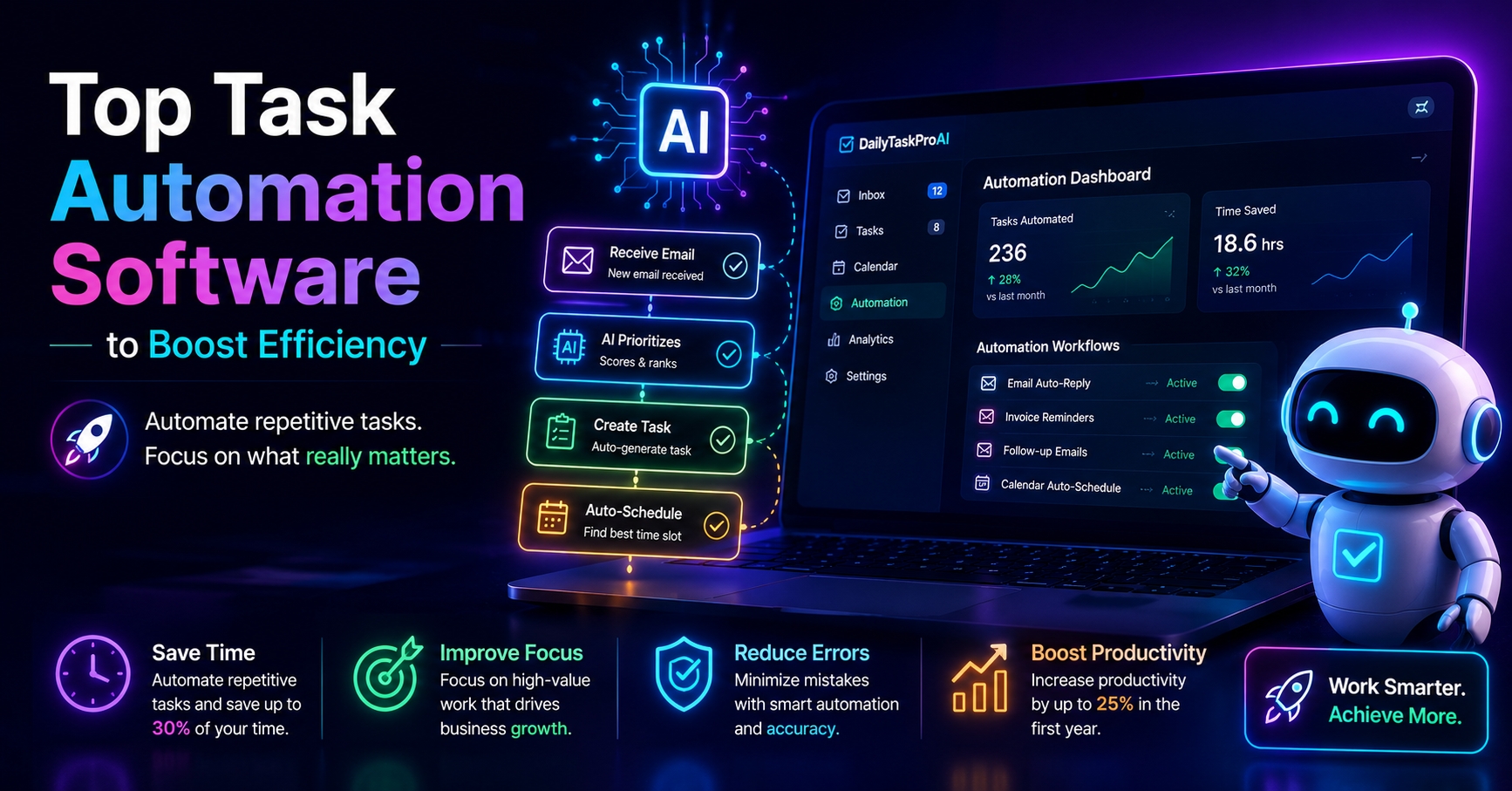
Task automation can have a profound impact on business efficiency. By automating repetitive tasks, companies can achieve an average productivity increase of 25% within the first year of implementation. This increase is primarily due to better resource allocation, as employees spend less time on mundane tasks and more on high-value activities.
For instance, consider a small marketing firm that manages a large volume of emails daily. By implementing automation to handle responses and prioritize urgent tasks, the team can redirect their focus toward creative projects, ultimately improving campaign outcomes. This shift not only enhances productivity but also fosters employee satisfaction.
Pros: Increases productivity, better resource allocation, enhanced employee satisfaction.
Cons: Initial setup costs, potential resistance to change among staff.
This approach is best for small to medium-sized enterprises that frequently deal with repetitive tasks and seek to improve overall performance.
Benefits of Using Task Automation Tools
The benefits of task automation tools are multifaceted. Here are some of the key advantages:
Time Savings: Automating tasks can save significant time, as employees no longer need to perform repetitive actions manually. This leads to faster project completion and improved turnaround times.
Reduced Errors: Automation minimizes human error, especially in tasks like data entry or invoice management. This leads to more accurate results and a lower likelihood of costly mistakes.
Improved Focus on Strategic Tasks: With routine tasks handled by automation, employees can concentrate on strategic initiatives that drive business growth.
According to experts, task automation not only boosts efficiency but also allows employees to focus on higher-value work, fostering innovation and creativity. This is particularly relevant for teams that balance multiple projects and deadlines.
Top Features to Look for in Task Automation Software
When evaluating task automation software, consider the following essential features:
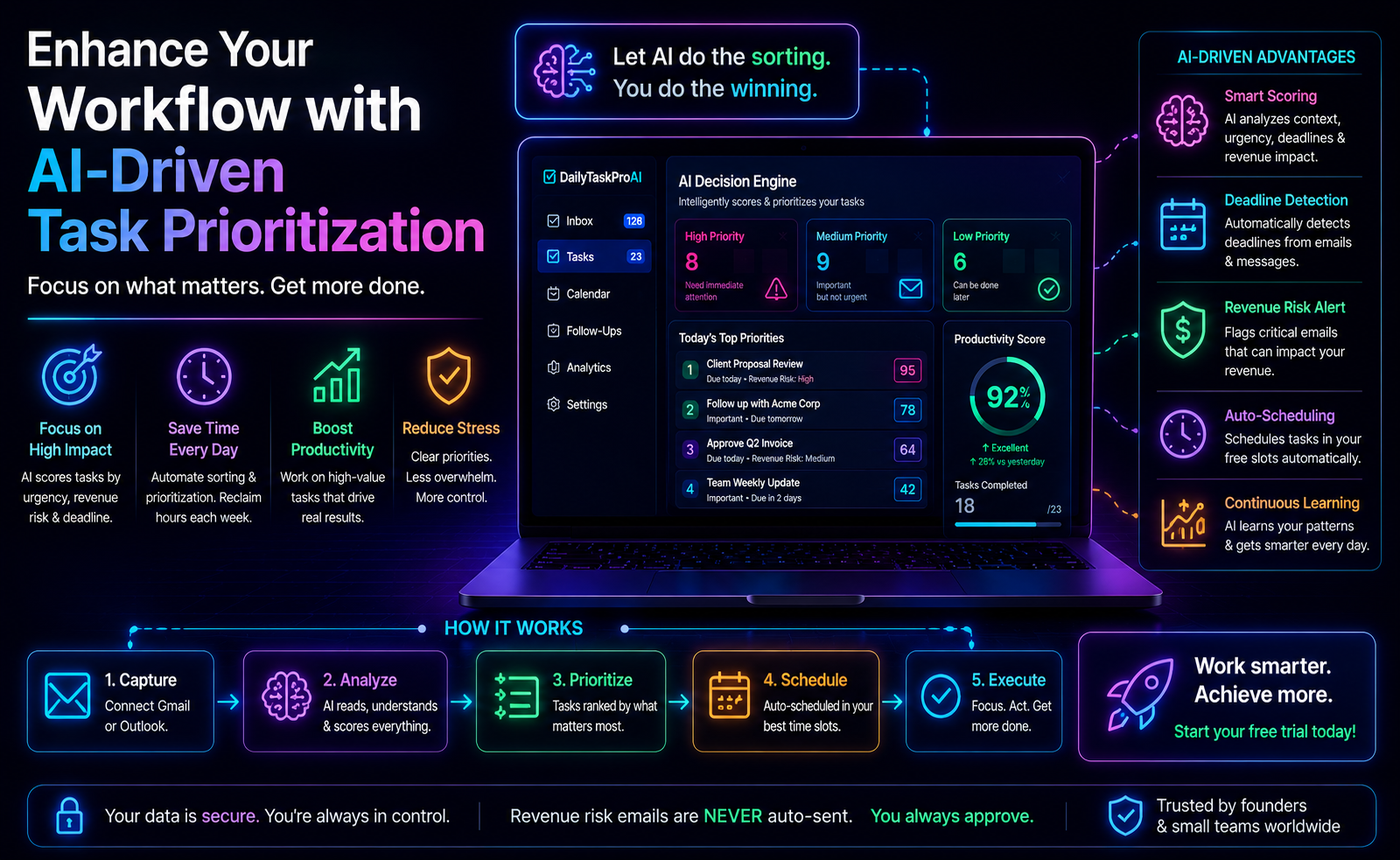
AI Decision Engine: This feature assesses tasks and emails, scoring them for urgency and importance, helping you prioritize effectively. With DailyTaskProAI, for example, you can manage your inbox with a clear understanding of what needs immediate attention.
Email Management Automation: Automation tools like AI Auto-Reply can draft responses in your voice while allowing you to review before sending. This ensures you maintain control over communication while saving time.
Smart Calendar & Auto-Scheduling: This feature reads emails, detects meetings and deadlines, checks calendar availability, and auto-schedules tasks into free slots. It addresses calendar conflicts seamlessly, suggesting the next available slots for rescheduling.
These features not only enhance productivity but also make the tool user-friendly, which is crucial for successful adoption.
Comparing Popular Task Automation Software
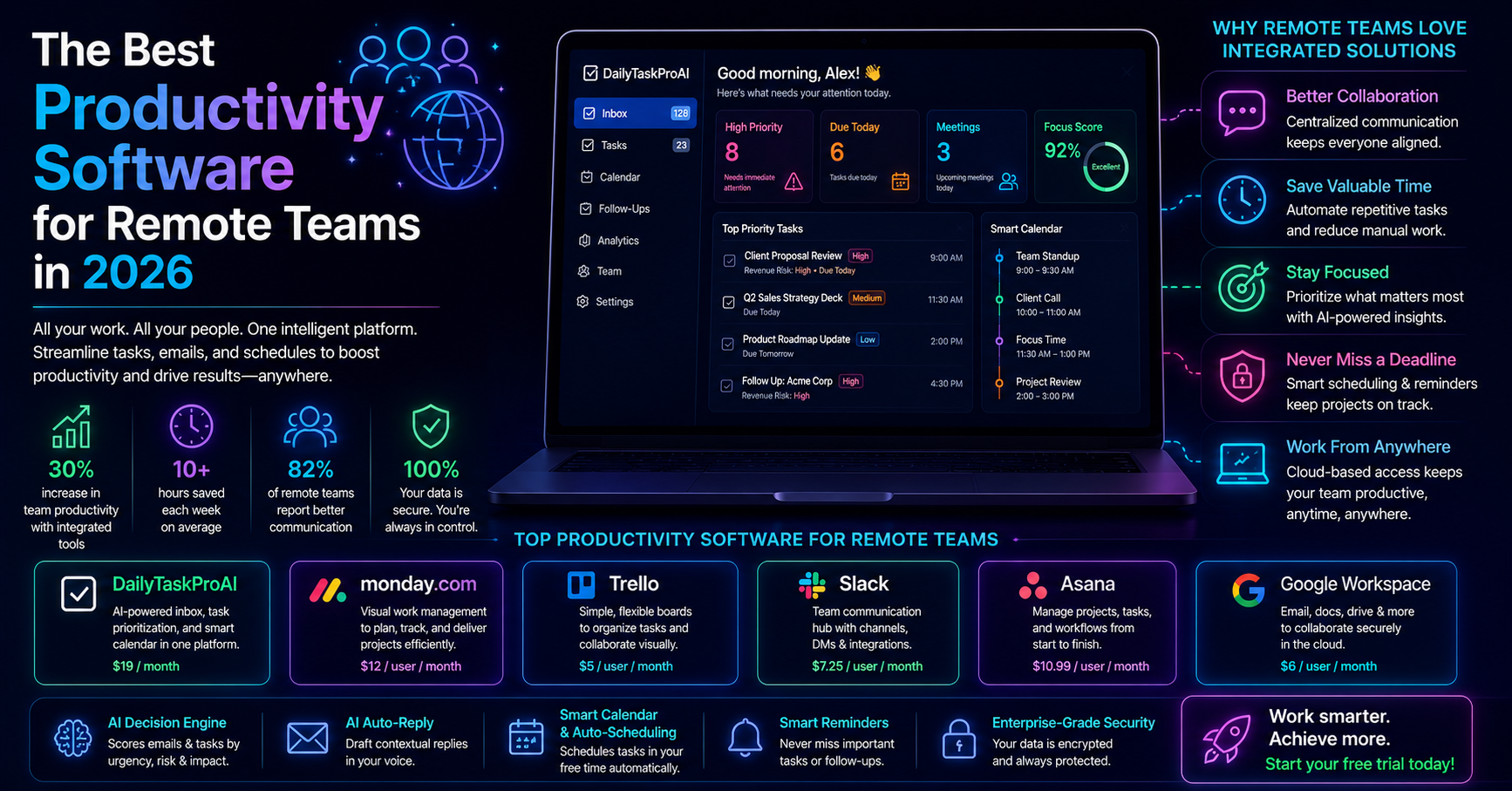
Software Unique Features Price Best For DailyTaskProAI AI Decision Engine, Smart Calendar $19/month Small teams SaneBox Email filtering $24/month Individuals Superhuman Speedy email management $30/month High-frequency users Motion Task scheduling $29/month Busy professionals Fyxer AI AI task management $20/month Small teams
How to Choose the Right Tool for Your Needs
Choosing the right task automation software depends on several factors:
Team Size: For smaller teams of 1-10 members, tools like DailyTaskProAI can help consolidate email and calendar management effectively. Larger teams may require enterprise features to manage workflows.
Email Volume: If your team handles a high volume of emails daily, look for software with advanced email management features like the AI Decision Engine and auto-reply capabilities.
Budget: Evaluate your budget against the features offered. DailyTaskProAI provides competitive pricing at $19/month, making it accessible for smaller businesses.
Specific Needs: If your business operates in India, consider tools that cater to local requirements, such as GST management. DailyTaskProAI’s features can help with GST email management and deadline scheduling.
FAQs About Task Automation Software
What is task automation software?
Task automation software refers to tools that automate repetitive tasks within a business. These tools help streamline operations, allowing employees to focus on more strategic work rather than mundane tasks. By integrating automation into workflows, companies can improve efficiency and productivity.
What are the benefits of using task automation tools?
Using task automation tools can lead to significant time savings, reduced errors, and improved focus on high-value tasks. Automation allows businesses to allocate resources more effectively and enhances overall performance. This results in better employee satisfaction and increased productivity.
Which task automation software is best?
The best task automation software depends on your specific needs. For small teams, DailyTaskProAI offers comprehensive features at an affordable price. For those prioritizing email management, tools like SaneBox or Superhuman might be better suited. Evaluate your team size, budget, and specific requirements before making a decision.
How does automation impact productivity?
Automation can significantly enhance productivity by reducing the time spent on repetitive tasks. Reports indicate that companies implementing automation see an average productivity increase of 25% within the first year. Employees can then focus on strategic work that drives innovation and growth.
Is task automation software easy to integrate?
While some businesses face challenges integrating automation tools into existing workflows, many modern solutions prioritize user-friendliness. Tools like DailyTaskProAI are designed to be easy to adopt, minimizing resistance among employees and ensuring smooth implementation.
Start Your Free Trial with DailyTaskProAI
DailyTaskProAI stands out as a comprehensive solution for managing your email, tasks, and calendar. By combining email management, task prioritization, and Smart Calendar & Auto-Scheduling, this tool helps you streamline your workflow effectively. Revenue risk emails are NEVER auto-sent. You always approve. This ensures you maintain control over critical communications while enjoying the benefits of automation.
Start your free trial of DailyTaskProAI today and see how task automation can transform your workflow. With the right tools in place, you can reclaim valuable time and enhance your team’s productivity.
Resources & Further Reading
External Resources
The Future of Automation, Insights on how automation is reshaping industries.
10 Examples of Businesses Benefiting from Automation, Real-world applications of automation in various sectors.
Gartner Report on Automation Investments, Trends and forecasts in the automation market.