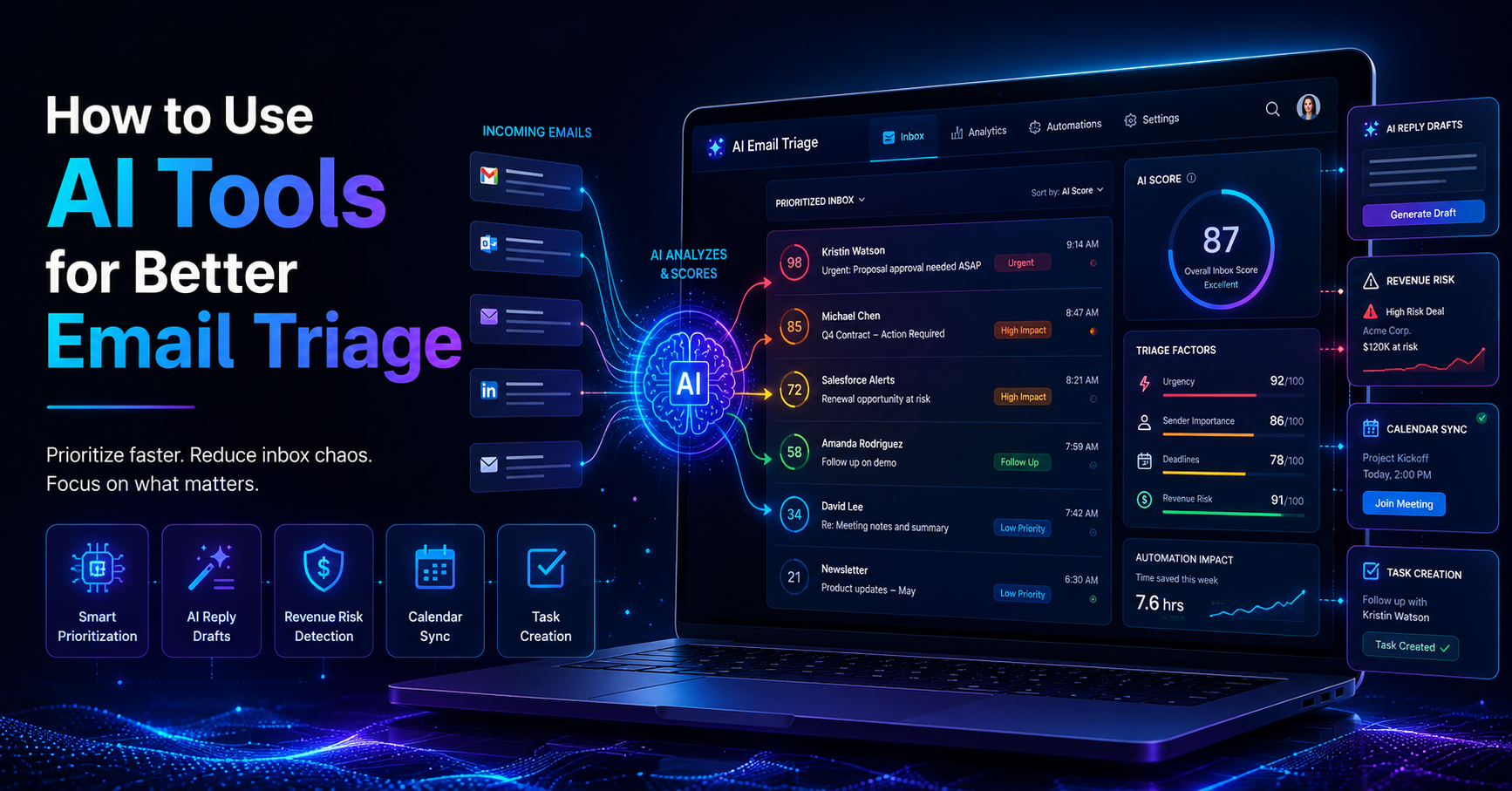
Overwhelmed by the sheer volume of emails in your inbox? You're not alone. Many professionals struggle to keep up with constant communication, leading to missed deadlines and lost opportunities. According to industry estimates, 70% of professionals report that AI tools have significantly improved their productivity in the last two years. It's clear that AI productivity apps can be a game-changer for those looking to streamline their daily tasks.
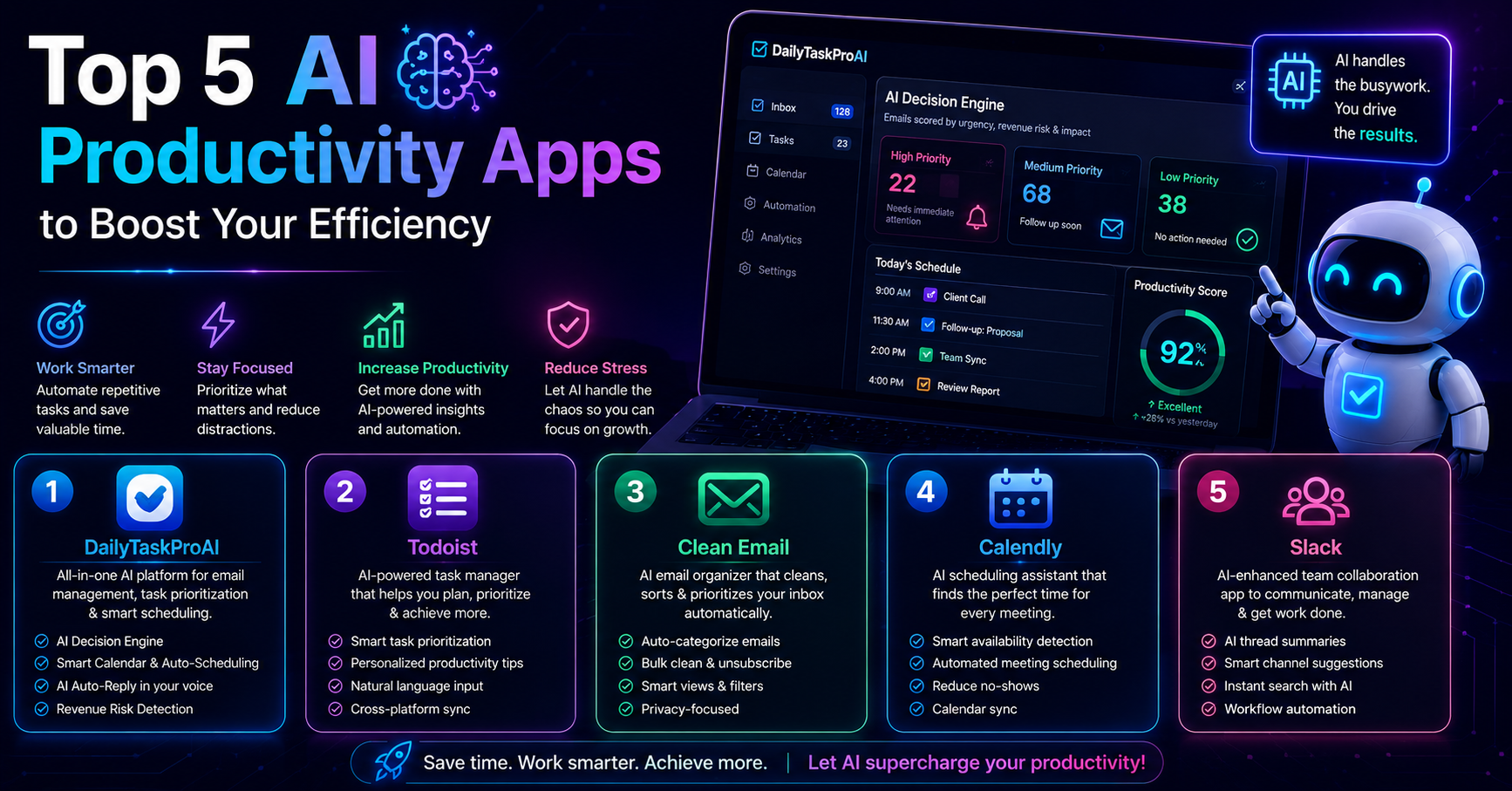
As small business owners and solo founders consider their options, 65% are thinking about adopting AI-driven productivity applications by 2025. If you're among them, you'll want to know which tools can genuinely help enhance your efficiency. Here’s a look at the top five AI productivity apps that can transform your workflow.
Table of contents
1. DailyTaskProAI: The All-in-One Solution
DailyTaskProAI combines email management, task prioritization, and calendar scheduling into one seamless platform. Its AI Decision Engine scores every email based on urgency, revenue risk, and deadline, allowing you to prioritize effectively. With features like Smart Calendar & Auto-Scheduling, DailyTaskProAI reads your emails to automatically schedule tasks into your available time slots, reducing scheduling conflicts and enhancing productivity.
“With DailyTaskProAI, I can focus on strategic activities instead of getting bogged down by routine tasks.”, User feedback
For example, imagine you're a solo founder juggling multiple projects. You receive an email requiring your immediate attention and another with a deadline next week. DailyTaskProAI's AI Decision Engine scores the emails, flagging the urgent one, while the Smart Calendar & Auto-Scheduling feature finds an open slot for your follow-up tasks. This means less time spent managing your inbox and more time executing your vision.
Pros:
Integrated email, task, and calendar management
AI-driven prioritization and scheduling
User-defined working hours for better control
Cons:
May require a learning curve for some users
Best suited for users with a high email volume
DailyTaskProAI is ideal for solo founders, small teams, and operations managers looking to enhance their productivity by reducing the chaos of emails and scheduling.
2. Task Management Apps: Streamlining Your Workflow
Task management apps like Todoist and Asana have integrated AI features to help users automate task prioritization. These apps allow you to create tasks and set deadlines, while the AI analyzes your workload and suggests what to tackle next. This can increase your overall efficiency, particularly when managing multiple projects.
Consider a scenario where your team is working on several client projects simultaneously. With Asana, you can input all tasks and deadlines, and its AI will help prioritize based on urgency and team capacity. This allows managers to allocate resources efficiently and ensures no deadline is overlooked.
Pros:
Visual task management with Kanban boards
Team collaboration features for shared projects
Automation of routine tasks
Cons:
Some features may be limited in free versions
Complexity can increase with team size
These apps are best for teams that need to manage multiple projects and require a clear visual representation of tasks.
3. Email Management Software: Organizing Your Inbox
Email management tools like Clean Email and Spark use AI to help users manage their inboxes effectively. These apps can filter, categorize, and prioritize emails, significantly reducing clutter and the time spent managing email volumes.
Take the example of a sales manager inundated with promotional emails and client communications. With Clean Email, you can set up rules to automatically sort emails into folders based on keywords or sender, allowing you to focus on high-priority communications. This not only streamlines your inbox but also helps in avoiding missed opportunities.
Pros:
Automated email sorting and categorization
Reduction in email overload
Improved focus on important messages
Cons:
May require manual adjustments for accuracy
Some users may find it overwhelming
Email management tools are particularly suitable for professionals who receive a high volume of emails daily and need a solution to streamline their inbox.
4. Calendar Scheduling Tools: Maximizing Your Time
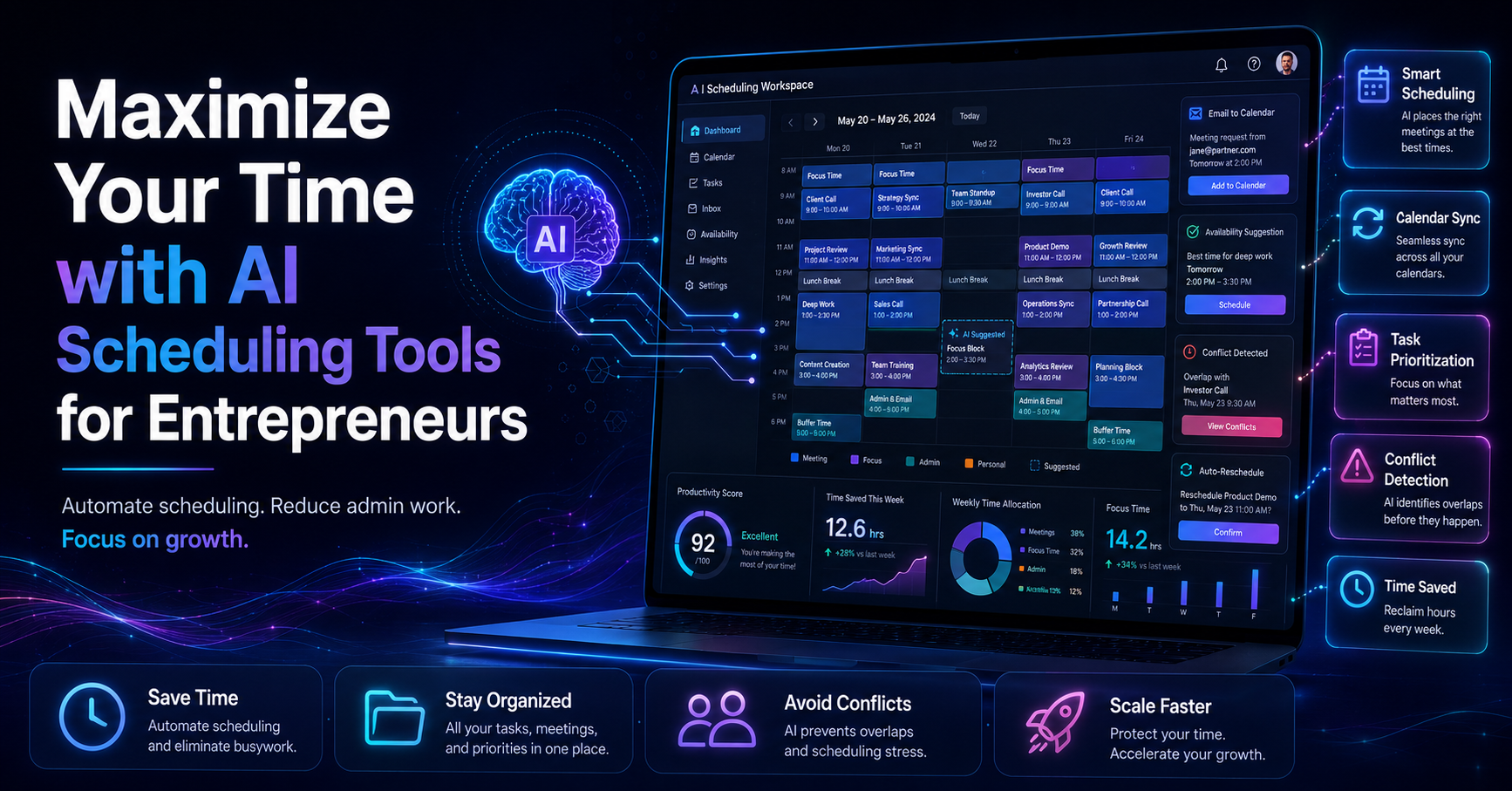
Calendar scheduling tools like Calendly and Doodle help users find the best times for meetings without the back-and-forth often associated with scheduling. With AI integration, these tools can analyze your calendar and suggest optimal meeting times based on availability.
Imagine you’re trying to coordinate a meeting with multiple stakeholders. Instead of exchanging emails to find a suitable time, you can use Calendly to send a link where participants can select their preferred slots. This not only saves time but also reduces the frustration associated with finding common availability.
Pros:
Eliminates scheduling conflicts
Simplifies the process of setting up meetings
User-friendly interfaces
Cons:
Limited customization options in free versions
May not integrate with all calendar systems
These tools are ideal for professionals who regularly arrange meetings and want to minimize the time spent on scheduling.
5. Team Collaboration Apps: Enhancing Communication
Team collaboration tools like Slack and Microsoft Teams have begun implementing AI features to facilitate smoother communication and project management. They allow users to stay connected and share updates in real-time, with AI helping to prioritize messages and alerts.
For example, if your team is working on a project deadline, Microsoft Teams can alert you about important updates or messages related to that project, ensuring you don’t miss crucial information. This can lead to improved performance and more efficient project execution.
Pros:
Real-time communication and updates
Integration with other productivity tools
AI-driven alerts for important messages
Cons:
Potential for information overload
Can become chaotic without proper management
Collaboration tools are best for teams that require constant communication and need to stay aligned on projects.
Comparison of AI Productivity Apps
Tool Type Main Feature Best For DailyTaskProAI All-in-One AI Decision Engine Solo founders and small teams Asana Task Management Automated Prioritization Project-based teams Clean Email Email Management Automated Sorting High email volume users Calendly Calendar Scheduling Meeting Coordination Busy professionals Slack Collaboration Real-Time Communication Distributed teams
How to Choose the Right AI Productivity App
Your choice of AI productivity app should depend on your specific needs. For small teams or solo founders, DailyTaskProAI offers a comprehensive solution that integrates email management, task prioritization, and calendar scheduling. If you manage multiple projects, Asana may be more suitable.
Consider your email volume as well. If you find yourself struggling with hundreds of emails daily, an email management tool like Clean Email can help keep your inbox organized. For those who spend a lot of time scheduling meetings, a tool like Calendly can save valuable hours. Finally, if your team relies heavily on communication, a collaborative tool like Slack will enhance workflow.
Common Questions About AI Productivity Apps
What are the best AI productivity apps?
The best AI productivity apps include DailyTaskProAI for its all-in-one features, Asana for task management, Clean Email for inbox organization, Calendly for scheduling, and Slack for team collaboration. Your choice should align with your specific needs and workflow.
How does AI improve productivity?
AI improves productivity by automating routine tasks, providing insights for better decision-making, and streamlining communication. With tools that prioritize tasks and manage emails, professionals can focus on strategic activities rather than mundane details.
What features should I look for in an AI productivity app?
Look for features such as email management, task prioritization, calendar scheduling, and team collaboration. Integration across platforms is crucial for a seamless experience. Additionally, tools that allow user approval for AI-generated responses, especially for revenue-critical emails, are essential.
Are AI productivity apps suitable for small businesses?
Yes, AI productivity apps are especially beneficial for small businesses. They can automate routine tasks, help manage workload, and improve overall efficiency, which is critical for teams with limited resources.
How much do AI productivity apps cost?
Pricing for AI productivity apps varies. DailyTaskProAI offers a free trial and plans starting from $19 per month, making it accessible for small teams. Many task management and email tools also have free versions or tiers, though they may come with limitations.
Is Investing in AI Tools Worth It?
Investing in AI productivity apps can significantly enhance your workflow and efficiency. Companies using these tools report a 20-30% increase in overall team performance, and with 50% of employees believing that AI will be crucial for workplace efficiency by 2026, the trend is clear. DailyTaskProAI stands out as an integrated solution that combines email management, task prioritization, and Smart Calendar & Auto-Scheduling, making it a strong choice for any professional.
Revenue risk emails are NEVER auto-sent. You always approve. Explore how DailyTaskProAI can transform your productivity today.
Resources & Further Reading
External Resources
How AI Can Help You Work Smarter, Insights on AI's role in enhancing productivity.
Artificial Intelligence, McKinsey’s research on AI's impact on business practices.
The Top 5 AI Trends in 2021, Trends shaping the future of AI in productivity.