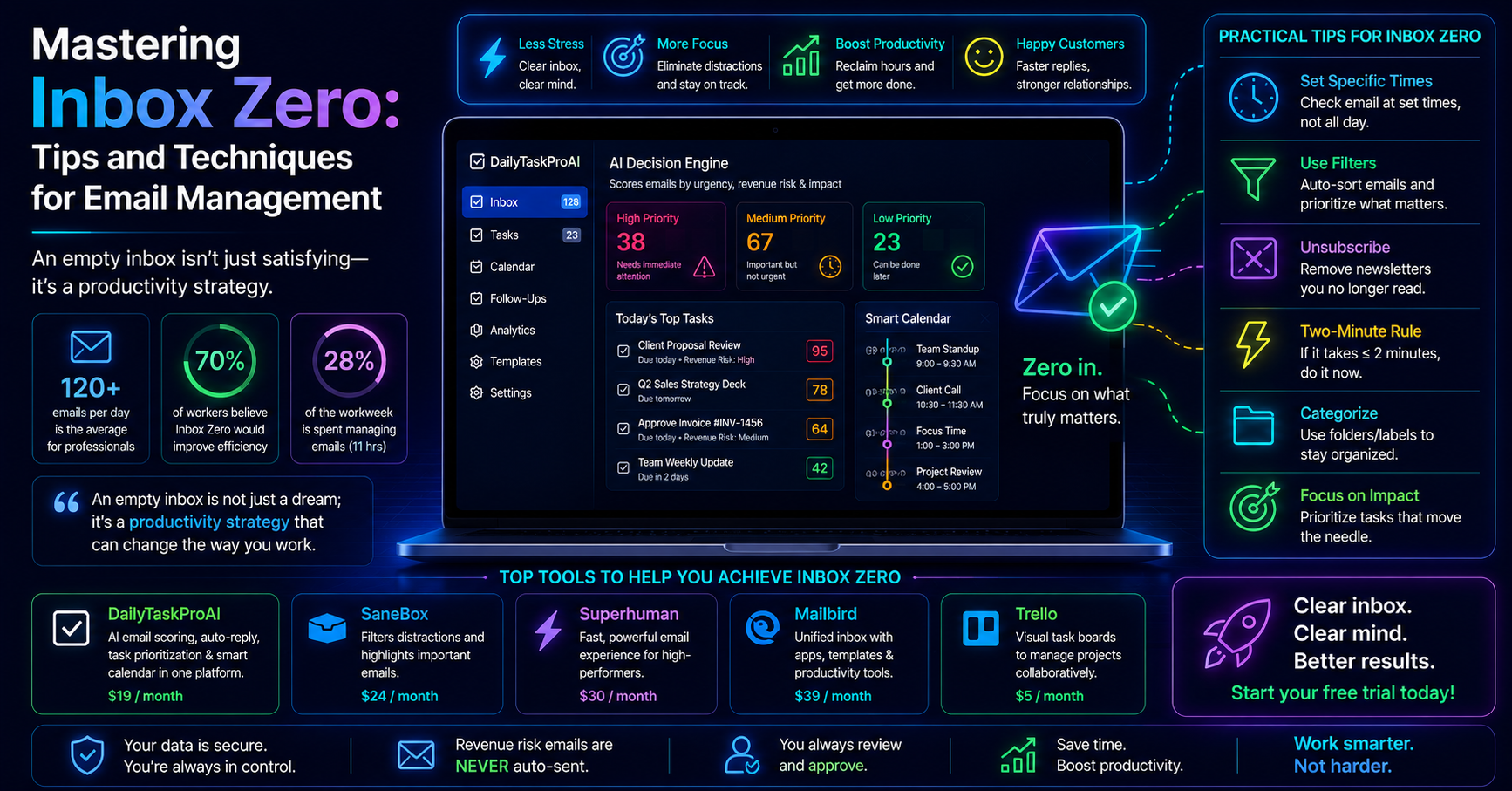
Over 50% of professionals feel overwhelmed by their email volume, which averages around 120 emails per day. This staggering figure highlights the challenges many face in achieving Inbox Zero. It’s not just about having a clean inbox, but about managing your time and mental space effectively. The pressure to respond quickly can lead to burnout and stress, making Inbox Zero feel like an unattainable goal.
However, achieving Inbox Zero can significantly improve your productivity and reduce stress levels. Studies show that around 70% of workers believe that an empty inbox would enhance their overall efficiency. So, how do you get there? Below are structured methods to master your email management and find your way to Inbox Zero.
Table of contents
What is the Inbox Zero Method?
The Inbox Zero method is a productivity strategy aimed at keeping your email inbox empty, or as close to empty as possible. Coined by productivity expert Merlin Mann, the philosophy behind Inbox Zero is that an empty inbox reduces stress and allows for better focus on important tasks.
At its core, Inbox Zero is not about the number of emails you receive, but how you manage them. The goal is to process emails efficiently so that they don't pile up, leading to overwhelm. This often involves categorizing emails, responding promptly, and delegating tasks when necessary.
Benefits of Achieving Inbox Zero
Achieving Inbox Zero comes with numerous advantages. First, it reduces stress. With a clear inbox, you no longer face the anxiety of unanswered emails looming over you. Second, it improves focus. By actively managing your inbox, you minimize distractions, allowing you to concentrate on your core responsibilities.
Additionally, a clean inbox translates to enhanced productivity. Studies indicate that employees spend about 28% of their workweek managing emails, nearly 11 hours each week. By streamlining this process, you can reclaim a significant portion of your time.
“An empty inbox is not just a dream; it’s a productivity strategy that can change the way you work.”
Practical Tips for Achieving Inbox Zero
To effectively achieve Inbox Zero, consider implementing the following actionable strategies:
Set Specific Times for Email Checking: Instead of constantly monitoring your inbox, allocate dedicated times for checking emails. For example, check your email every two hours to minimize distractions.
Use Email Filters: Set up filters to automatically categorize incoming emails. This way, important messages can be prioritized while promotional ones can be archived or deleted.
Unsubscribe from Unwanted Newsletters: Take time to unsubscribe from newsletters and promotional emails you no longer read. This will help reduce the volume of incoming emails.
Quick Decision Making: Adopt the "two-minute rule." If an email can be handled in two minutes or less, do it immediately. If not, delegate or schedule it for later.
By following these practical tips, you can significantly reduce clutter in your inbox and take a step closer to achieving Inbox Zero.
Email Management Techniques to Combat Overload
Beyond individual strategies, various email management techniques can help you combat email overload:
Categorization: Use folders or labels to categorize emails by project or urgency. This allows you to quickly locate important emails without sifting through your entire inbox.
Prioritization: Implement the Eisenhower Matrix to distinguish between urgent and important emails. This helps you focus on what truly matters and avoid wasting time on low-priority tasks.
Email Templates: Create templates for common responses. This reduces the time spent drafting replies, allowing you to respond quickly while maintaining a personal touch.
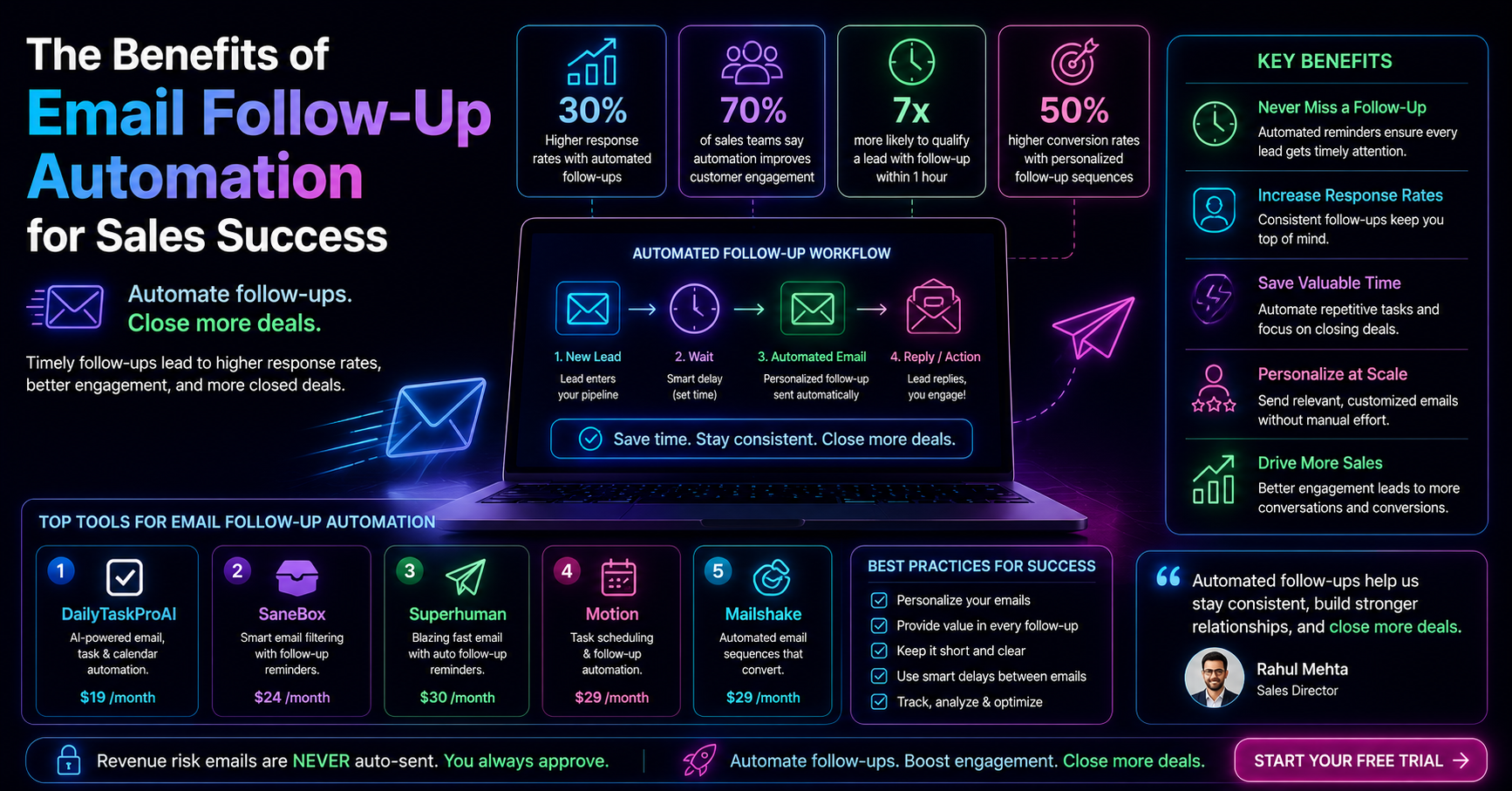
For instance, a sales team might use templates for follow-up emails, streamlining their communication process.
Task Prioritization and Its Role in Inbox Zero
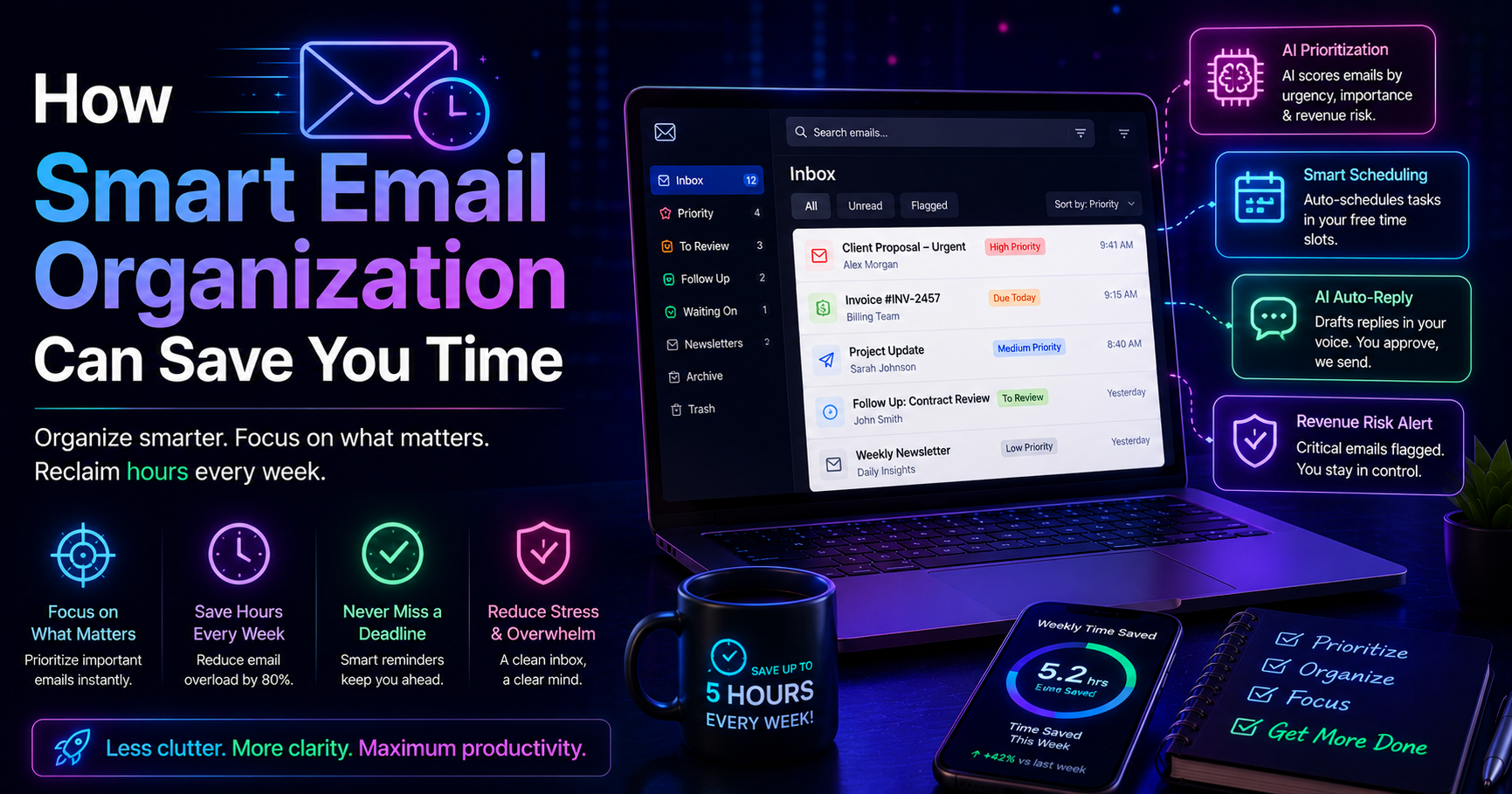
Effective task prioritization is crucial in achieving Inbox Zero. By clearly defining your tasks, you can manage your emails more effectively. Establish a system for ranking tasks based on urgency and significance. This can help you recognize which emails require immediate attention and which can wait.
For example, if you receive an email from a client requesting a contract review, you might prioritize it over a promotional email. Tools like DailyTaskProAI can assist in this area by using its AI Decision Engine to score your emails based on urgency and importance, allowing you to focus on the right tasks first.
Additionally, linking your tasks to your calendar ensures that you are not only managing your inbox but also scheduling important deadlines efficiently. The Smart Calendar & Auto-Scheduling feature of DailyTaskProAI can read your emails and auto-schedule tasks into your calendar, helping maintain an organized workflow.
Tools to Help You Achieve Inbox Zero
While personal strategies are essential, leveraging the right tools can elevate your email management game:
DailyTaskProAI: This tool combines AI-powered email management with task prioritization and calendar auto-scheduling. Its AI Decision Engine scores every email, helping you determine which emails to address first. Moreover, it detects meetings and deadlines, automatically scheduling tasks into your calendar, ensuring nothing falls through the cracks.
SaneBox: This tool helps filter your emails, prioritizing important messages and minimizing distractions from less critical ones. However, it does not offer the same level of task scheduling as DailyTaskProAI.
Superhuman: Known for its speed, Superhuman focuses on providing a seamless email experience but lacks integrated task management features.
Choosing the right tool depends on your specific needs. For example, if you value integrated task scheduling alongside email management, DailyTaskProAI is your best choice.
| Feature | DailyTaskProAI | SaneBox | Superhuman | DailyTaskProAI | SaneBox | Superhuman |
|---|---|---|---|---|---|---|
| AI Email Scoring | No feature: Price/month | $19 | $24 | $30 |
How to Choose the Right Email Management Tool
When selecting the right email management tool, consider your team size, email volume, and specific needs. For solo founders or small teams, a cost-effective solution like DailyTaskProAI can streamline your email management while offering advanced features such as Smart Calendar & Auto-Scheduling.
If you find yourself overwhelmed with 100+ emails daily, prioritization tools can significantly improve your workflow. However, if your needs are simple, a basic filtering tool like SaneBox might suffice. Always weigh the features against your budget and the complexity of your email management requirements.
Frequently Asked Questions about Inbox Zero
What does Inbox Zero mean?
Inbox Zero refers to the practice of keeping your email inbox empty or as close to empty as possible. This strategy aims to minimize stress and enhance productivity by actively managing incoming emails.
How can I manage email overload?
To manage email overload, set specific times for checking emails, use filters to categorize incoming messages, and unsubscribe from unwanted newsletters. Combining these strategies can dramatically reduce the clutter in your inbox.
Can achieving Inbox Zero improve productivity?
Yes, many employees report that achieving Inbox Zero enhances their productivity by allowing them to focus on essential tasks without the distraction of unanswered emails. A clear inbox can significantly improve mental clarity and reduce stress.
What tools can help me achieve Inbox Zero?
Tools like DailyTaskProAI can assist you in achieving Inbox Zero by combining email management, task prioritization, and calendar scheduling. Other options include SaneBox and Superhuman, although they may not offer the same level of integration.
Is Inbox Zero achievable for everyone?
While achieving Inbox Zero is an excellent goal, it may not be realistic for everyone, depending on their email volume and workload. However, implementing structured email management techniques can help anyone reduce inbox clutter and improve productivity.
Start Mastering Your Inbox Today with DailyTaskProAI
If you’re ready to take control of your email management and work towards achieving Inbox Zero, consider DailyTaskProAI. This tool combines AI-powered email replies, task prioritization, and Smart Calendar & Auto-Scheduling to streamline your workflow. Revenue risk emails are NEVER auto-sent. You always approve.
With features designed to help you manage your inbox effectively, DailyTaskProAI could be the solution you need to regain focus and enhance productivity. Get started free today and experience the difference.
Resources & Further Reading
External Resources
How to Manage Email Overload, Insights from Harvard Business Review
Tips for Managing Your Email Overload, Forbes article on efficient email management
The Productivity Paradox, McKinsey insights on managing time effectively