Many teams today are drowning in a sea of separate tools for email, task management, and scheduling. They struggle with fragmented workflows that lead to inefficiencies and stress, often spending over 10 hours a week on email management alone. The result? Missed deadlines, burnout, and a lack of visibility into what truly matters. Integrated task management tools are no longer a luxury; they are essential for success.
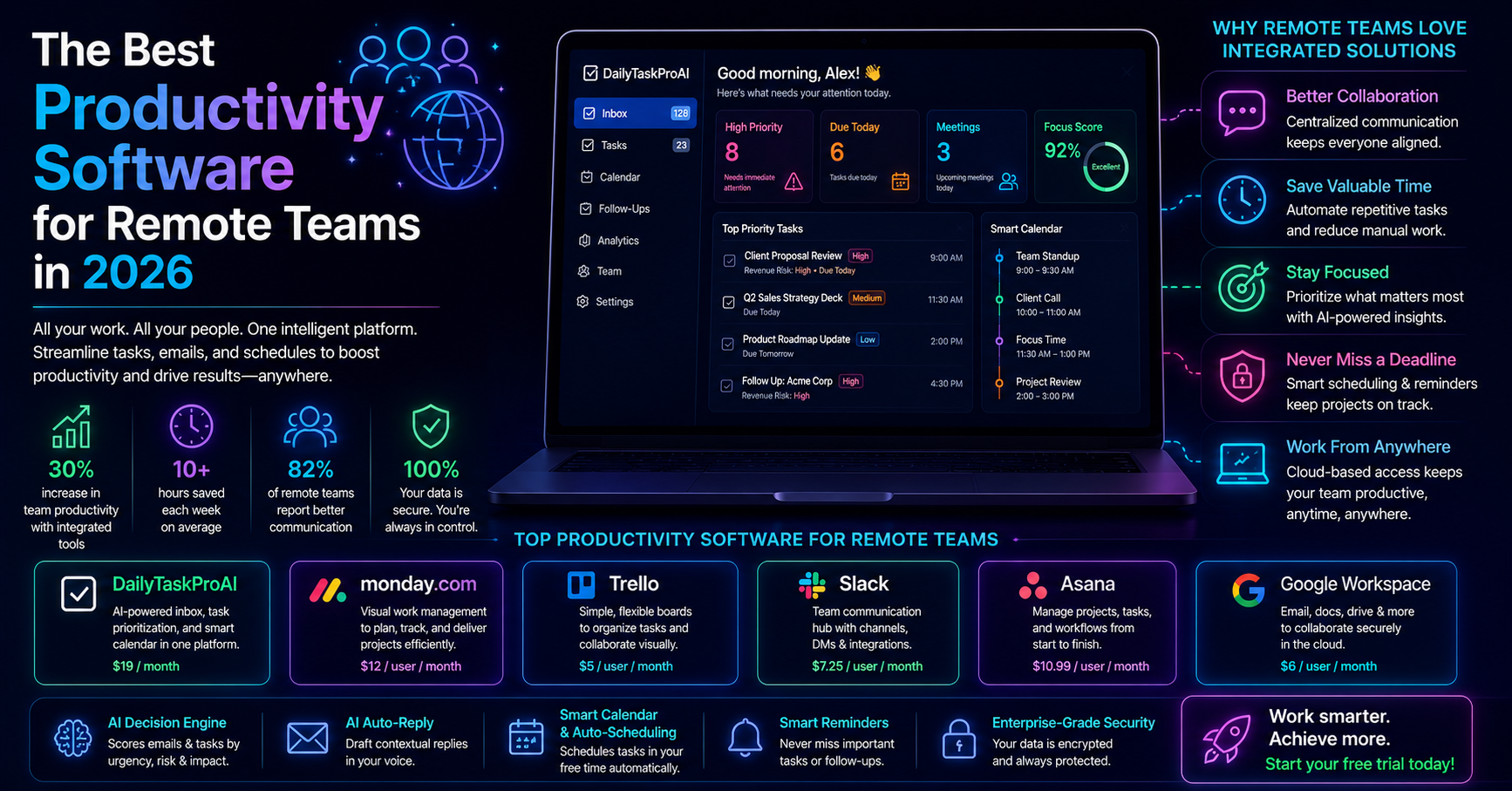
These tools streamline processes, enhance productivity, and improve team collaboration. Organizations that adopt integrated solutions report up to a 30% increase in productivity and can reduce project completion times by as much as 25%. If you want to optimize your workflow and keep your team engaged, understanding integrated task management tools is a critical step.
Table of contents
1. Introduction to Integrated Task Management Tools
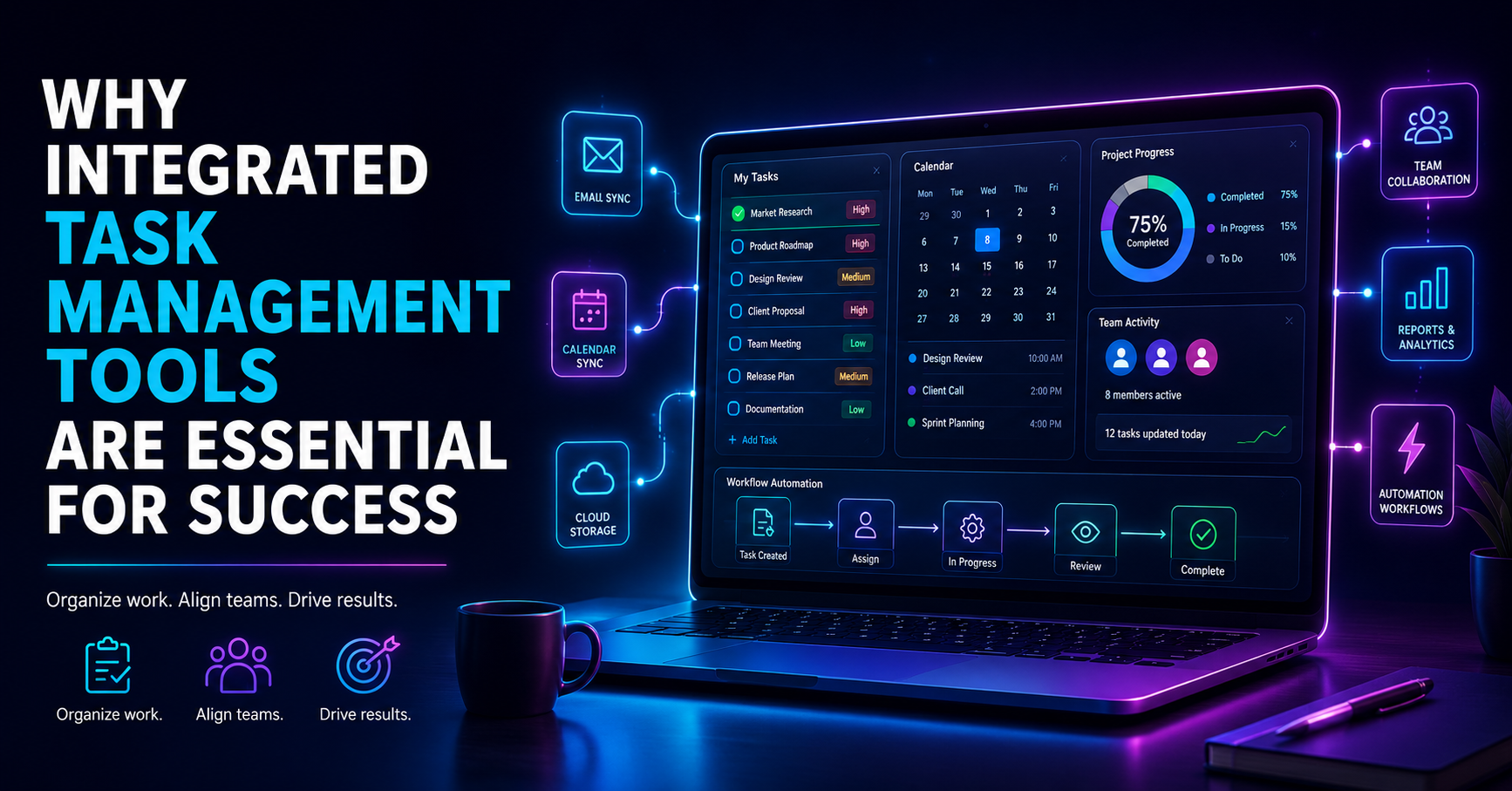
Integrated task management tools serve as a centralized platform that combines email management, task prioritization, and calendar scheduling into one cohesive system. By integrating these elements, teams can streamline their workflows and focus on what matters most. Instead of switching between multiple applications, users can manage all their tasks, emails, and schedules from one place, reducing the cognitive load and enhancing overall efficiency.
For example, a small sales team using an integrated tool can easily prioritize client emails, schedule follow-up tasks, and manage their calendars, all without leaving the platform. This not only saves time but also minimizes the risk of overlooking important deadlines.
2. The Importance of Seamless Workflows
Seamless workflows are crucial for enhancing team efficiency and productivity. A survey revealed that 70% of small teams spend excessive time on email management and scheduling tasks. Integrated tools eliminate this waste by automating repetitive tasks and providing a single view of priorities, allowing employees to focus on high-impact activities.
Consider a scenario where a project manager can view their team’s tasks and deadlines alongside their email communications. This level of integration allows for better decision-making and more effective resource allocation. In contrast, disjointed systems can lead to confusion, missed deadlines, and ultimately, burnout among employees.
Pros: Increased efficiency, reduced cognitive load, better decision-making.
Cons: Initial learning curve, potential resistance to change.
This is why integrated task management tools are increasingly becoming a necessity, particularly as remote and hybrid work models gain traction.
3. Enhancing Task Prioritization
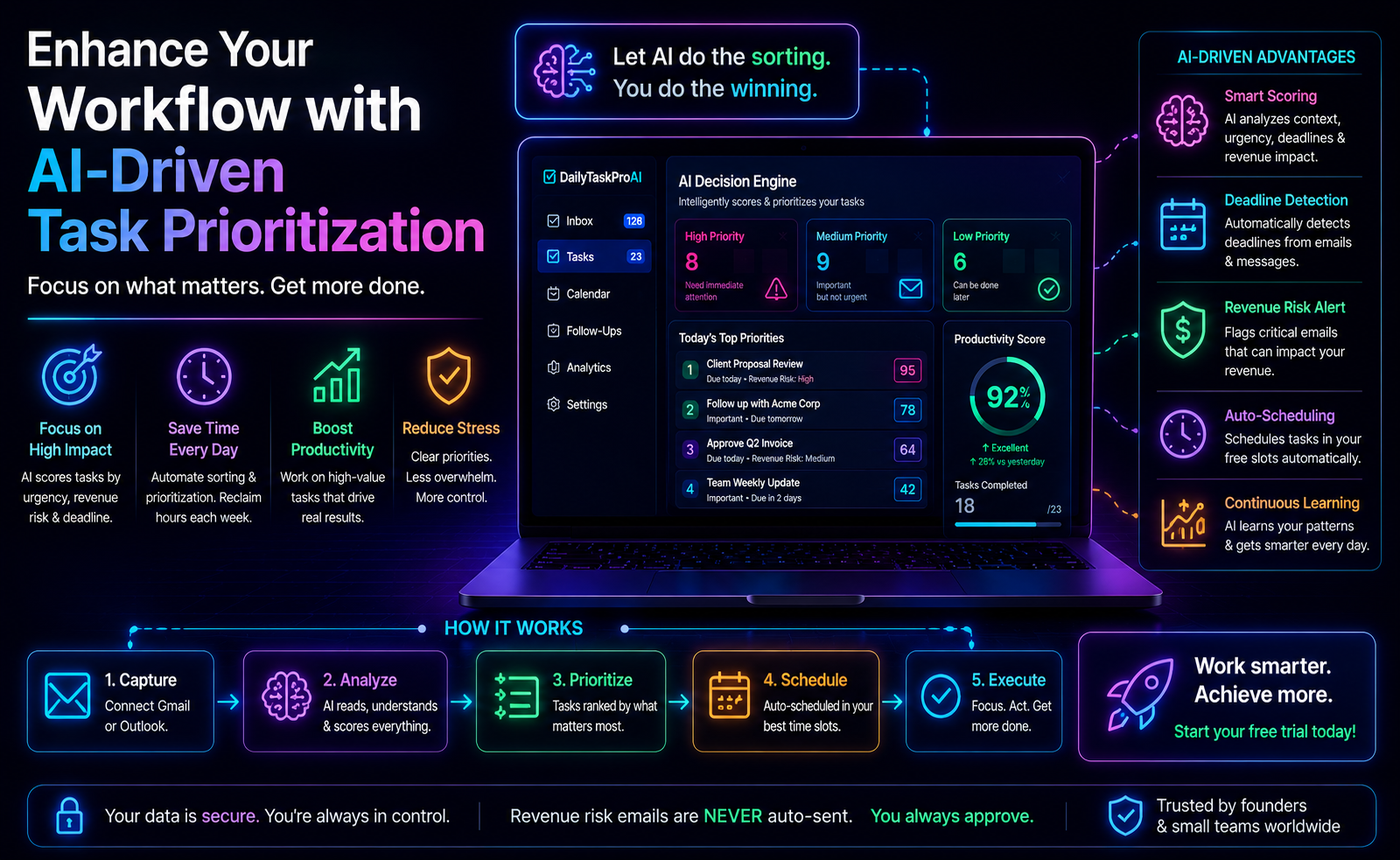
Effective task prioritization is at the heart of any successful workflow. Integrated task management tools often come equipped with features like the AI Decision Engine, which scores emails and tasks based on urgency, revenue risk, and deadlines. This feature significantly reduces decision fatigue and helps teams focus on the most critical tasks first.
Imagine a scenario where a sales team receives multiple client inquiries. The AI Decision Engine can quickly identify which emails require immediate responses based on their potential revenue impact, allowing the team to prioritize effectively. This ensures that high-value tasks are addressed promptly, improving overall productivity.
However, while task prioritization is vital, it’s essential to balance it with flexibility. Teams should regularly review their priorities and adapt as necessary.
Pros: Immediate visibility into high-priority tasks, reduction in missed deadlines.
Cons: Over-reliance on scoring systems may overlook nuanced factors.
Integrated tools that automate prioritization can provide a significant boost to productivity, especially in fast-paced environments.
4. Streamlining Email Management
Integrated task management tools often include robust email management features that help to declutter your inbox and enhance workflow efficiency. For instance, DailyTaskProAI offers AI-driven email replies that draft contextual responses, saving time while ensuring that communication remains personalized and on-brand. This can be particularly useful for founders and small teams who juggle multiple responsibilities.
Consider this: a small ecommerce operator receives dozens of vendor emails daily. With an AI auto-reply feature, the operator can respond swiftly to routine inquiries while focusing on more pressing tasks, such as product development or marketing strategies.
By streamlining email management, integrated tools can significantly reduce the amount of time spent on communication, allowing teams to concentrate on their core objectives.
Pros: Reduced email clutter, faster response times, improved communication.
Cons: May require user approval for auto-replies, initial setup time.
For teams overwhelmed by email, integrating email management into a task management system can lead to substantial time savings and improved focus.
5. Calendar Scheduling Made Easy
Calendar scheduling can often become a logistical nightmare, especially when coordinating meetings and deadlines across different platforms. Integrated task management tools like DailyTaskProAI feature Smart Calendar & Auto-Scheduling, which reads emails, detects meetings and deadlines, checks for calendar availability, and auto-schedules tasks into free slots. This ensures that important tasks don’t fall through the cracks.
For example, consider a project manager who must organize a weekly team meeting. Instead of sending multiple emails back and forth to find a suitable time, the Smart Calendar feature can automatically suggest available slots based on everyone’s schedules, making the process seamless.
Effective scheduling not only saves time but also reduces the stress associated with managing conflicting commitments.
Pros: Eliminates scheduling conflicts, saves time, improves meeting attendance.
Cons: May require users to adjust their working hours for optimal scheduling.
For teams that struggle with scheduling, integrated calendar features can dramatically improve time management and overall productivity.
6. Boosting Team Collaboration
Collaboration is essential for any team’s success, especially in today’s remote work environment. Integrated task management tools facilitate better communication and collaboration by providing a shared platform where all team members can access tasks, deadlines, and emails. This transparency fosters a culture of accountability and ensures everyone is aligned with project goals.
For instance, a small marketing team can use an integrated tool to assign tasks to team members, track progress, and communicate seamlessly. This reduces the chances of miscommunication and ensures that everyone is on the same page. A study found that organizations leveraging integrated tools experience a 30% increase in productivity, underscoring the importance of collaboration.
Pros: Improved communication, enhanced accountability, increased alignment.
Cons: Potential information overload if not managed properly.
By choosing a tool that emphasizes collaboration, teams can improve their efficiency and foster a more connected work environment.
7. The Role of AI-Driven Solutions
The future of task management lies in AI-driven solutions. As the demand for integrated task management tools grows, expected to increase by 40% by 2025, more organizations are recognizing the value of automation. Features like DailyTaskProAI's AI Decision Engine can significantly enhance decision-making by analyzing emails and tasks based on urgency and revenue risk.
In practice, a sales team can benefit from AI features by automating follow-up reminders based on email responses. This not only saves time but also ensures that potential leads are not neglected. As AI becomes a standard expectation, integrating these features will be crucial for staying competitive.
Pros: Automation of routine tasks, improved decision-making, enhanced productivity.
Cons: Dependence on technology, potential for errors in automation.
As you consider integrated task management tools, prioritize those with strong AI capabilities to future-proof your operations.
8. Key Features to Look For
When selecting an integrated task management tool, there are several critical features to consider:
AI Decision Engine: Look for tools that score emails and tasks to help prioritize effectively.
Email Management: Features like auto-reply and revenue risk detection can save time and reduce errors.
Smart Calendar & Auto-Scheduling: Ensure the tool can automatically schedule tasks based on availability and deadlines.
Collaboration Features: Tools should provide shared workspaces and task delegation capabilities.
Reporting and Analytics: Look for insights into team performance and productivity metrics.
By focusing on these key features, you can select a tool that meets your team’s needs and improves overall workflow efficiency.
9. FAQs about Integrated Task Management Tools
What are integrated task management tools?
Integrated task management tools combine email management, task prioritization, and calendar scheduling into a single platform. They help teams streamline their workflows, reduce the time spent on administrative tasks, and improve overall productivity. By centralizing these functions, users can manage their work more effectively and with less stress.
How do integrated task management tools improve productivity?
These tools enhance productivity by automating routine tasks, providing visibility into priorities, and reducing the time spent on email management and scheduling. According to industry estimates, organizations using integrated tools see a 30% increase in productivity. This allows teams to focus on high-impact activities rather than administrative overhead.
Why is task prioritization important?
Task prioritization is essential for ensuring that the most critical tasks are completed first. Without effective prioritization, teams can easily become overwhelmed, leading to missed deadlines and burnout. Integrated task management tools help prioritize tasks based on urgency and revenue risk, ensuring that teams focus on what matters most.
Can integrated tools help with team collaboration?
Absolutely. Integrated task management tools foster collaboration by providing a shared platform where team members can access tasks, deadlines, and communication. This transparency improves accountability and ensures everyone is aligned with project goals, which is crucial in remote work environments.
What features should I look for in an integrated task management tool?
Key features to consider include an AI Decision Engine for prioritization, robust email management capabilities, Smart Calendar & Auto-Scheduling for scheduling tasks, collaboration features, and reporting analytics. These elements will enhance your team's efficiency and streamline workflows.
Start Using DailyTaskProAI Today
Integrated task management tools are essential for streamlining workflows and boosting productivity. DailyTaskProAI combines email management, task prioritization, and Smart Calendar & Auto-Scheduling into one powerful platform. This means you can focus on what truly matters, knowing that revenue risk emails are NEVER auto-sent. You always approve.
By adopting DailyTaskProAI, you can alleviate the stress of juggling multiple tools and enhance your team's efficiency. Start your free trial today and transform the way you work. Get started free.
Resources & Further Reading
External Resources
How to Improve Team Collaboration, An overview of strategies to enhance team collaboration and productivity.
The Top 5 Ways AI is Transforming Businesses in 2021, Insights into how AI is reshaping business operations, including task management.