On this page
Inbox zero optimizes for empty, not right
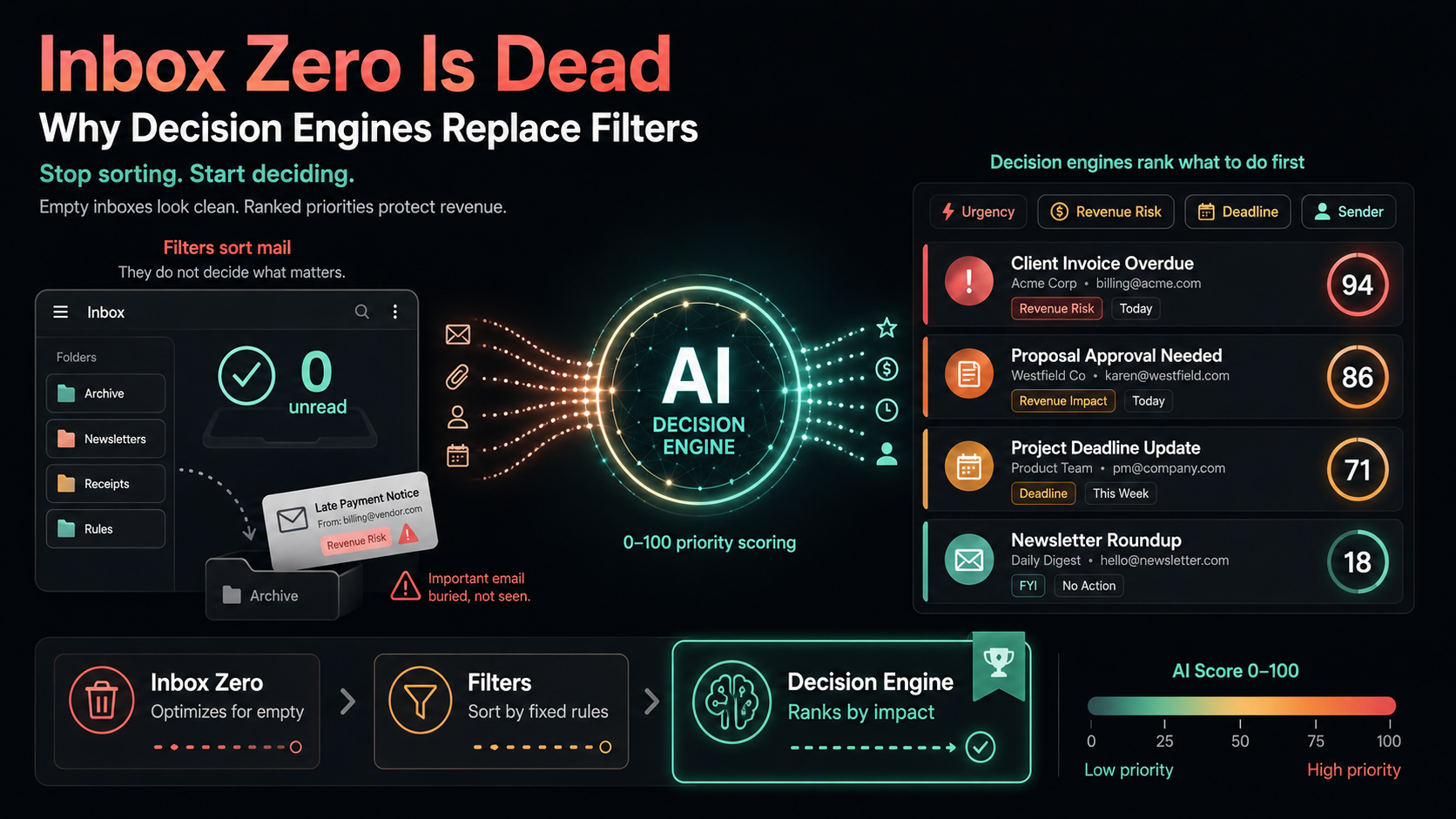
Inbox zero is the practice of clearing your inbox to nothing, and it optimizes for an empty inbox rather than the right decisions. Reaching zero feels productive, but the score it tracks is "messages remaining," not "value protected." You can hit zero and still have moved the wrong email to a folder while the invoice that pays this month sits unread.
The flaw is the metric. An empty inbox measures tidiness, not judgment. Two people can both reach inbox zero on the same day. One archived a quiet newsletter and replied to a stalled deal. The other replied to the newsletter and snoozed the deal. The unread count says they performed identically. Their revenue does not.
The question that actually matters is not "is my inbox empty," it is "what should I do first right now." Inbox zero never answers that. It treats a payment delay and a calendar invite as the same unit of work: one item to clear. A real workflow needs to know which item carries the most weight before you touch anything.
Filters sort mail, they do not decide
Email filters sort mail into folders and labels, but they do not tell you what matters or protect revenue. A Gmail filter is a static rule: if the sender is this, apply that label. It is excellent at moving receipts out of sight and routing notifications. It is blind to context, urgency, and money, because a rule cannot read intent.
Filters fail in the exact moments that count. A new client emails from a personal address about a contract, and no rule catches it because you never built one for a sender you have never met. A vendor buries a late payment notice under a friendly subject line, and your "invoices" label misses it. Filters only know the patterns you predicted in advance, so the email filters vs AI decision engine gap shows up most when something unexpected and important lands.
There is also a maintenance cost. Every new sender, project, or edge case means another rule. Over a year you accumulate dozens of brittle filters that conflict, hide threads, and quietly bury things in archives you never open. Sorting scales linearly with effort. Deciding does not scale at all, because filters were never built to decide.
Stop sorting. Start deciding.
Connect Gmail or Outlook and let the AI decision engine score your inbox in three minutes. See your top five priorities ranked by revenue risk, not by arrival time. No credit card required.
What an AI decision engine does instead
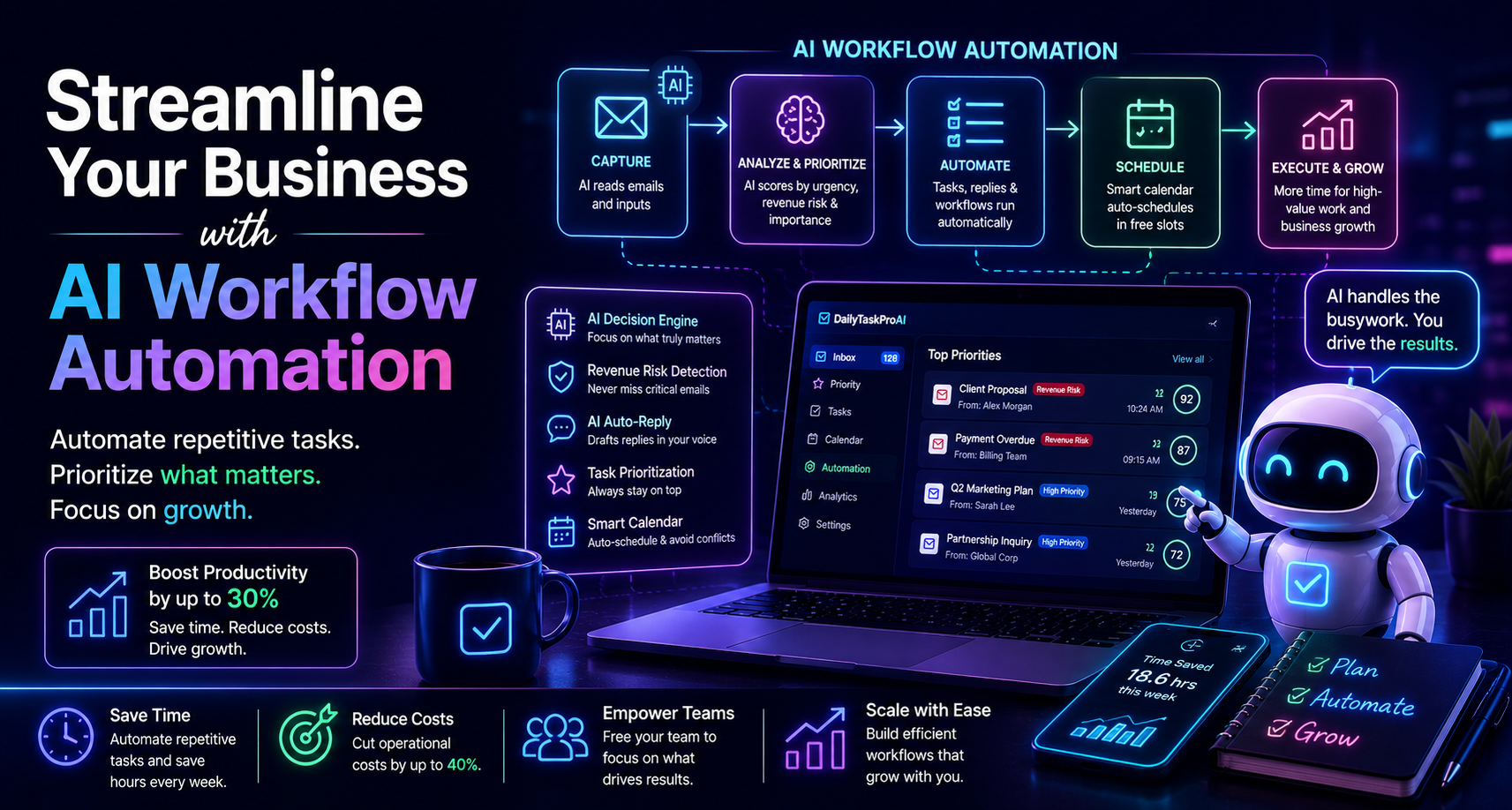
An email decision engine reads every message and answers the one question filters cannot: what should you do first. Instead of moving mail into buckets, it scores each email and re-ranks the inbox so the highest-impact action sits at the top. It is the difference between a tidy desk and a clear plan. The AI decision engine for email does the deciding, not just the sorting.
The engine looks at signals a static rule never sees. It reads thread context, weighs who the sender is to your business, checks for deadlines, and flags language that signals money is at stake. A late invoice, a deal going cold, and a contract from a brand-new contact all rise to the top because the engine evaluates meaning, not just the From line.
This is why the term matters. A filter is a sorting tool. A decision engine is a judgment tool. One keeps your inbox neat. The other keeps your revenue safe by surfacing the threads that move money before they go quiet. That is the core of the inbox zero AI tool conversation: clearing the inbox was never the goal, making the right call was.
How a 0-100 score changes your morning
The decision engine scores every email from 0 to 100 across four signals: urgency, revenue risk, deadline, and sender importance. Those weights are adjustable, and the ranking updates in real time as new mail arrives. A score of 92 with a Revenue Risk tag is not a folder. It is a clear instruction about what to open first.
Scoring runs in two layers. Layer 0 is rule-based and runs free on every sync, so basic prioritization costs you nothing. Layer 1 is an AI rescore powered by Our AI module that adds deeper context when you want it, and it uses Credits only when it runs. You get fast, free triage by default and richer judgment on demand.
Revenue Risk Detection is where the score earns its keep. The engine flags invoices, payment delays, and deal-critical threads, and it parses PDF invoices to read the numbers inside. Threads that score 80 and above get pulled to the front so the email that could cost you a client never sits below a newsletter again. To compare this approach against other tools, see our guide to the best AI email triage tools.
The output reaches you before you even open the inbox. A Daily Briefing arrives at 7 AM with your top five priorities, their AI Scores, your meetings, and any revenue risks, with one-tap actions attached. You start the day knowing what to do first instead of scrolling to find out.
Revenue risk emails are NEVER auto-sent. You always approve.
Where inbox zero and filters still win
Inbox zero and filters still earn their place for low-stakes sorting, and pretending otherwise would be dishonest. Clearing newsletters, archiving FYI threads, and routing receipts are real chores, and a tidy inbox genuinely lowers the mental load of opening your mail. For high-volume, low-judgment mail, a good filter is faster than any model.
The point is not to throw filters away. It is to stop asking them to do a job they were never designed for. Use labels and rules to handle the routine 80 percent of your inbox that needs sorting, not thinking. That frees the decision engine to focus on the 20 percent where getting it wrong costs you a client, a deadline, or a deal.
So the honest answer is that sorting and deciding are two different jobs. Inbox zero handles the first. A decision engine handles the second. The best setup runs both: filters keep the noise out of sight, and the engine scores what remains so the revenue-critical threads never slip.
How to switch from sorting to deciding
Switching takes about three minutes and starts with one connection. You link Gmail or Outlook over OAuth, which means the engine never sees or stores your password, and full email bodies are not stored either, only the snippets needed for your tasks. From there the scoring runs on its own.
Keep your existing filters in place for the routine mail. Let the decision engine score everything that lands in your primary inbox, then watch the morning Daily Briefing to see what it surfaces. Within a few days you will know whether a thread you would have buried under a label was actually worth your first reply. If you came here from a habit of chasing zero, see our method-by-method walkthrough on how to prioritize emails automatically.
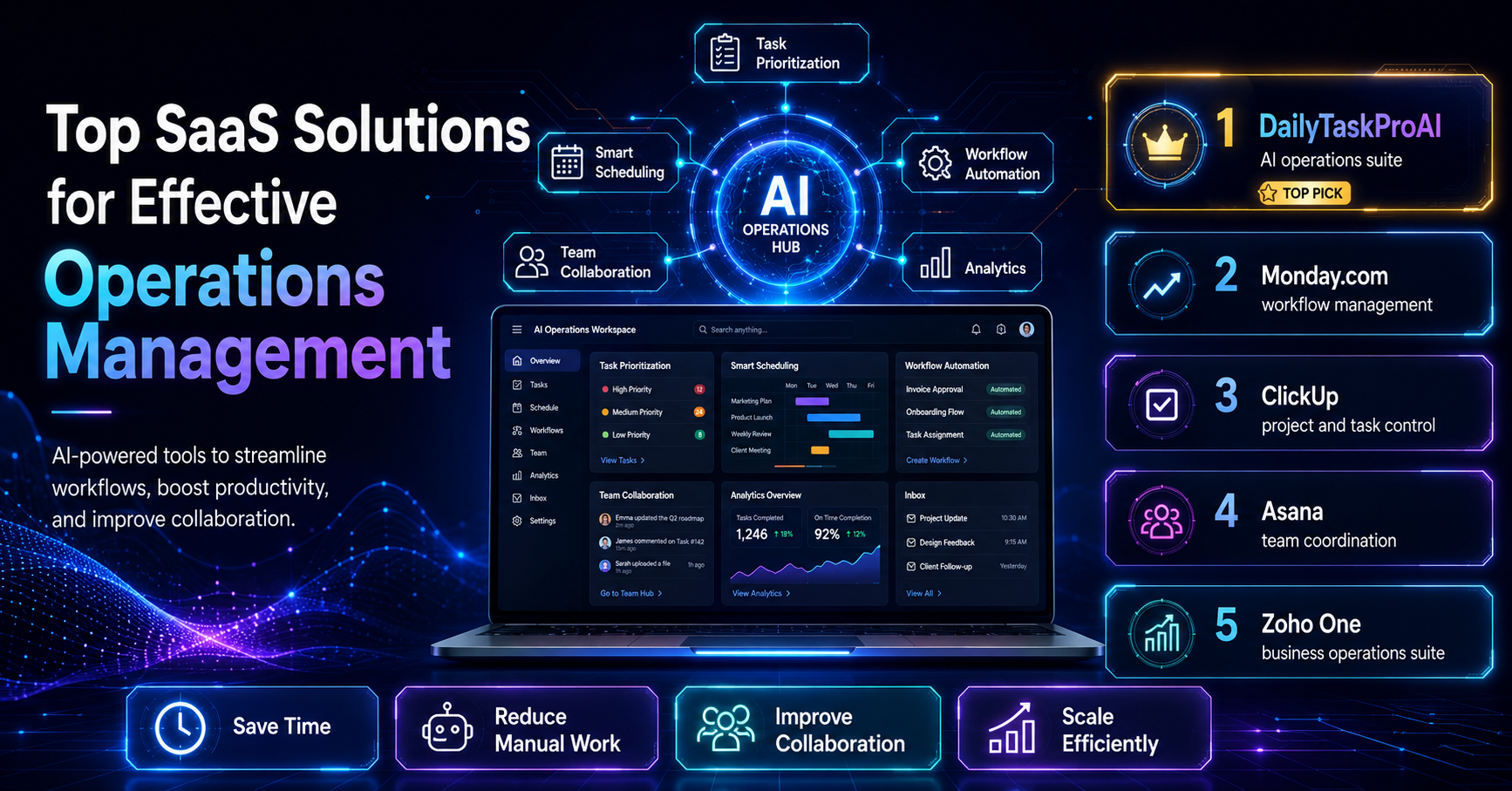
If you are deciding between tools, weigh which ones actually score by revenue rather than just speed or tidiness. Our DailyTaskProAI vs Superhuman comparison lays out where a fast email client ends and where a decision engine begins, with accurate prices on both sides.
AI decision engine for email Revenue risk detection DailyTaskProAI vs Superhuman Prioritize emails automatically Best AI email triage tools