Many professionals find themselves drowning in a sea of emails and repetitive tasks. The statistics are stark: 70% of workers report spending over 20 hours a week on these mundane activities. With the growing demand for efficiency, it’s clear that task automation tools are no longer a luxury; they are a necessity for busy professionals.
As the landscape shifts towards more integrated solutions, the right automation tools can streamline workflows, reduce errors, and free up valuable time for high-priority tasks. Whether you are a solo founder or part of a small team, understanding how to effectively implement these tools can significantly enhance your productivity.
Table of contents
Method 1: Introduction to Task Automation Tools
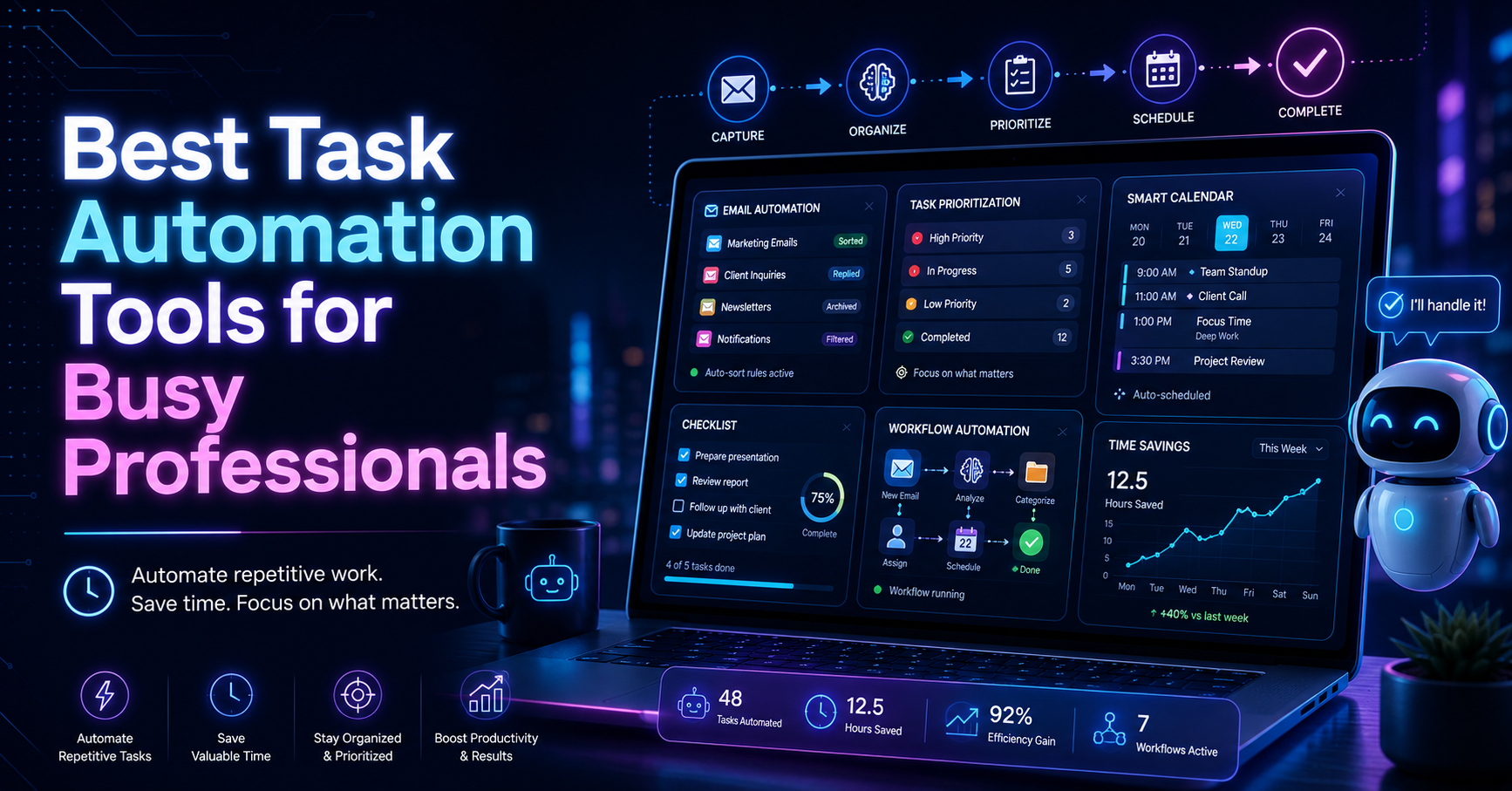
Task automation tools are designed to take the repetitive, mundane aspects of your work and automate them, allowing you to focus on what truly matters. According to studies, automating routine tasks can lead to a productivity increase of up to 30%. For example, a sales manager might use automation to handle follow-up emails after meetings, freeing up time for strategy sessions.
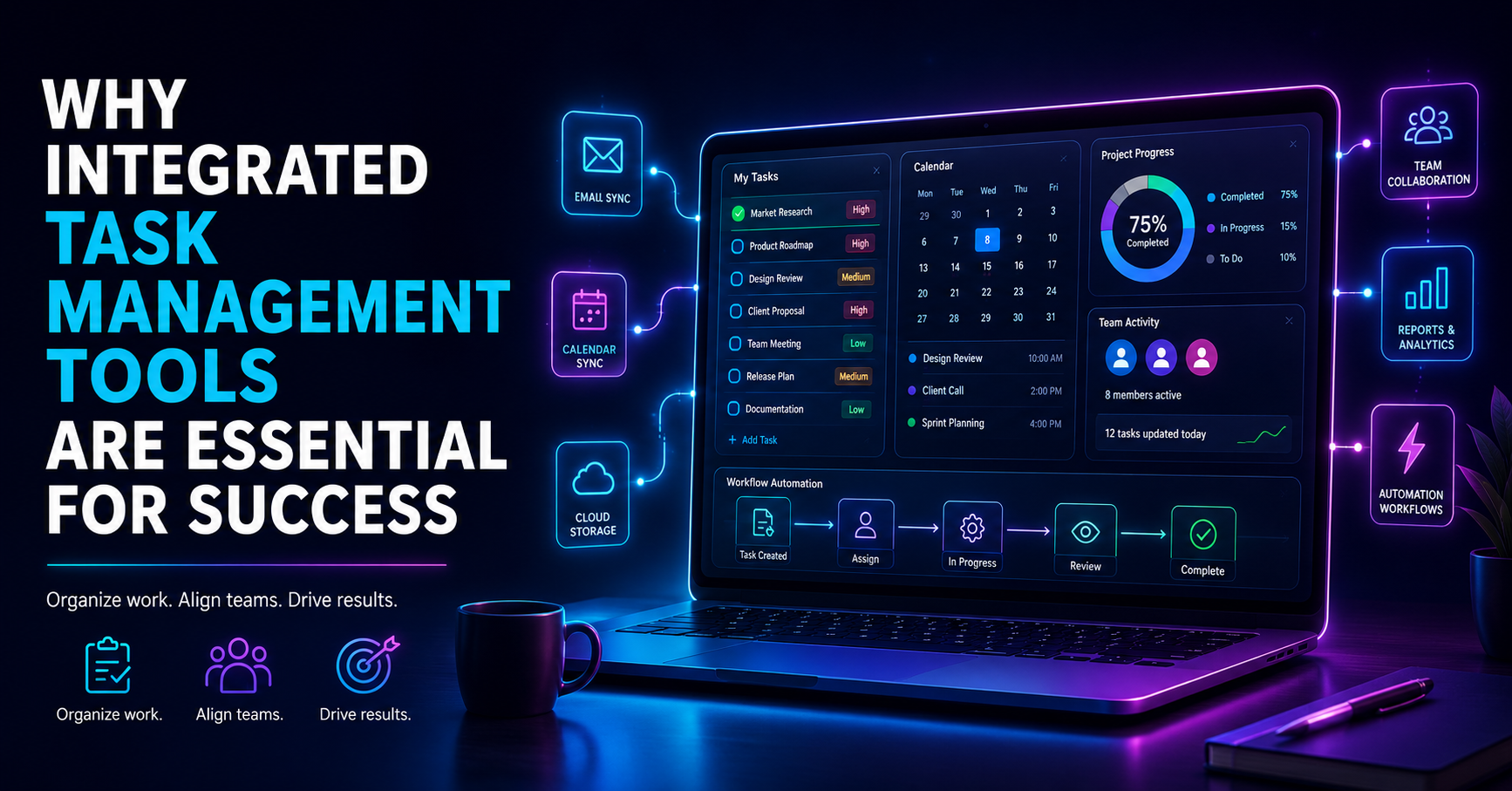
As remote work grows in popularity, professionals increasingly seek out solutions that enhance collaboration. Automation tools can consolidate email management, task prioritization, and calendar scheduling, addressing the fragmented workflows that many experience.
Method 2: Benefits of Task Automation Tools
The advantages of task automation tools are both numerous and compelling. Here are the key benefits:
Time Savings: Automation can drastically reduce the time spent on repetitive tasks, allowing you to focus on higher-value activities. For instance, if you spend five hours a week sorting through emails, an effective automation tool could cut that down to one hour.
Reduced Errors: Automated processes minimize human error, ensuring that tasks are completed accurately. For example, automated invoicing can prevent mistakes often made in manual entries.
Improved Focus: With routine tasks handled automatically, you can dedicate more time to strategic initiatives. This shift can lead to more meaningful work and, ultimately, greater job satisfaction.
Method 3: Key Features to Look for in Automation Solutions
When choosing a task automation tool, certain features can significantly enhance productivity:
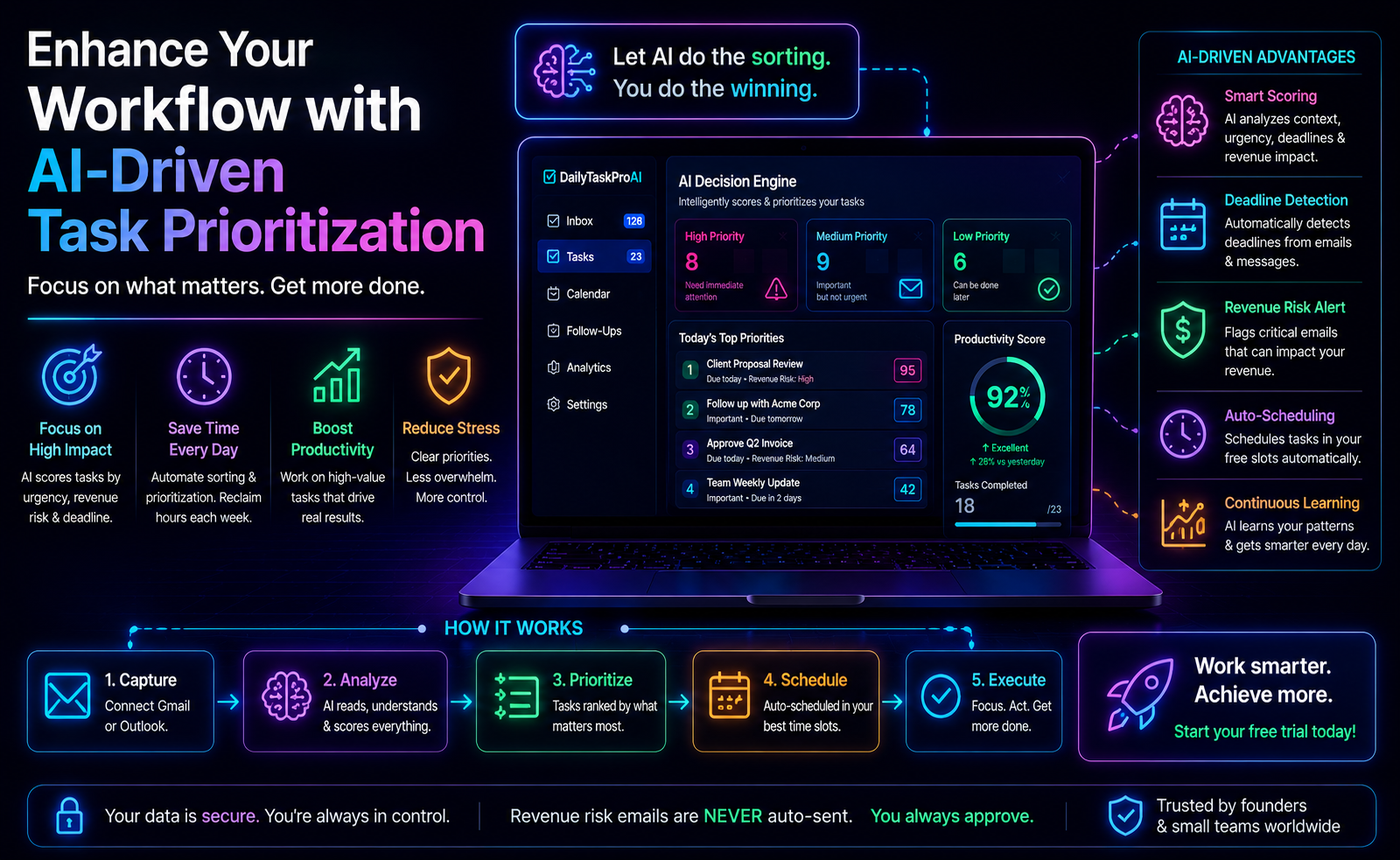
AI Decision Engine: Look for tools that utilize AI to assess emails and tasks, prioritizing them based on urgency and importance. This feature helps you tackle the most pressing issues first.
Email Management: Integration with your existing email platform is crucial. Tools that allow you to manage both Gmail and Outlook seamlessly can streamline your workflow.
Smart Calendar & Auto-Scheduling: A feature that reads emails and schedules tasks or meetings into available slots on your calendar can save time and reduce conflicts.
Method 4: Top Task Automation Tools for Busy Professionals
Here are some popular task automation tools that can enhance your productivity:
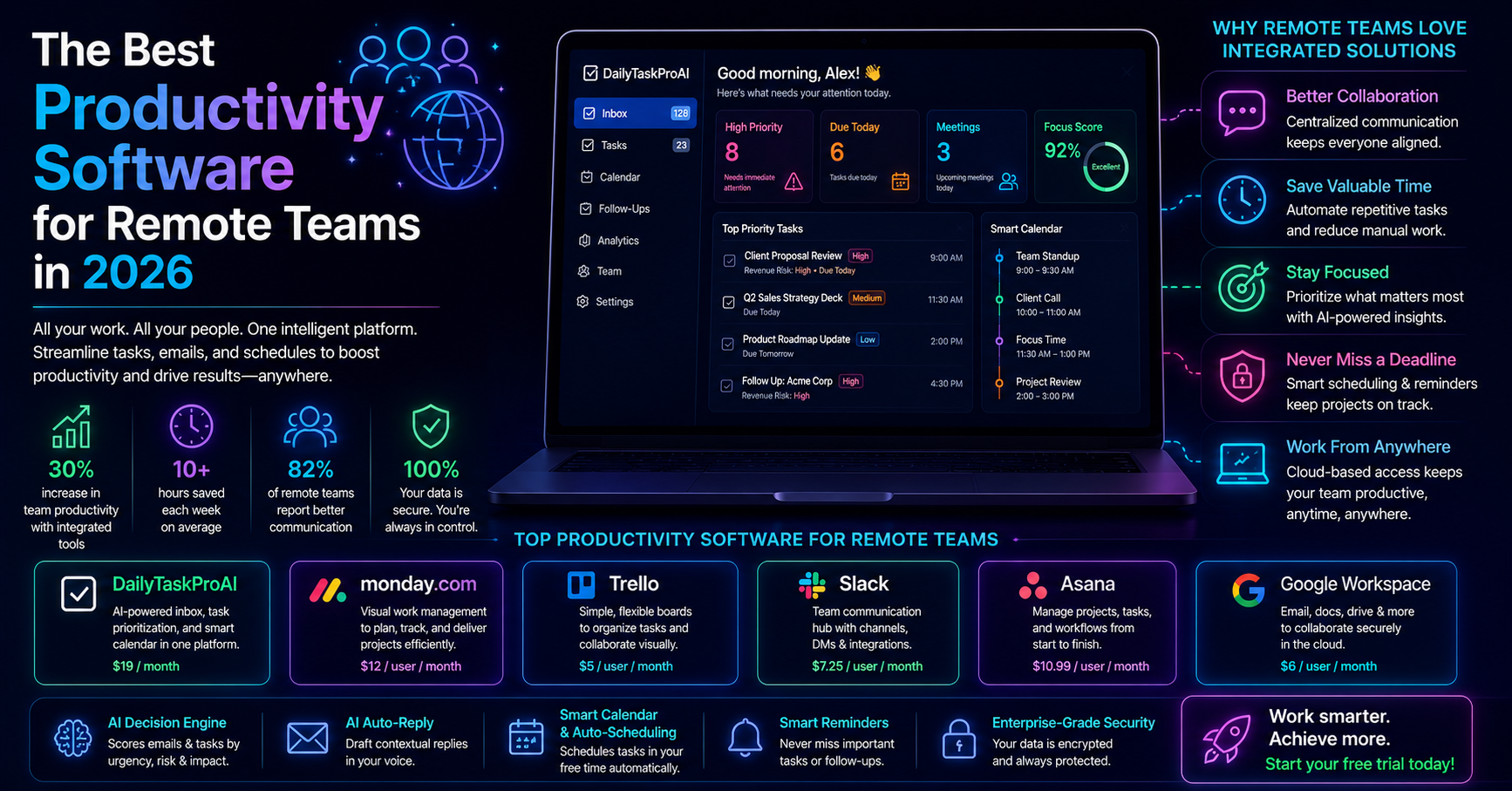
Tool Features Best For Price DailyTaskProAI AI Decision Engine, Smart Calendar, Email Management Small teams, sales professionals $19/month SaneBox Email filtering, reminders Individuals $24/month Superhuman Email management, shortcuts High-volume email users $30/month Shortwave Collaboration features, email management Teams Varies Motion Task management, scheduling Freelancers, teams Varies
Method 5: How Automation Improves Productivity
Automation tools can significantly improve how professionals manage their time and prioritize tasks. For instance, with DailyTaskProAI's Smart Calendar & Auto-Scheduling feature, you can automatically schedule tasks based on your existing commitments. This means no more double-booking or missed deadlines.
Consider a marketing manager inundated with emails. By using an AI Decision Engine, they can quickly identify which emails require urgent attention and which can wait. This prioritization can lead to a more organized workflow and a noticeable reduction in stress levels.
Method 6: Are There Free Task Automation Tools Available?
Free task automation tools do exist, but often come with limitations. Many tools offer basic features for free, such as limited email filtering or task management capabilities. However, to access more advanced features like Smart Calendar & Auto-Scheduling or comprehensive AI analysis, you typically need to invest in a paid plan.
For example, some email management tools might allow you to manage your inbox but lack the capacity for full automation of tasks or calendar integration. It's crucial to evaluate your needs and decide whether the free version meets your requirements or if a subscription would provide greater value.
Choosing the Right Automation Tool for Your Needs
Selecting the right task automation tool depends on several factors:
Team Size: For a team of one or two, a simpler, more cost-effective tool might suffice. Larger teams may benefit from features like task delegation and collaboration tools.
Email Volume: If you're dealing with a high volume of emails, look for tools with strong email management capabilities. Tools like DailyTaskProAI, which integrate email prioritization and scheduling, can be especially beneficial.
Budget: Determine how much you’re willing to spend. There are effective tools available at various price points, including free options.
Specific Needs: If you operate in India, consider features that cater to local requirements, such as GST email management.
FAQ
1. What are the main benefits of task automation tools?
Task automation tools primarily save time, reduce errors, and improve focus on high-priority tasks. By automating routine processes, professionals can redirect their efforts toward more strategic activities, ultimately enhancing job satisfaction and productivity.
2. What features should I look for in a task automation tool?
Essential features include an AI Decision Engine for email prioritization, seamless email management integration, and Smart Calendar & Auto-Scheduling for efficient task scheduling. These features can significantly streamline workflows and enhance productivity.
3. Are there free task automation tools available?
Yes, there are free task automation tools, but they often come with limitations in features and capabilities. Depending on your needs, it may be worthwhile to consider paid options for more comprehensive functionalities.
4. How can automation improve my productivity?
Automation improves productivity by eliminating repetitive tasks and enabling better task prioritization. Tools that integrate email management and calendar scheduling can help you focus on strategic work, leading to a more organized workflow.
5. How do I choose the right automation tool for my needs?
Assess your team size, email volume, budget, and specific needs when choosing a task automation tool. Consider whether you need features for collaboration, extensive email management, or integrations that cater to local regulations, such as GST management in India.
Transform Your Productivity with DailyTaskProAI
With the right task automation tools, you can break free from the cycle of repetitive tasks and inefficiencies. DailyTaskProAI combines email management, task prioritization, and Smart Calendar & Auto-Scheduling into one integrated platform. By using the AI Decision Engine, you can focus on what truly matters while ensuring that revenue risk emails are NEVER auto-sent. You always approve.
Explore how DailyTaskProAI can transform your productivity today. Whether you are looking for a free trial or want to dive into our pricing plans, we have the right solution for you. Get started free and experience the benefits of streamlined workflows.
Resources & Further Reading
External Resources
The Role of Automation in Business, Insights on how automation shapes modern business practices.
The Automation Advantage, A detailed report on the benefits and implementation of automation.
Related from DailyTaskProAI
How DailyTaskProAI Works, Learn more about our unique features.
View Pricing Plans, Explore options that fit your needs.
Read More on Our Blog, Discover additional insights and tips.