The struggle to maintain an organized email inbox is a common challenge for many professionals in India. With the increase in remote work and digital communication, the demand for effective email management software options in India is higher than ever. You might find yourself overwhelmed by the sheer volume of emails, many of which require immediate attention while others can wait. This is where a robust email management solution becomes essential.
In a fast-paced environment, managing your emails efficiently can significantly impact your productivity. Without the right tools, important messages may slip through the cracks, and deadlines can be missed. Understanding the best email management software options in India can help streamline your workflow and ensure you never miss a crucial opportunity.
Table of contents
Method 1: Introduction to Email Management Software
Email management software assists users in organizing, prioritizing, and responding to emails effectively. As professionals face increasing email volumes, these tools provide critical functionalities that help regain control over inboxes. The rise of remote work in India has intensified the need for a reliable solution. Many professionals find themselves sifting through endless threads, trying to distinguish between urgent messages and those that can wait.
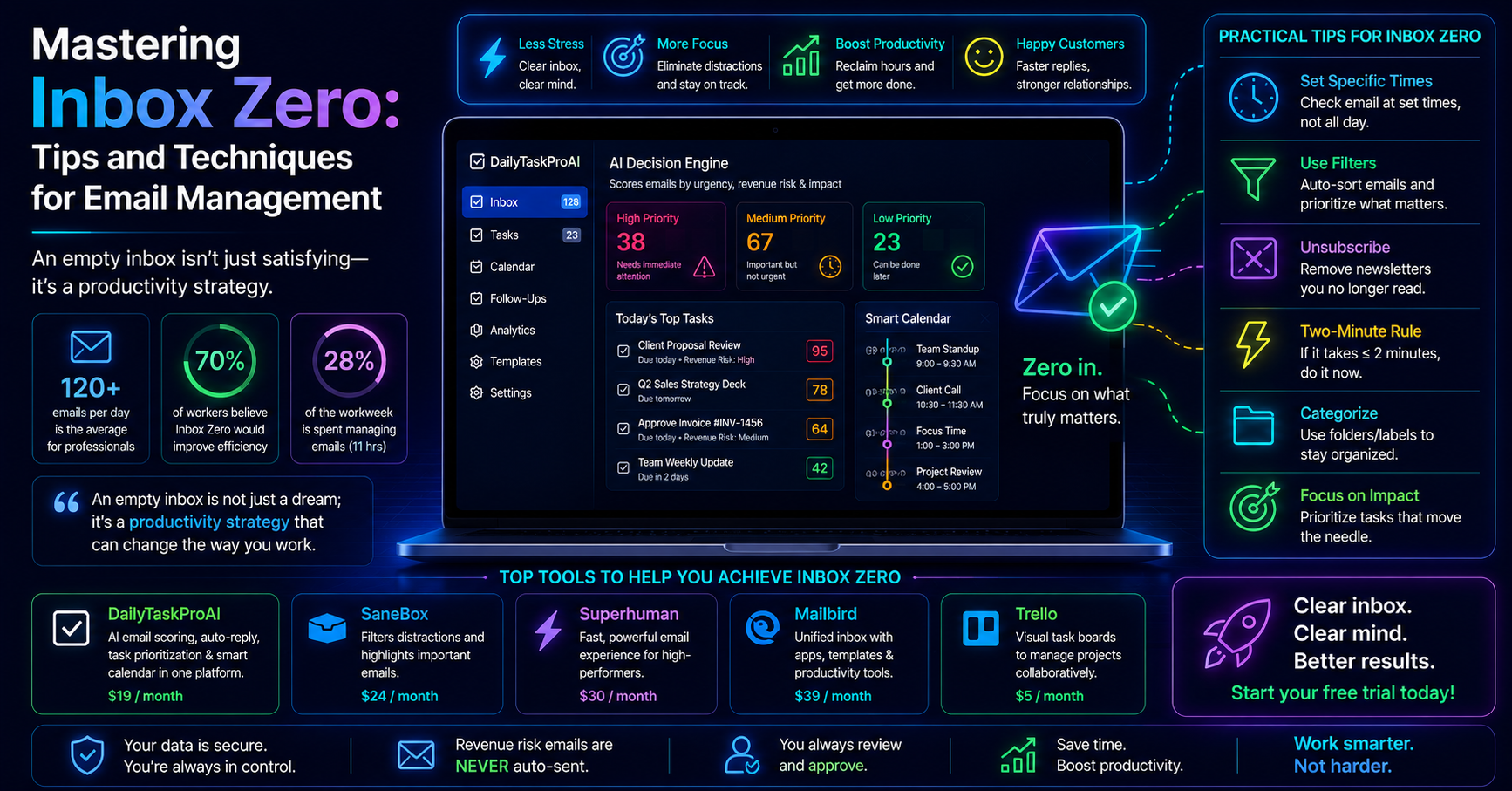
Imagine starting your day with 200 unread emails. You know that some contain vital information about client contracts, while others are mere newsletters. With the right email management software, you can quickly identify high-priority communications using features like the AI Decision Engine, which scores emails based on urgency and relevance.
Key Insight: Most professionals do not have an email problem; they have an order problem.
Email management software helps you categorize emails according to your specific needs. Additionally, with integrated task management and calendar scheduling capabilities, you can streamline your workflow, ensuring that important deadlines are always met.
Method 2: Top Email Management Tools in India
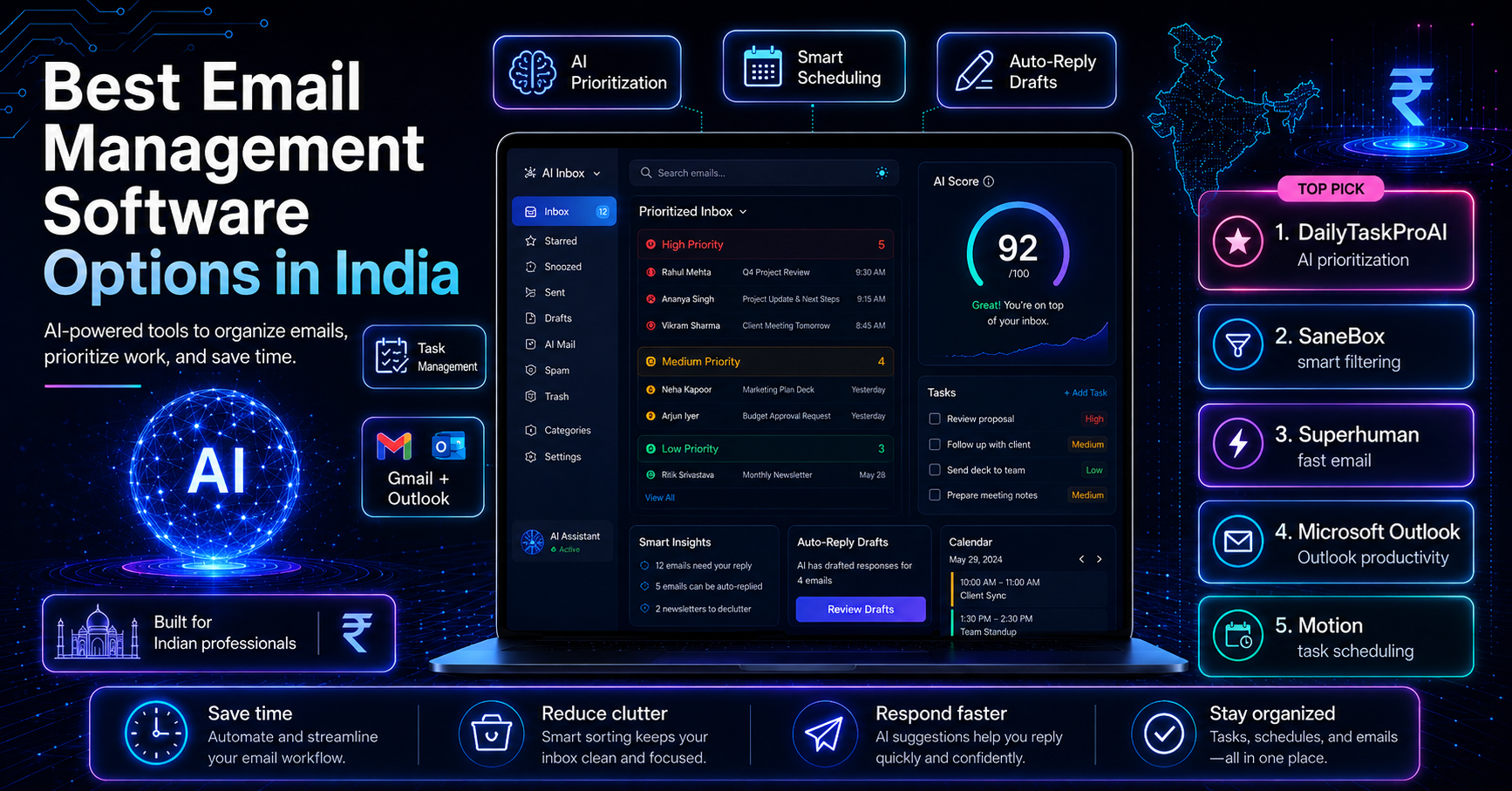
When it comes to selecting from the best email management software options in India, several tools stand out. Here are a few leading options, each with unique features tailored to different user needs:
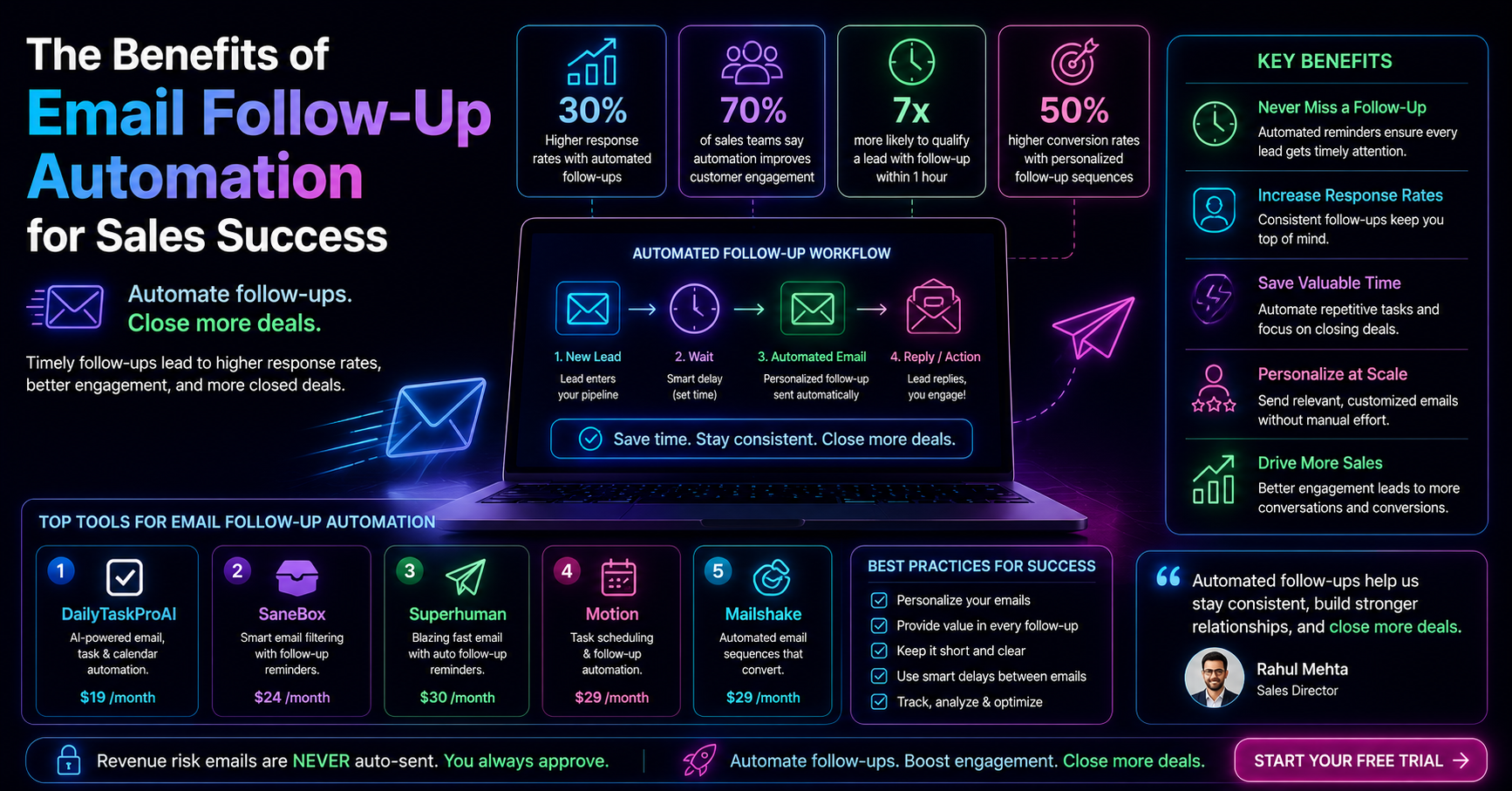
Gmail with Add-ons: Gmail remains a top choice for many professionals. With add-ons like SaneBox, users can manage their inboxes more effectively by filtering out unimportant emails.
Outlook with Microsoft 365: For users of Microsoft Outlook, the integration with Microsoft 365 offers comprehensive email features, including calendar management and task prioritization.
DailyTaskProAI: This tool provides a combined solution for email management, task prioritization, and calendar auto-scheduling, making it a compelling choice for busy professionals.
Superhuman: Known for its speed and user interface, Superhuman offers various features, but it does not include integrated calendar scheduling, making it less comprehensive than some alternatives.
Motion: Focused on productivity, Motion automates task scheduling but lacks advanced email management features compared to more integrated solutions.
Method 3: AI Email Solutions: A Game Changer
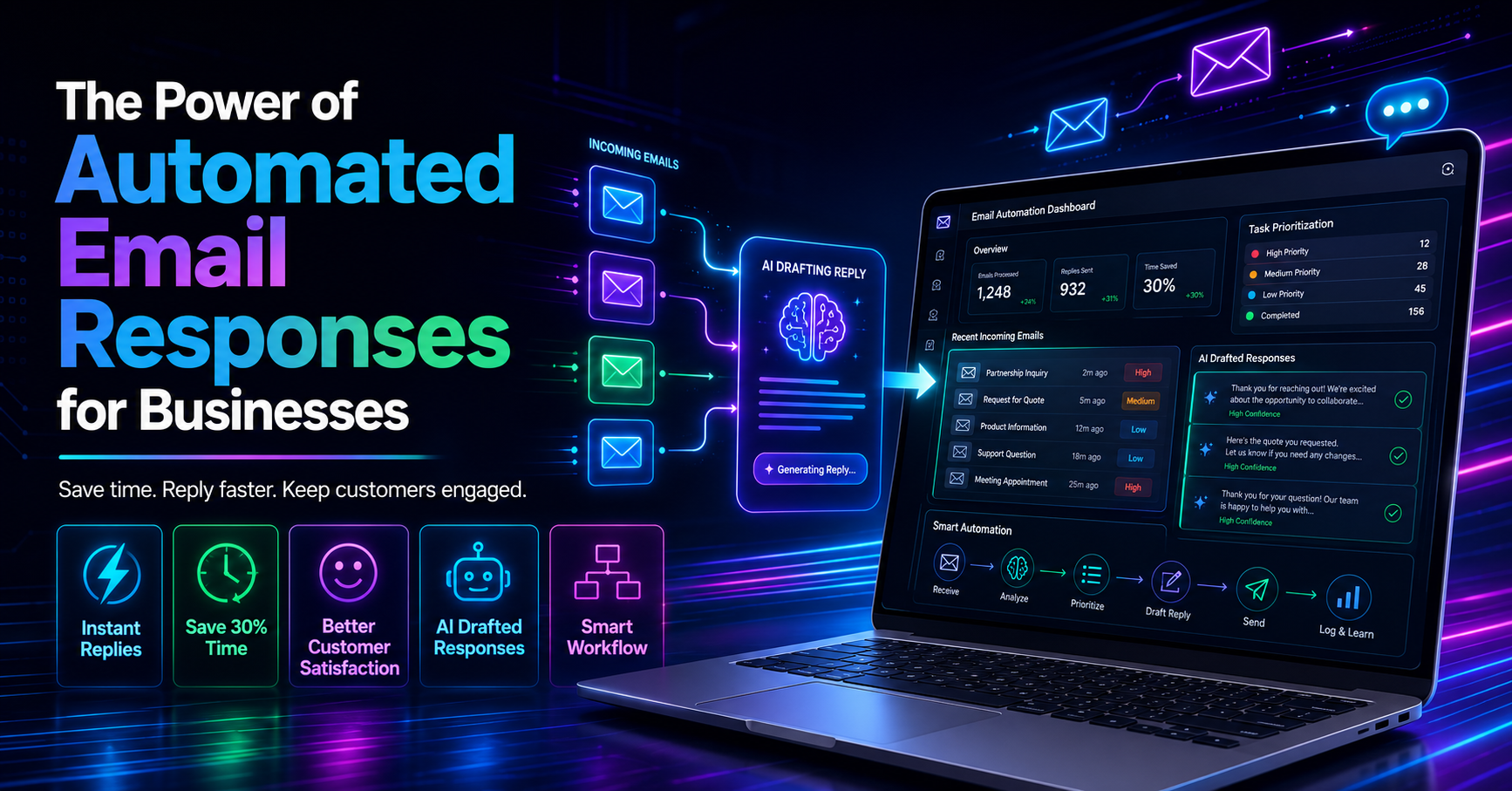
AI technology is transforming email management by introducing features that dramatically enhance efficiency. Tools like DailyTaskProAI leverage AI to facilitate automatic replies, prioritize tasks, and detect potential revenue risks. For example, the AI Decision Engine evaluates each email and assigns a score based on factors such as urgency, deadline, and sender. This scoring helps you quickly identify which emails require your immediate attention.
Consider a sales manager who receives dozens of emails daily regarding client inquiries, invoices, and meeting requests. With AI email solutions, the manager can set priorities based on the AI's recommendations. This means that critical revenue risk emails are flagged, ensuring they are never overlooked.
Pros:
Increased efficiency through automation.
Better prioritization of important emails.
Contextual replies that maintain your voice.
Cons:
Initial learning curve for new users.
Dependence on AI accuracy for effective results.
AI solutions are best for professionals who handle high email volumes daily and require robust tools to streamline their workflows. By automating time-consuming tasks, you can focus more on strategic initiatives rather than getting lost in your inbox.
Method 4: Key Features to Look For
When evaluating email management software, several essential features can enhance your workflow. Here are the key functionalities you should consider:
Integration Capabilities: The ability to sync with existing tools like Gmail, Outlook, and task management software is crucial. This ensures a seamless workflow without the need to switch between multiple applications.
Task Prioritization: Look for tools that can effectively prioritize emails based on urgency and importance. The AI Decision Engine in DailyTaskProAI is a prime example of this functionality.
Calendar Auto-Scheduling: Integrated calendar features that can automatically schedule tasks and meetings based on your availability can significantly reduce time spent managing your calendar. DailyTaskProAI's Smart Calendar & Auto-Scheduling excels in this area.
User Interface: A clean, intuitive user interface can drastically improve your experience. Software that is easy to navigate allows you to focus on the tasks at hand rather than figuring out how to use the tool.
Every professional has different requirements, so assessing these features against your specific needs will help ensure you choose the right solution.
Method 5: Gmail and Outlook Management Tools
Many professionals rely on Gmail and Outlook, making it essential to select tools that enhance these platforms. Here are some of the top email management tools designed specifically for Gmail and Outlook users:
Gmail Add-ons: Using add-ons like SaneBox helps Gmail users filter and manage their inboxes, allowing for a more organized email experience.
Outlook Add-ins: Outlook users can benefit from add-ins that enhance email functionalities, such as automatic scheduling and task tracking.
DailyTaskProAI: This tool integrates with both Gmail and Outlook, providing a unified dashboard for email management, task prioritization, and calendar scheduling.
By leveraging tools that integrate seamlessly with Gmail and Outlook, you can create a tailored email management system that meets your unique needs.
Method 6: Task Prioritization and Calendar Scheduling
Effective task prioritization and calendar scheduling are vital for maintaining productivity. Email management software that includes these features can make a significant difference. Tools like DailyTaskProAI offer Smart Calendar & Auto-Scheduling, which reads your emails to detect meetings and deadlines. It then checks your calendar availability and auto-schedules tasks into free slots within your working hours.
For instance, imagine you receive multiple emails requiring urgent responses and tasks that need to be completed by the end of the day. With the calendar auto-scheduling feature, the software automatically places these tasks into your calendar around your existing meetings, ensuring you maximize your time effectively.
Pros:
Streamlined scheduling that adapts to your needs.
Conflict detection that helps avoid overlapping tasks.
Improved time management through automatic prioritization.
Cons:
May require adjustment to trust automated scheduling.
Possibility of misinterpretation in task urgency.
This feature is particularly useful for professionals juggling multiple responsibilities, allowing them to focus on what matters most while the software handles the logistics of scheduling.
Method 7: DailyTaskProAI: A Comprehensive Solution
Among the best email management software options in India, DailyTaskProAI stands out as a comprehensive solution. It integrates email management, task prioritization, and calendar scheduling into one platform, providing a seamless user experience. With features like the AI Decision Engine, you can easily prioritize emails based on urgency and revenue risk. Revenue risk emails are NEVER auto-sent. You always approve.
The Smart Calendar & Auto-Scheduling feature not only helps manage your tasks but also ensures that meetings and deadlines are efficiently scheduled around your availability. This means you spend less time juggling your calendar and more time focusing on your core responsibilities.
By offering a combination of essential features within a single platform, DailyTaskProAI simplifies the workflow for professionals, making it an excellent choice for small teams and solo founders alike. You can explore the features of DailyTaskProAI to see how it fits your needs.
FAQs about Email Management Software
1. What are the top email management tools in India?
The top email management tools in India include Gmail with add-ons like SaneBox, Outlook with Microsoft 365, and comprehensive solutions like DailyTaskProAI. Each of these tools offers unique features that cater to different needs, making it essential to choose one that aligns with your workflow.
2. How can AI enhance email management?
AI enhances email management by automating repetitive tasks such as sorting, prioritizing, and drafting replies. For instance, tools like DailyTaskProAI use AI to score emails based on urgency and importance, helping users focus on high-priority communications first.
3. What features should I look for in email management software?
Essential features to consider include integration capabilities with existing tools, task prioritization functionalities, calendar auto-scheduling, and a user-friendly interface. These features will ensure that the software enhances your productivity rather than complicating your workflow.
4. Are there email management tools specifically for Gmail and Outlook users?
Yes, there are several email management tools designed specifically for Gmail and Outlook users. Tools like SaneBox for Gmail and various Outlook add-ins can enhance the email experience. DailyTaskProAI also integrates with both platforms, offering a unified solution.
5. How can task prioritization and calendar scheduling improve productivity?
Task prioritization and calendar scheduling improve productivity by ensuring that you focus on the most critical tasks first and manage your time effectively. Tools like DailyTaskProAI's Smart Calendar & Auto-Scheduling automatically schedule tasks around your existing commitments, reducing the time spent on planning and increasing time available for execution.
Transform Your Email Management with DailyTaskProAI
As you navigate the sea of emails and deadlines, consider how DailyTaskProAI can transform your email management today. With features like the AI Decision Engine and Smart Calendar & Auto-Scheduling, you can streamline your workflow and regain control over your inbox. Say goodbye to email chaos and hello to organized productivity. Discover the best email management software options in India and see how DailyTaskProAI can elevate your efficiency.
Get started free and explore how DailyTaskProAI can enhance your daily operations.