Email management is a persistent challenge for small teams and startups. With countless messages flooding your inbox daily, finding the right AI tools for email management can significantly enhance productivity. These tools offer capabilities that not only organize emails but also prioritize tasks and integrate seamlessly with calendars. As these tools evolve, recognizing their importance is crucial for teams looking to stay competitive.
Imagine a small e-commerce team overwhelmed with customer inquiries, supplier negotiations, and internal communications. Each team member spends hours sorting through emails, missing critical deadlines and opportunities. This is where AI tools step in, transforming chaos into an organized workflow, ensuring that urgent messages are handled promptly while scheduling tasks efficiently.
Table of contents
Method 1: DailyTaskProAI
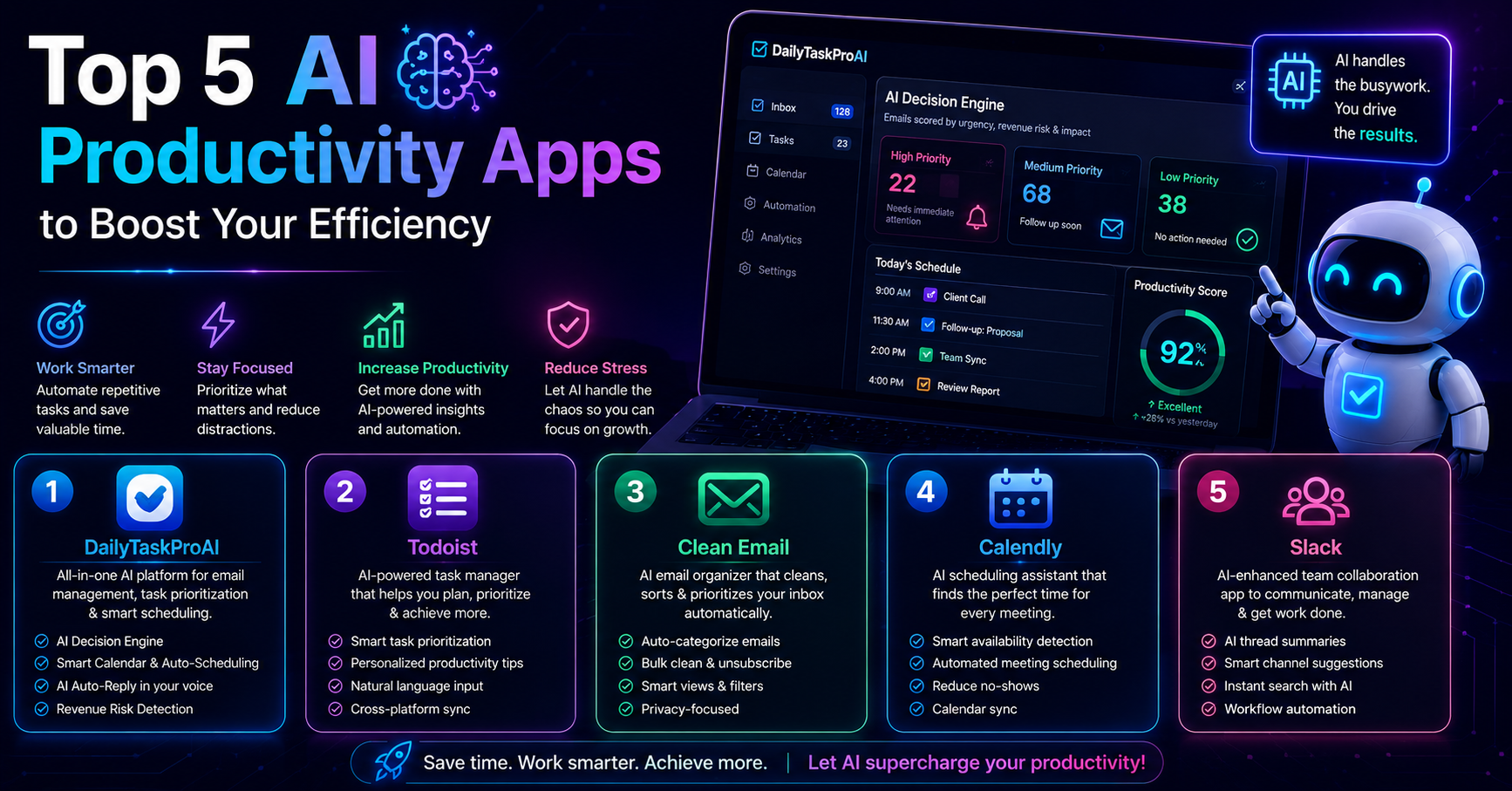
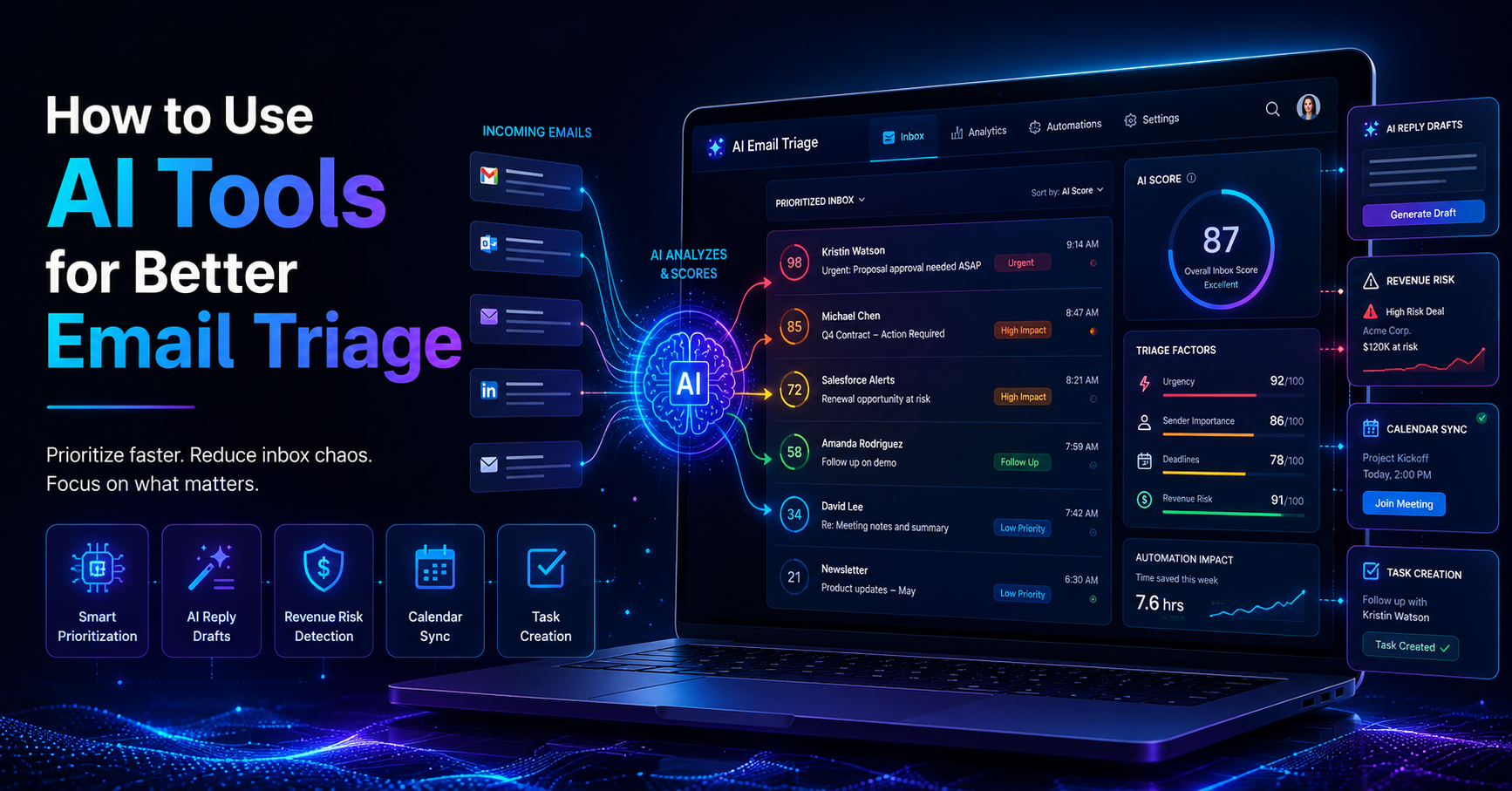
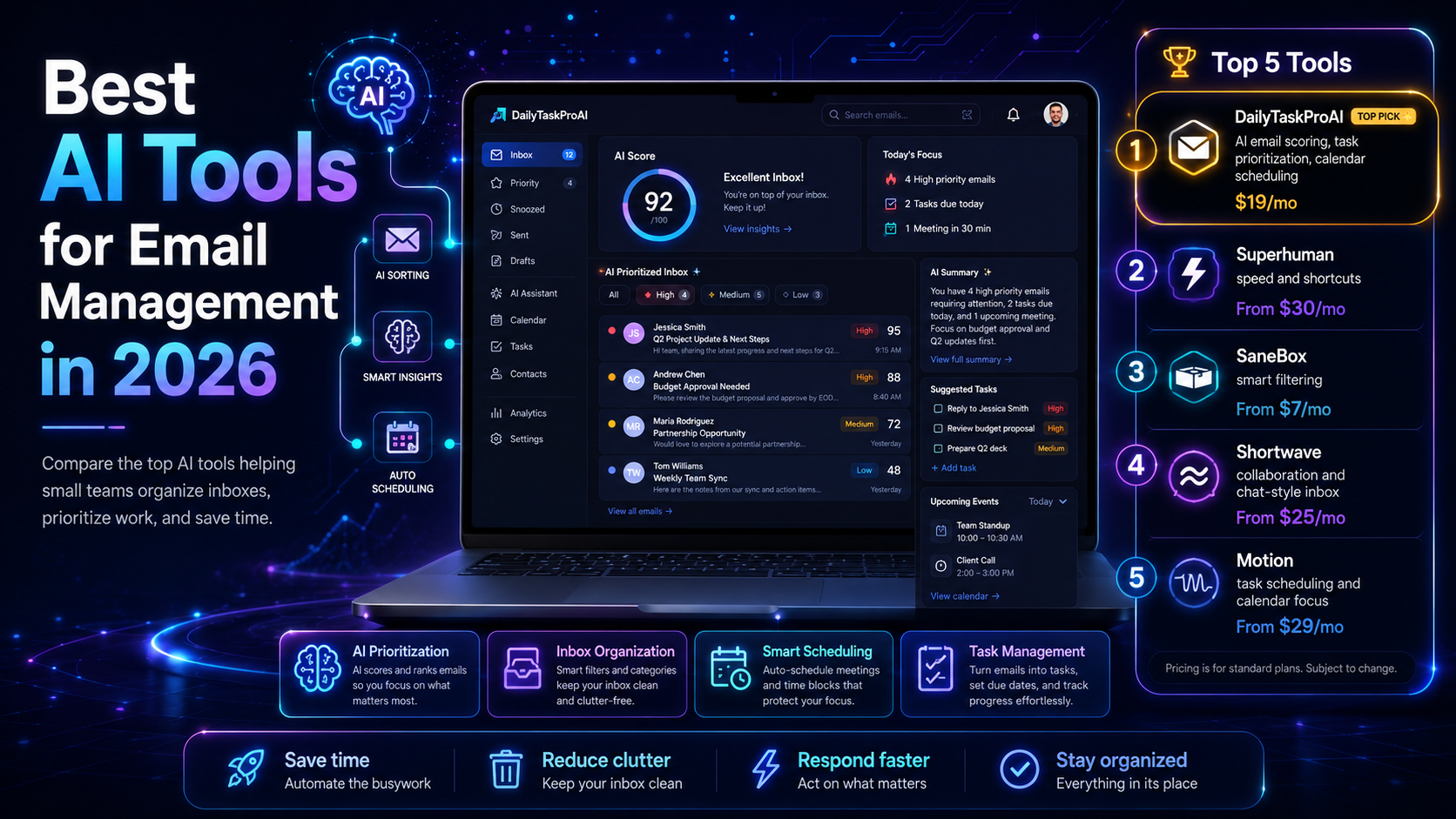
DailyTaskProAI combines email management, task prioritization, and Smart Calendar & Auto-Scheduling into one robust tool. With its AI Decision Engine, the tool reads your inbox and scores emails based on revenue risk, urgency, deadline, and sender. This scoring allows users to focus on what matters most first.
Imagine a scenario where a solo founder balances investor emails, client communications, and urgent project deadlines. With DailyTaskProAI, they receive a prioritized list of emails to address. The AI also drafts contextual replies in the user’s voice, allowing for quick responses without sacrificing quality. Before sending, the founder reviews each reply, ensuring that the tone matches their brand. Revenue risk emails are NEVER auto-sent. You always approve.
Pros: Integrates email and calendar, prioritizes tasks effectively, and offers contextual replies.
Cons: Requires setup time to adapt to user preferences, may have a learning curve for new users.
DailyTaskProAI is ideal for solo founders and small teams who need a comprehensive solution without the hassle of managing multiple tools. Its features cater to those who want to optimize their workflow without sacrificing personal touch in communications.
Method 2: Superhuman
Superhuman is an email client designed for speed and efficiency. It offers features like keyboard shortcuts and snippets that allow users to navigate their inbox and respond to emails quickly. The tool is particularly popular among sales teams who require rapid responses.
For example, a sales representative using Superhuman can quickly filter through leads and respond to inquiries with pre-set snippets, significantly reducing response time. The focus on speed helps sales teams convert leads effectively.
Pros: Fast interface, powerful shortcuts, and a focus on productivity.
Cons: No integrated calendar scheduling, and can be pricey for small teams.
Superhuman is best suited for sales professionals and teams that prioritize quick email responses over extensive task management capabilities. Its speed-focused design appeals to those who handle a high volume of emails daily.
Method 3: SaneBox
SaneBox focuses on email organization, filtering out unimportant emails and helping users prioritize their inbox. By learning from user behavior, SaneBox automatically sorts incoming messages, allowing users to focus on what truly matters.
Consider an operations manager who receives numerous operational updates and internal reports. With SaneBox, the manager can set filters that direct essential emails to the top while less critical ones are moved to a separate folder, reducing inbox clutter and streamlining workflow.
Pros: Excellent filtering capabilities, reduces inbox clutter.
Cons: Limited task management features, relies heavily on user training.
SaneBox is best for teams that deal with a high volume of emails and struggle with organization. Its filtering capabilities make it a strong choice for users who need to declutter their inbox.
Method 4: Shortwave
Shortwave is a modern email client that integrates chat-style messaging within email threads. It is designed to make email feel less overwhelming by presenting messages in a more digestible format. This tool is particularly beneficial for teams that collaborate heavily via email.
A project manager might find Shortwave helpful when coordinating tasks among team members. The chat-style interface allows for quick discussions directly within email threads, making it easier to resolve issues without switching platforms.
Pros: Collaborative interface, simplifies email discussions.
Cons: Not suitable for users preferring traditional email formats, may not have robust task management.
Shortwave is ideal for small teams that prioritize collaboration and communication. Its chat-like interface can enhance engagement and reduce email fatigue.
Method 5: Motion
Motion is a task management tool that integrates with your email and calendar, helping users manage their tasks and schedules effectively. It automatically schedules tasks based on deadlines and priorities, ensuring that users stay on track.
A marketing team member juggling multiple campaigns could use Motion to automatically allocate time for each task based on urgency. This automation allows the marketer to focus on creative work instead of constantly managing their schedule.
Pros: Automatic task scheduling, integrates well with calendars.
Cons: Limited email management features, may require adjustment for new users.
Motion is best for teams that need a dedicated task management tool integrated with their email and calendar. It’s particularly useful for those who struggle with time management and prioritization.
Comparison of AI Email Management Tools
ToolKey FeaturesBest ForCostDailyTaskProAIEmail scoring, task prioritization, calendar schedulingSolo founders, small teams$19/moSuperhumanSpeed, shortcuts, snippetsSales teamsFrom $30/moSaneBoxEmail filtering, organizationHigh-volume email usersFrom $7/moShortwaveChat-style messaging, email collaborationCollaboration-focused teamsFrom $25/moMotionTask scheduling, calendar integrationTask-focused teamsFrom $29/mo
How to Choose the Right Tool
Choosing the best AI tools for email management depends on your team's size, email volume, and specific needs. If you are a solo founder or part of a small team, DailyTaskProAI's integrated features can streamline your workflow effectively without overwhelming you with complexity. Conversely, if you are part of a larger sales team, tools like Superhuman that focus on speed might suit you better.
For teams in India, consider tools that can accommodate GST-related needs. DailyTaskProAI's features, such as revenue risk detection, can help ensure that critical financial emails are highlighted, allowing you to address them promptly. Always analyze your budget and the specific functionalities you require before making a decision.
FAQ: Common Questions About AI Email Management
What are the benefits of using AI tools for email management?
AI tools enhance productivity by automating routine tasks, prioritizing emails based on urgency, and integrating calendar scheduling. This leads to fewer missed deadlines and a more organized inbox, allowing users to focus on high-impact activities.
Can AI tools help reduce email overload?
Yes, many AI tools specialize in filtering and organizing emails, which significantly reduces inbox clutter. By automatically sorting messages, these tools help users focus on important emails, leading to better time management and reduced stress.
Are there any free AI email management tools available?
While many AI email management tools offer free trials, most come with a subscription model for full features. Some tools may provide limited free versions that offer basic functionalities, but for comprehensive solutions, a subscription is usually necessary.
How do AI email assistants learn my preferences?
AI email assistants learn user preferences through machine learning algorithms that analyze past email interactions, response patterns, and user feedback. Over time, this enables them to provide more relevant suggestions and automate tasks more effectively.
Is my data safe with AI email management tools?
Most reputable AI email management tools comply with data protection regulations and implement security measures to protect user data. It is essential to review the privacy policies of any tool you consider to ensure they meet your security requirements.
Transform Your Email Management Today
Finding the right AI tools for email management can significantly impact your efficiency and productivity. DailyTaskProAI offers a comprehensive solution that integrates email management, task prioritization, and Smart Calendar & Auto-Scheduling in an easy-to-use platform. If you're ready to streamline your email workflow and improve your productivity, get started free today.