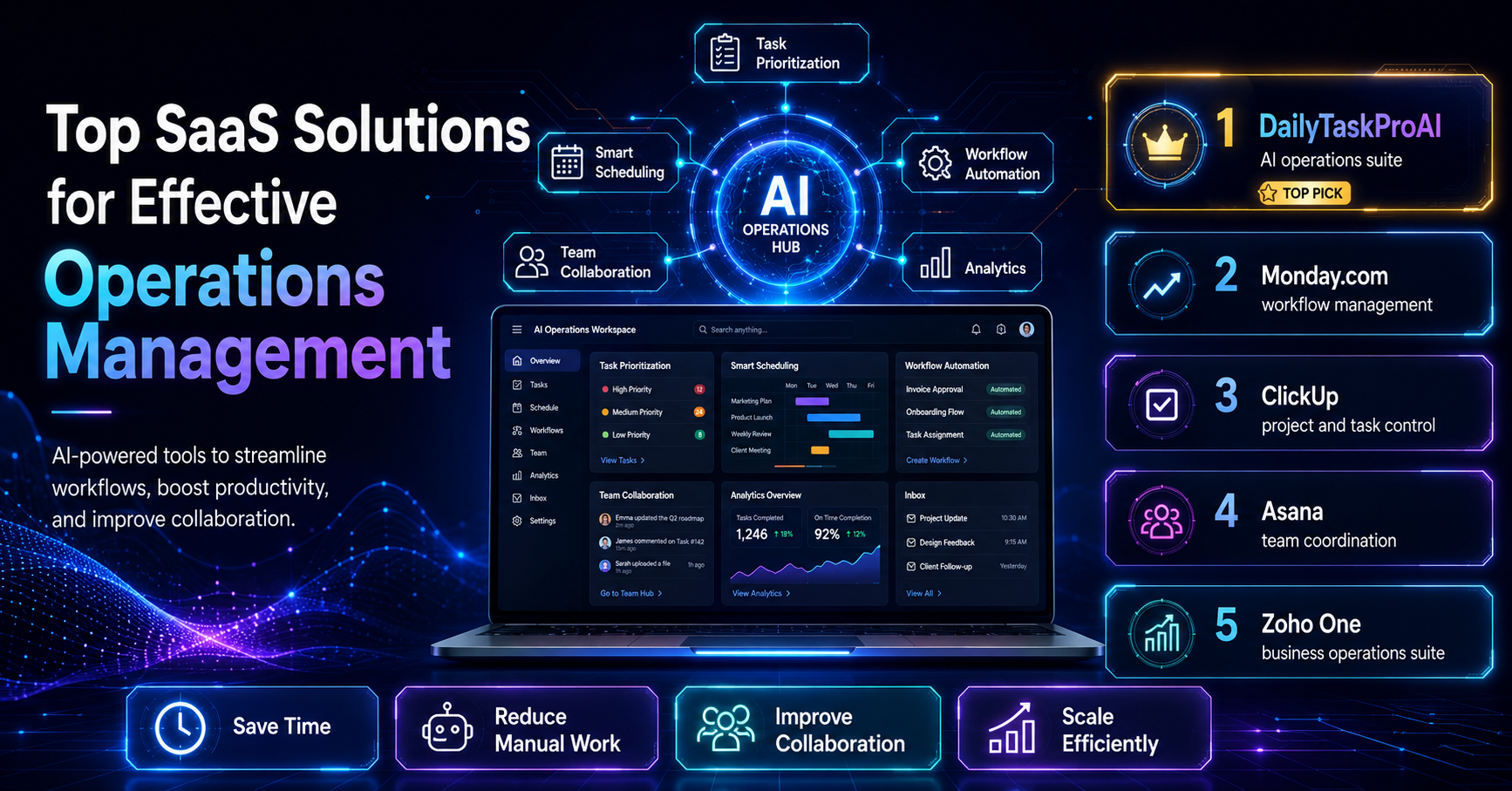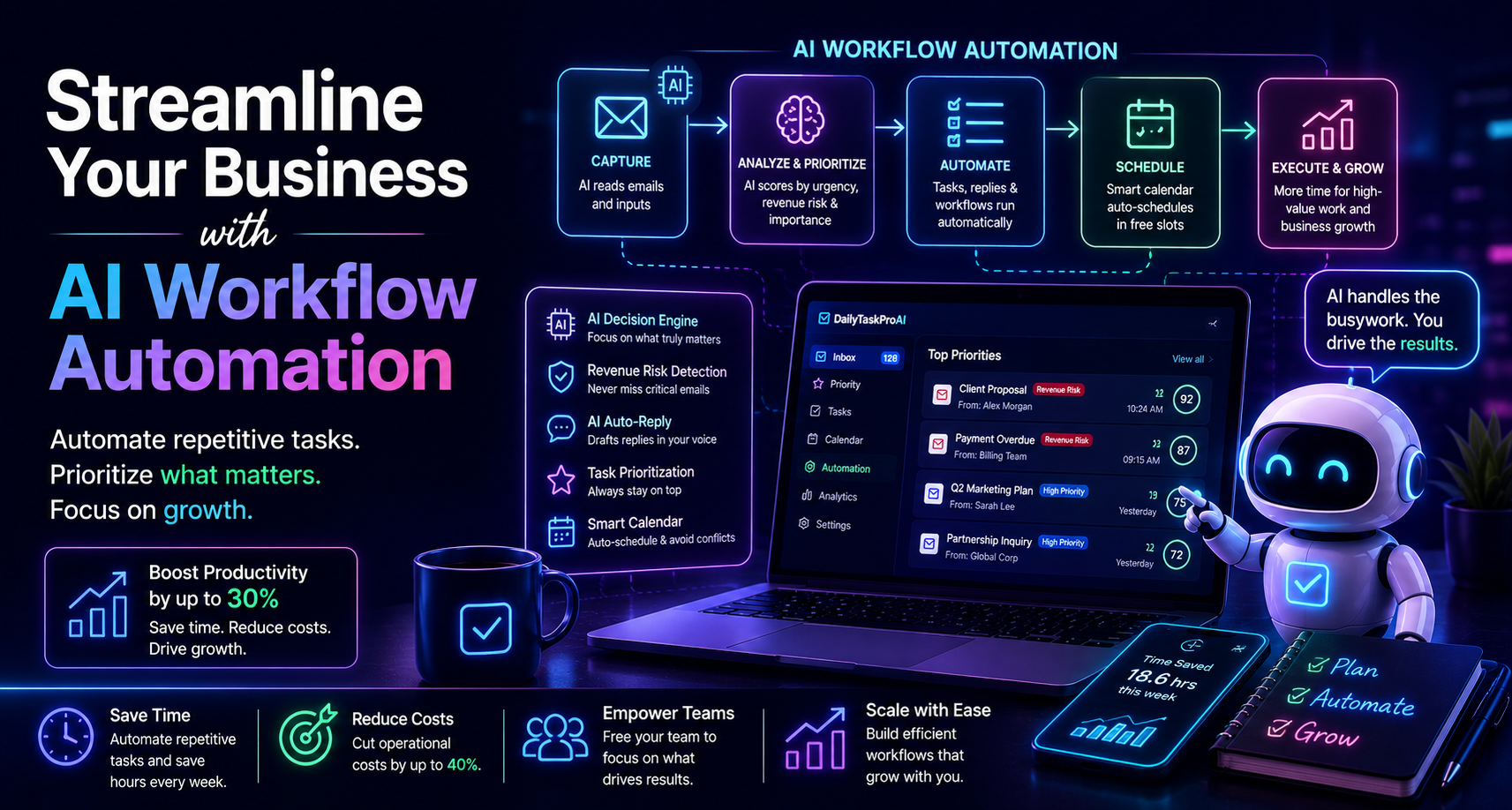
Many business owners face overwhelming email volumes, leading to missed opportunities and delayed responses. The struggle to manage these communications effectively often means that critical tasks fall through the cracks. This is where AI workflow automation comes into play, offering a solution to streamline processes and improve overall efficiency.
As more businesses turn to AI technologies, the benefits become increasingly clear. By automating repetitive tasks and enhancing decision-making, AI can significantly boost productivity, potentially increasing it by up to 30%. With 70% of small business owners believing that AI will enhance their operational efficiency by 2026, it's evident that the adoption of AI-driven solutions is not just a trend but a necessity for staying competitive.
Table of contents
Method 1: Understand AI Workflow Automation
AI workflow automation refers to the use of artificial intelligence technologies to streamline and optimize business processes. This can include automating repetitive tasks, managing emails, and coordinating schedules. The significance for business owners lies in the ability to focus on high-value tasks rather than getting bogged down by routine activities.
For instance, a small e-commerce team may find themselves spending hours sorting through emails and scheduling meetings. By adopting AI-driven workflow automation, they can dramatically reduce the time spent on these tasks, allowing them to concentrate on sales and customer engagement. This shift not only enhances productivity but also contributes to a healthier work environment.
Pros: Increases efficiency, reduces manual errors, frees up time for strategic initiatives.
Cons: Initial setup costs, potential learning curve for staff.
This approach is best for small to medium-sized businesses looking to optimize their operations without overwhelming their teams.
Method 2: Automate Repetitive Tasks
One of the most significant advantages of AI workflow automation is the ability to automate repetitive tasks. Studies show that approximately 80% of repetitive tasks can be automated, which can free up valuable employee time for more strategic initiatives. This is critical, especially in environments where manual processes consume more than 50% of employees' time.
Consider a scenario where an operations manager spends hours each week manually sending follow-up emails. By implementing an AI tool like DailyTaskProAI, the manager can automate these tasks, ensuring that important communications are sent on time without personal oversight. The AI auto-reply feature drafts responses in the user's voice, allowing for quick engagement without sacrificing personalization.
Pros: Saves time, reduces errors, enhances responsiveness.
Cons: May require ongoing maintenance, initial resistance from staff.
This method works best for teams that handle high volumes of repetitive tasks, such as customer service or sales follow-ups.
Method 3: Enhance Decision-Making with AI
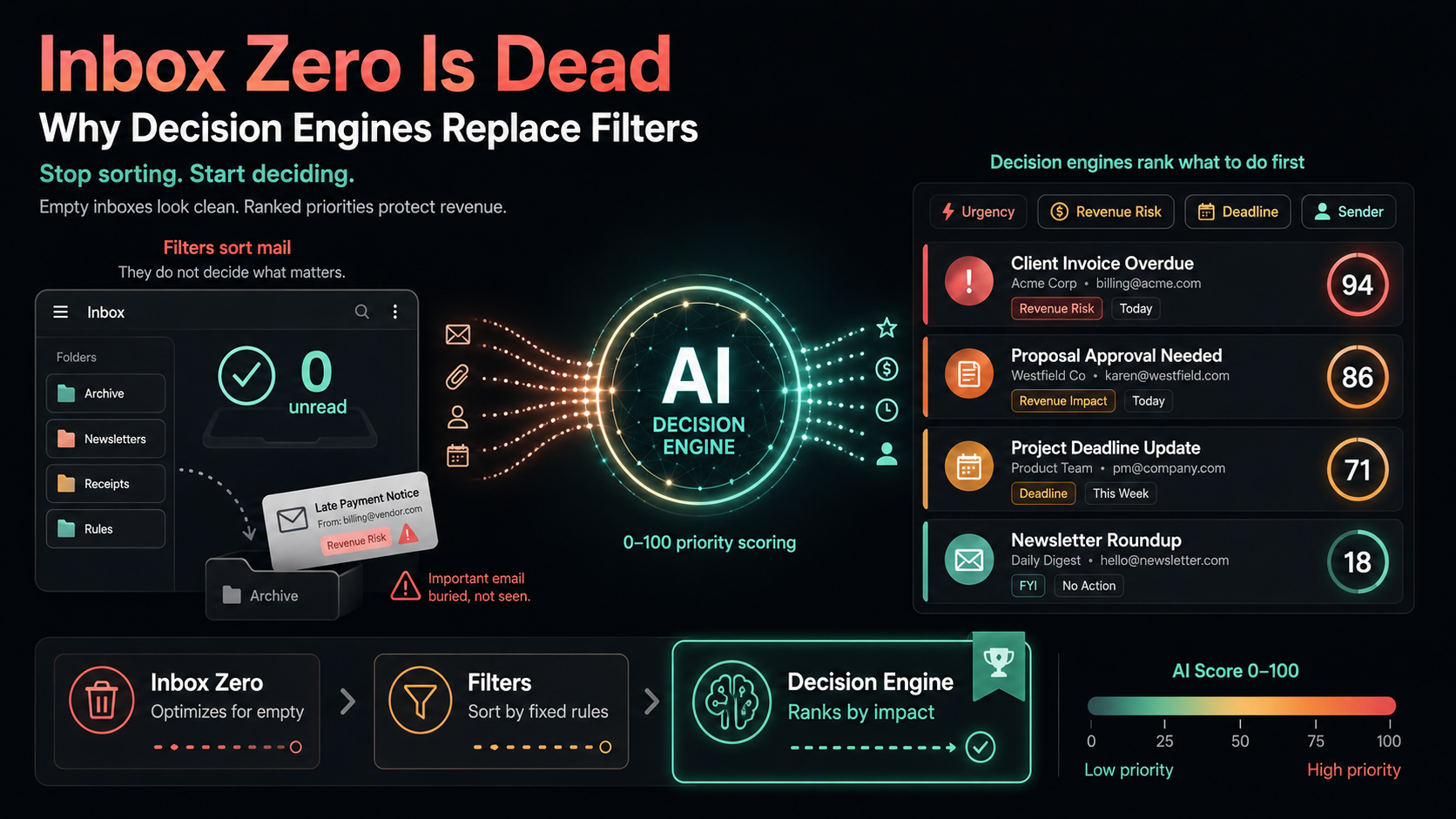
AI can significantly improve decision-making processes by providing data-driven insights. The AI Decision Engine within tools like DailyTaskProAI reads incoming emails, scoring each based on revenue risk, urgency, and sender. This allows users to prioritize their actions effectively, ensuring that critical issues are addressed first.
Imagine a sales team receiving numerous inquiries daily. With the AI Decision Engine, the team can quickly identify which emails require immediate attention, such as those related to high-value deals, while delegating less urgent matters. This capability not only enhances efficiency but also improves overall responsiveness to clients.
Pros: Prioritization based on real-time data, improved focus on high-value tasks.
Cons: May require training for optimal use, initial setup time.
This approach is particularly beneficial for teams in fast-paced environments where timely decision-making is critical.
Method 4: Prioritize Tasks Effectively
Effective task prioritization is essential for maintaining productivity, and AI can play a pivotal role in this process. By analyzing deadlines, dependencies, and team availability, AI tools can help ensure that important tasks are completed on time. The integration of AI with existing project management tools is becoming a standard practice, with 55% of companies planning to adopt such solutions by 2026.
Consider a small marketing team preparing for a product launch. With multiple deadlines approaching, an AI-driven tool can prioritize tasks based on urgency and importance, helping the team focus on what matters most. This leads to a smoother workflow and reduces the risk of missed deadlines.
Pros: Improved clarity on priorities, better time management.
Cons: Dependence on technology, potential for over-reliance on automation.
Method 5: Manage Emails Efficiently
Efficient email management is often a significant pain point for business owners. Many find themselves overwhelmed by the volume of messages, leading to delayed responses and missed opportunities. AI tools can streamline this process through features such as AI auto-reply and revenue risk detection.
For example, a solo founder might receive numerous inquiries daily, ranging from potential partnerships to customer questions. With AI-driven email management, the founder can quickly sort through messages, responding to high-priority inquiries while scheduling follow-ups for others. This reduces the mental load and allows for a more organized approach to communication.
Pros: Faster response times, reduced chances of missed emails.
Cons: Requires an upfront investment, may need user training.
This strategy is particularly effective for solo founders and small teams who need to maintain high levels of responsiveness without becoming overwhelmed by their inboxes.
Method 6: Simplify Calendar Scheduling
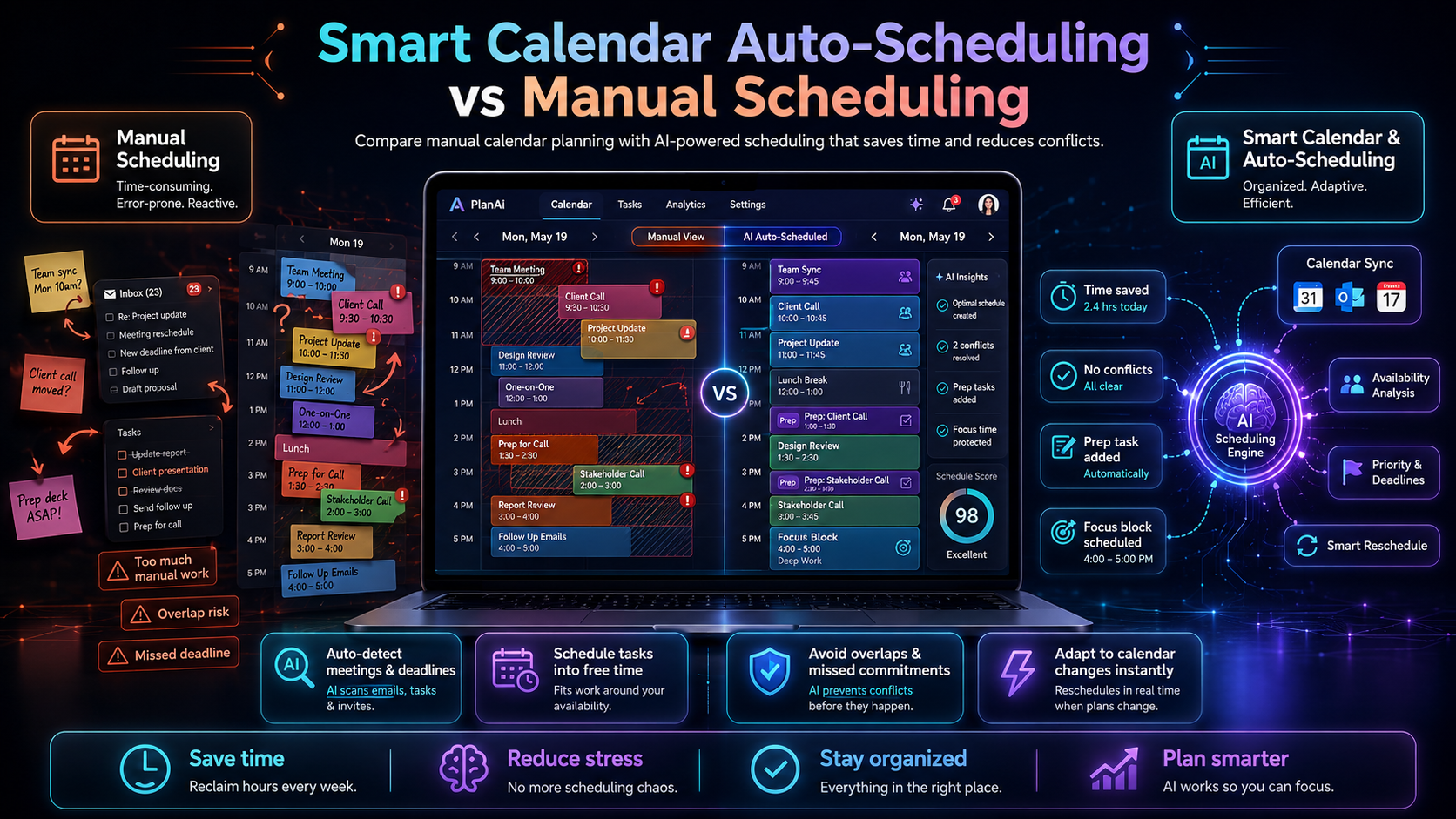
Calendar management can become a significant drain on time and energy, especially when coordinating meetings across teams. The Smart Calendar & Auto-Scheduling feature of DailyTaskProAI simplifies this process by automatically detecting meetings and deadlines from emails and checking calendar availability.
Imagine a small sales team trying to coordinate a weekly meeting. Instead of endless email chains proposing times, an AI tool can automatically suggest the next available slot for all team members, reducing the back-and-forth. The Calendar Auto-Scheduling feature ensures that tasks are placed into free slots within the user's working hours, maximizing productivity.
Pros: Reduces scheduling conflicts, saves time in organizing meetings.
Cons: Initial setup time, potential for conflicts if calendars are not synchronized.
This method is ideal for teams that frequently schedule meetings, helping them to save time and reduce frustration.
Method 7: Improve Team Collaboration
Effective collaboration is crucial for the success of any team, and AI tools can facilitate better communication and teamwork. Features like task delegation and shared credit pools in DailyTaskProAI promote collaboration among team members, enhancing accountability and performance.
For instance, in a small design team working on a client project, assigning tasks through an AI tool can ensure that everyone knows their responsibilities and deadlines. The shared credit system allows team members to see how their contributions impact overall project success, fostering a collaborative work environment.
Pros: Enhances accountability, promotes teamwork.
Cons: May require cultural buy-in, potential for miscommunication.
This approach works best for teams that thrive on collaboration and need to maintain clear communication to succeed.
How to Choose the Right Solution
Choosing the right AI workflow automation solution depends on several factors, including team size, email volume, budget, and specific needs such as GST compliance for Indian businesses. For small teams with high email volumes, tools like DailyTaskProAI can streamline workflows effectively while remaining budget-friendly.
Consider the following criteria when choosing your solution:
Team Size: Smaller teams might benefit more from all-in-one solutions that handle multiple functions, while larger teams may need more specialized tools.
Email Volume: If your team struggles with high volumes of emails, prioritize tools with robust email management features.
Budget: Evaluate pricing plans to ensure you're getting the best value for your needs. DailyTaskProAI offers competitive pricing, making it accessible for small businesses.
Specific Needs: For businesses in India, look for features like GST email management and deadline scheduling.
FAQs about AI Workflow Automation
1. How does AI help with email management?
AI helps with email management by automating tasks like sorting and prioritizing emails. Tools like DailyTaskProAI can quickly identify high-priority messages, allowing users to respond faster and avoid missing important communications. This increases overall efficiency and reduces the mental load of managing a crowded inbox.
2. What are the benefits of workflow automation?
Workflow automation offers several benefits, including increased productivity, reduced operational costs, and improved accuracy in task execution. By automating repetitive tasks, employees can focus on more strategic work, leading to better outcomes for the business overall.
3. How can AI prioritize tasks effectively?
AI prioritizes tasks by analyzing factors such as deadlines, urgency, and the potential impact on revenue. Tools like the AI Decision Engine in DailyTaskProAI assess incoming tasks and emails, allowing users to focus on high-priority items first, which enhances overall productivity.
4. What features should I look for in an AI workflow automation tool?
When selecting an AI workflow automation tool, look for features like email management, task prioritization, calendar scheduling, and collaboration capabilities. Tools that integrate these functions can provide a comprehensive solution for managing workloads effectively.
5. How can I ensure successful adoption of AI tools in my business?
To ensure successful adoption of AI tools, involve your team in the selection process and provide training on how to use the tools effectively. Encourage feedback and adjustments based on user experiences, which can help ease any resistance to change and enhance overall productivity.
Start Streamlining with DailyTaskProAI
Streamlining your business processes is not just about adopting new technology; it's about making your operations more efficient and effective. DailyTaskProAI brings together email management, task prioritization, and calendar auto-scheduling, all in one platform. With features like AI auto-reply and revenue risk detection, you can ensure that critical communications are addressed promptly, while the Smart Calendar & Auto-Scheduling feature helps you manage your time effectively. Remember, revenue risk emails are NEVER auto-sent. You always approve.
Now is the time to take action. Start streamlining your business processes today with DailyTaskProAI. Explore our pricing plans to find the right fit for you.
Resources & Further Reading
External Resources
The Promise and Challenge of Automation, Insights from Harvard Business Review on automation.
How AI is Changing the Way We Work, Forbes article exploring AI's impact on the workplace.
Worldwide AI Workflow Automation Market Size, Statistical insights on the AI workflow automation market.
Related from DailyTaskProAI
How DailyTaskProAI Works, Explore the AI Decision Engine.
View Pricing Plans, Check the best pricing options for your needs.
Read More on Our Blog, Discover additional insights and tips.