Founders often find themselves buried under an avalanche of emails, spending an average of 90 minutes each day deciding which messages deserve a response. This inefficiency can lead to a staggering loss of 6.5 hours a week, time that could be better spent on strategic initiatives. The issue isn’t just about volume; over 60% of professionals feel overwhelmed by their inboxes, with 40% admitting they miss crucial emails due to poor prioritization. The result? Lost opportunities and diminished productivity.
AI email prioritization offers a solution. By harnessing the power of artificial intelligence, you can streamline your email management, enabling you to focus on what truly matters. In this guide, we’ll explore how AI tools like DailyTaskProAI can transform your email workflow.
Table of contents
The Time Drain of Email Management
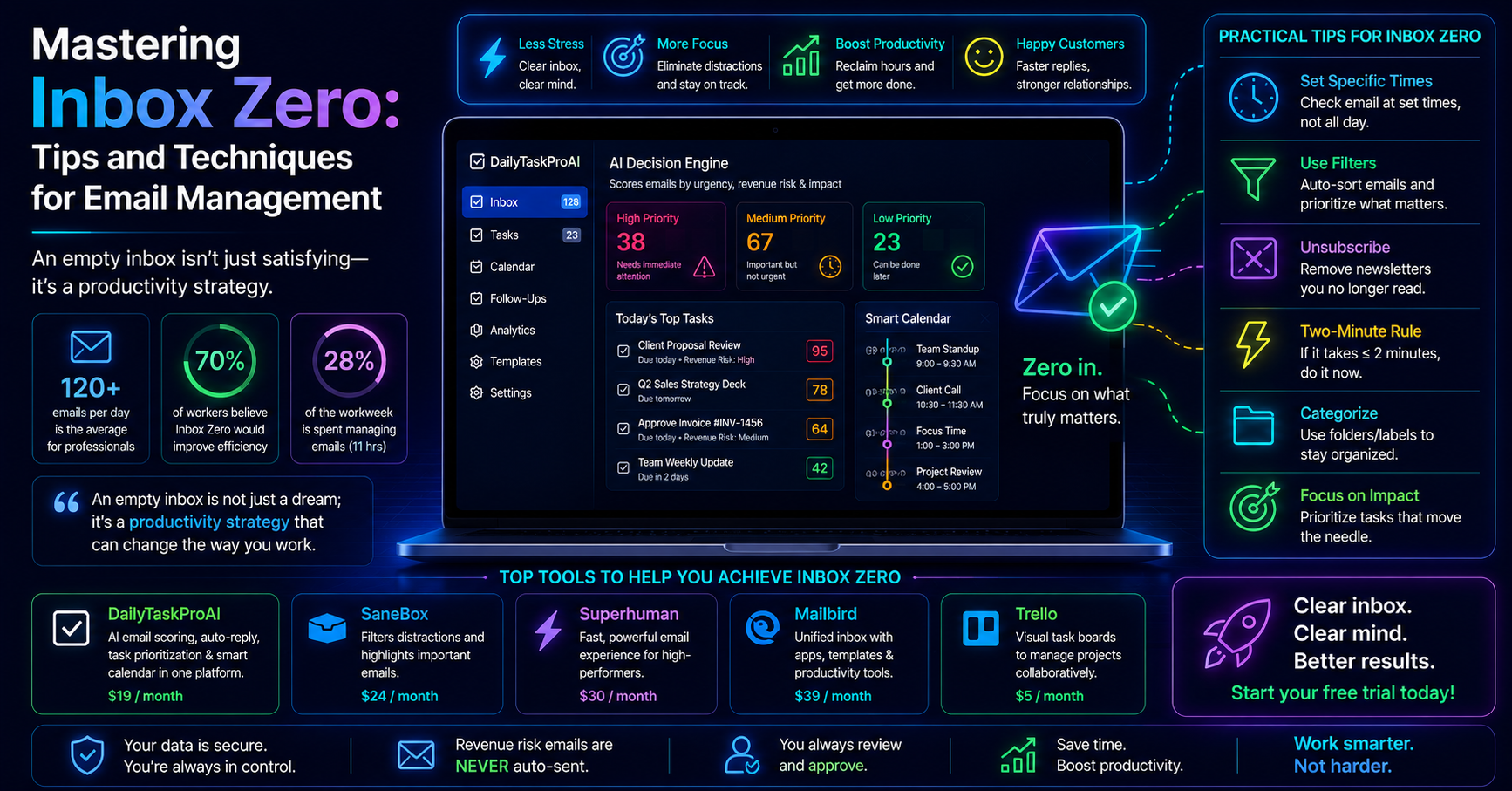
Many founders struggle to keep up with the sheer volume of emails. On average, employees handle about 120 emails daily, with 30% being urgent or time-sensitive. This flood of messages can lead to decision fatigue, resulting in missed deadlines and lost deals. The cognitive load of sorting through an overflowing inbox can detract from your core business activities, making it difficult to concentrate on strategic tasks.
A staggering 50% of workers report that email overload negatively impacts their productivity and decision-making. If you find yourself constantly firefighting instead of focusing on growth, you're not alone. Bottom line: manual email prioritization is a time-consuming chore that hampers efficiency.
What is AI Email Prioritization?
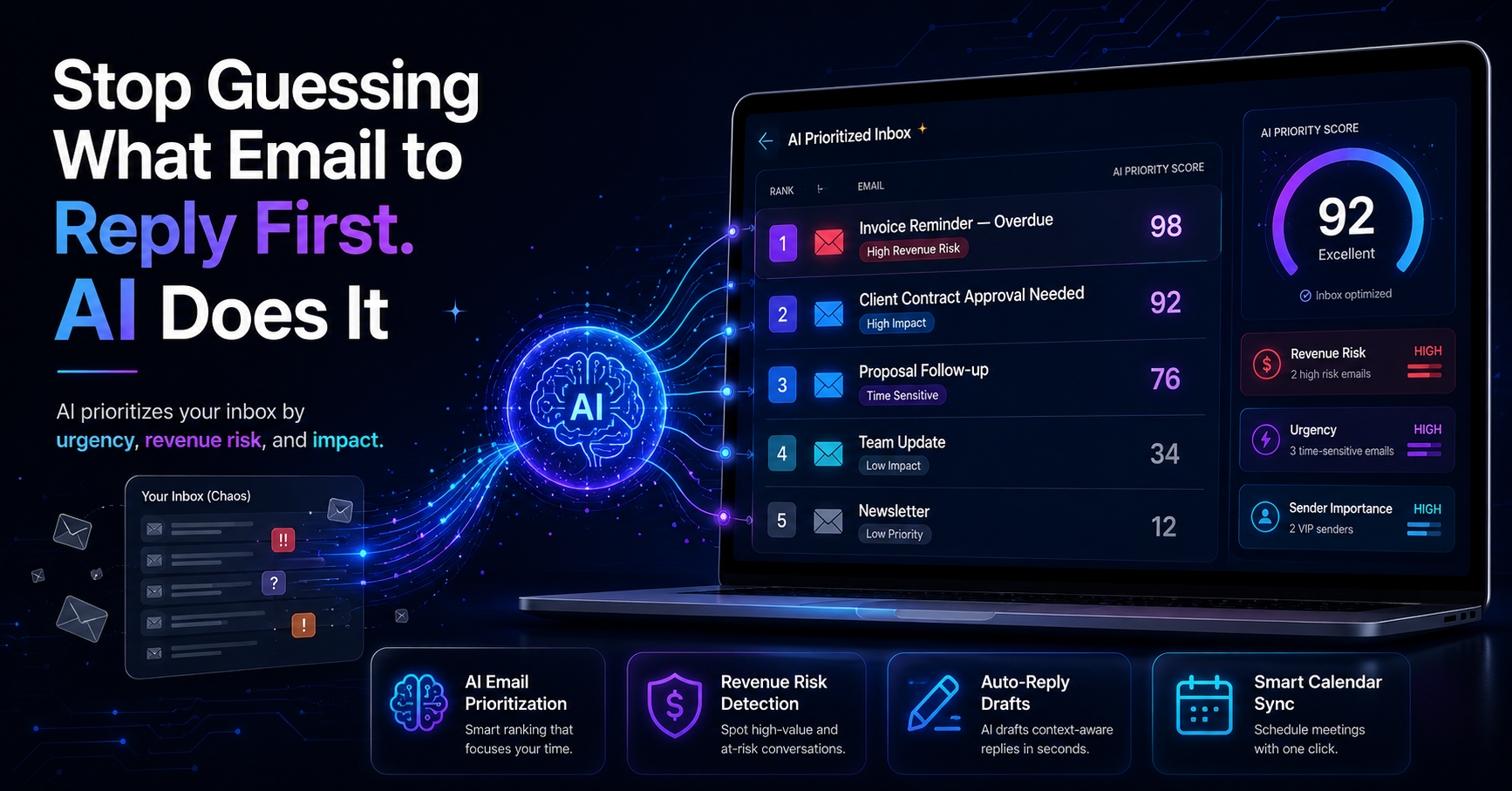
AI email prioritization leverages machine learning algorithms to analyze your inbox and determine which emails require immediate attention. The core of this technology is the AI Decision Engine, which scores emails on a scale of 0-100 based on factors like revenue risk, urgency, and sender importance. This scoring system allows you to identify and address critical messages first.
For example, let’s say you receive an email from a major client about a delayed payment. The AI Decision Engine would recognize the potential revenue risk and flag it as a top priority. In contrast, a newsletter subscription renewal may rank significantly lower on the urgency scale. The AI effectively filters out noise and helps you focus on what matters, saving you time and mental energy.
How DailyTaskProAI Prioritizes Your Inbox
DailyTaskProAI combines several powerful features to enhance your email management. The AI Decision Engine is the backbone of this tool, offering a clear priority list based on the scoring system. Here’s how DailyTaskProAI makes your life easier:
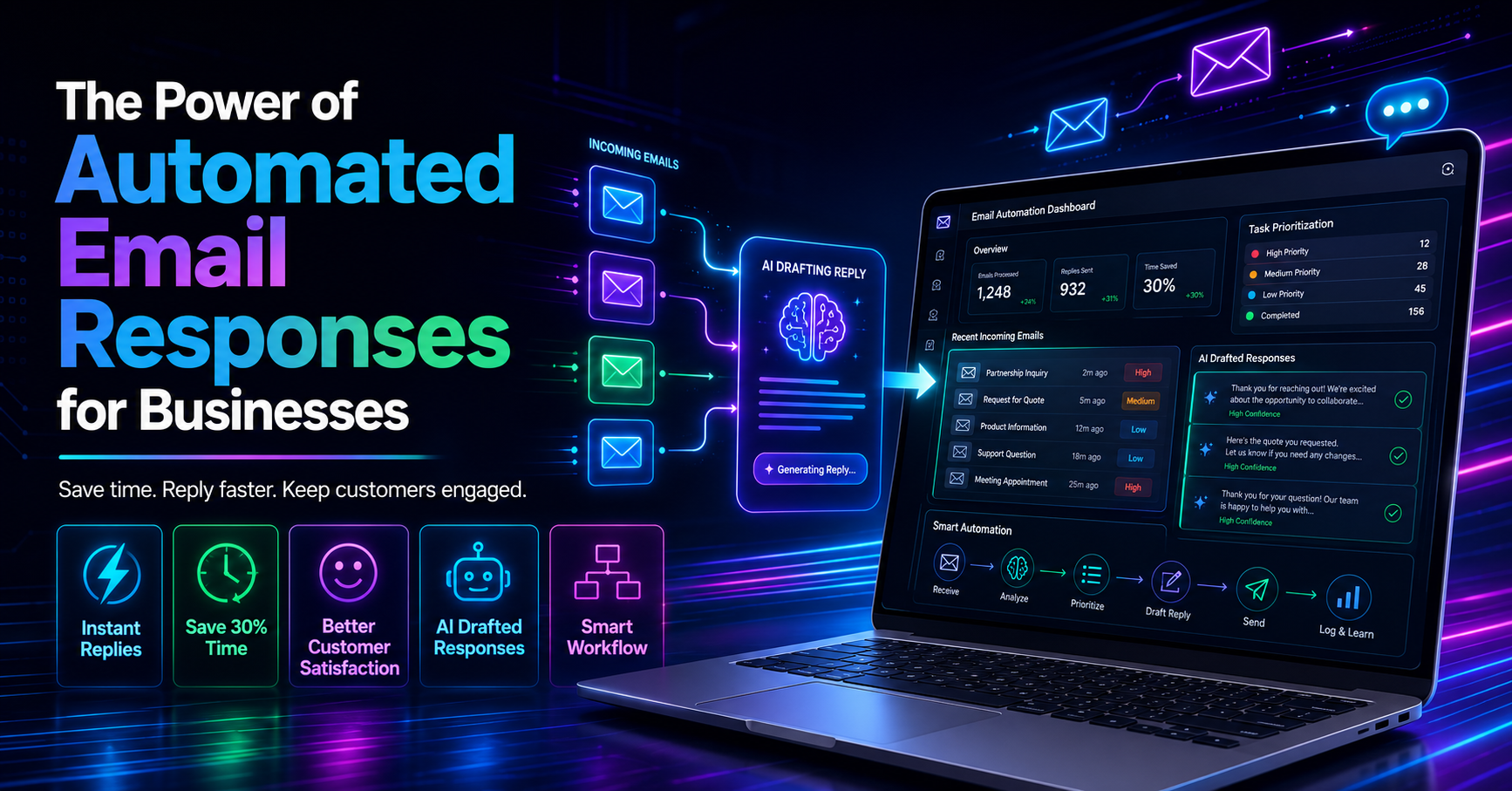
AI Auto-Reply: Drafts contextual replies in your voice, which you can review and approve before sending.
Revenue Risk Detection: Flags emails related to invoices, payments, and critical deals, ensuring you never miss a financial opportunity.
Gmail & Outlook Sync: Merges your email accounts into a single view, simplifying your workflow.
Smart Calendar & Auto-Scheduling: Detects meetings and deadlines from your emails, checking your calendar availability and auto-scheduling tasks into free slots.
Conflict Detection & Reschedule: Automatically identifies calendar conflicts and suggests the next available time slot for tasks.
By integrating these features, DailyTaskProAI not only helps you prioritize your emails but also ensures that your calendar is aligned with your tasks. You can reclaim lost time and focus on what truly matters.
Benefits of Using an Email Management Tool
Utilizing an email management tool like DailyTaskProAI can significantly enhance your productivity and organization. Here are some key benefits:
Improved Focus: By automating the email prioritization process, you can dedicate more time to strategic decision-making.
Reduced Stress: A clear overview of priorities helps alleviate the anxiety associated with email overload.
Time Savings: With the AI Decision Engine, you can cut down the time spent on email management by more than half, allowing for a more efficient workday.
Moreover, as the trend toward integrated task and email management solutions continues to grow, tools like DailyTaskProAI will become essential for founders and small teams. With a market growth projection of 25% annually, now is the time to adopt these innovations.
Crafting an Effective Email Reply Strategy
Developing a strategy for replying to emails is crucial for maintaining productivity. Here are a few tips, aided by AI:
Set Clear Priorities: Use the AI Decision Engine to identify high-priority emails. Focus on those flagged for revenue risk or urgency first.
Schedule Time Blocks: Dedicate specific times each day to review and respond to emails, leveraging DailyTaskProAI's Smart Calendar & Auto-Scheduling to avoid conflicts.
Use AI Auto-Reply: For routine inquiries, let DailyTaskProAI draft responses in your voice, ensuring consistency while saving time.
By implementing these strategies, you can create an efficient email reply workflow that minimizes distraction and maximizes productivity. Remember, the key to effective communication lies in timely responses, and AI can help you achieve that.
FAQ: Common Questions About AI in Email Management
1. How does AI help with email management?
AI significantly simplifies email management by analyzing incoming messages and prioritizing them based on urgency and importance. Tools like DailyTaskProAI use the AI Decision Engine to provide a scoring system that helps users focus on critical emails first, reducing decision fatigue and improving response times.
2. What are the best ways to prioritize emails?
Prioritizing emails effectively involves using AI tools to flag messages based on criteria like urgency, sender importance, and revenue risk. DailyTaskProAI’s AI Decision Engine automates this process, allowing users to concentrate on high-priority tasks without getting bogged down by less important emails.
3. Can AI automate email replies?
Yes, AI can automate email replies through features like the AI Auto-Reply in DailyTaskProAI. This feature drafts responses in the user's voice, streamlining communication. However, users must review and approve these replies before they are sent, ensuring that the final message aligns with their intent.
4. How does AI improve productivity?
AI enhances productivity by reducing the time spent on menial tasks such as email sorting and prioritization. By automating these processes, users can reclaim valuable time and direct their focus toward strategic initiatives that drive business growth.
5. Is AI email prioritization suitable for small teams?
Absolutely. AI email prioritization is particularly beneficial for small teams that often juggle multiple responsibilities. Tools like DailyTaskProAI streamline email management, enabling team members to respond to important messages quickly and maintain productivity without being overwhelmed.
Conclusion: Transform Your Email Workflow
In a world where email overload can hinder productivity, adopting AI email prioritization is essential for founders and small teams. DailyTaskProAI offers a comprehensive solution that tackles email management from multiple angles, allowing you to focus on growth and strategic initiatives. Revenue risk emails are NEVER auto-sent. You always approve. Start using DailyTaskProAI today to prioritize your emails and reclaim your time.
Resources & Further Reading
External Resources
The Email Overload Problem, Insights from Harvard Business Review on managing email overload.
How Automation is Changing the Way We Work, An overview of automation's impact on productivity by McKinsey.
AI in Email Management, A comprehensive report on the future of AI in email management.